The code provided in email and website do not work
the application was reinstall but still face same issue
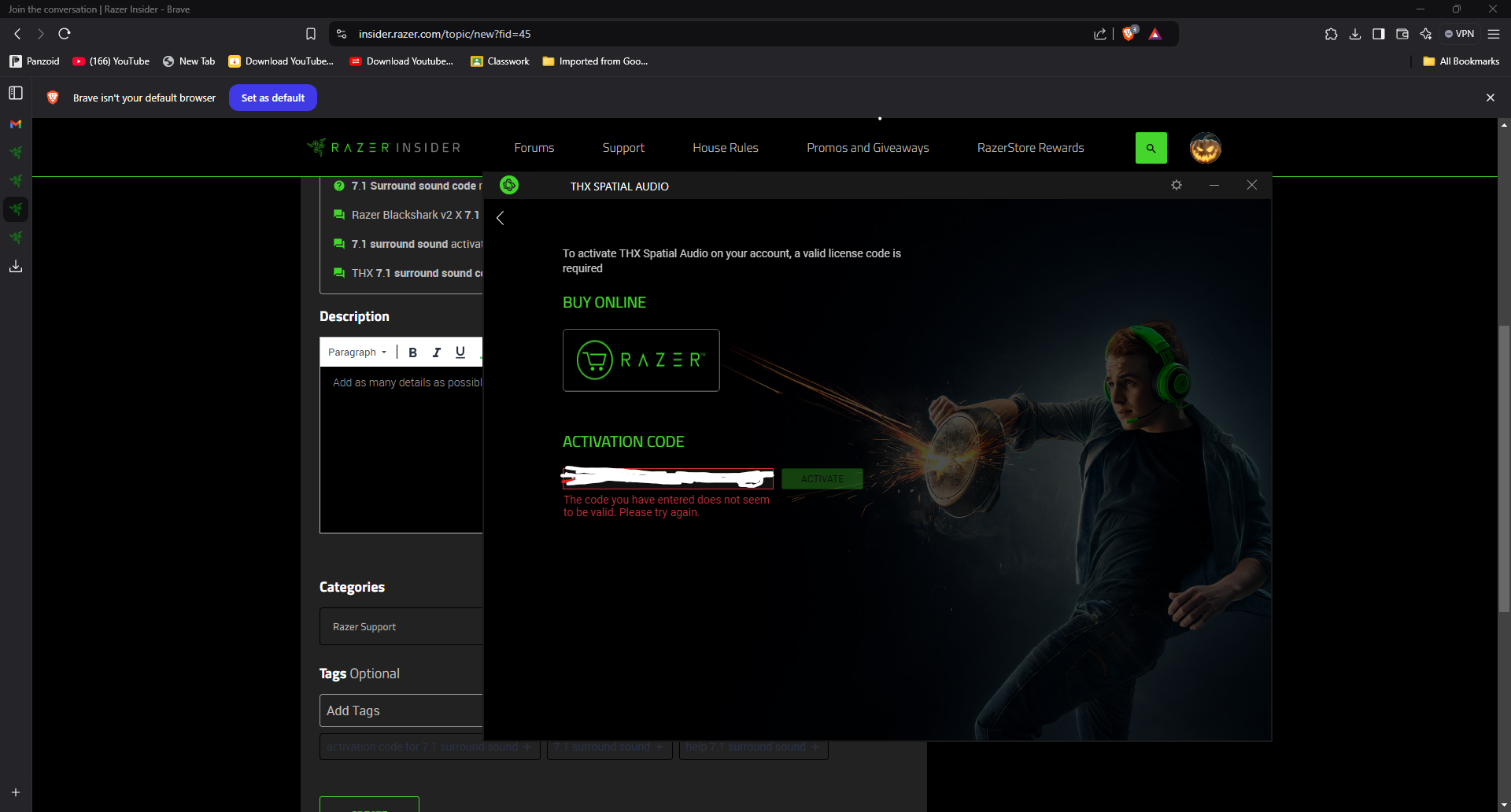


The code provided in email and website do not work
the application was reinstall but still face same issue
Already have an account? Login
Enter your E-mail address. We'll send you an e-mail with instructions to reset your password.