My Razer setup | Razer Insider
Skip to main content

My Razer setup


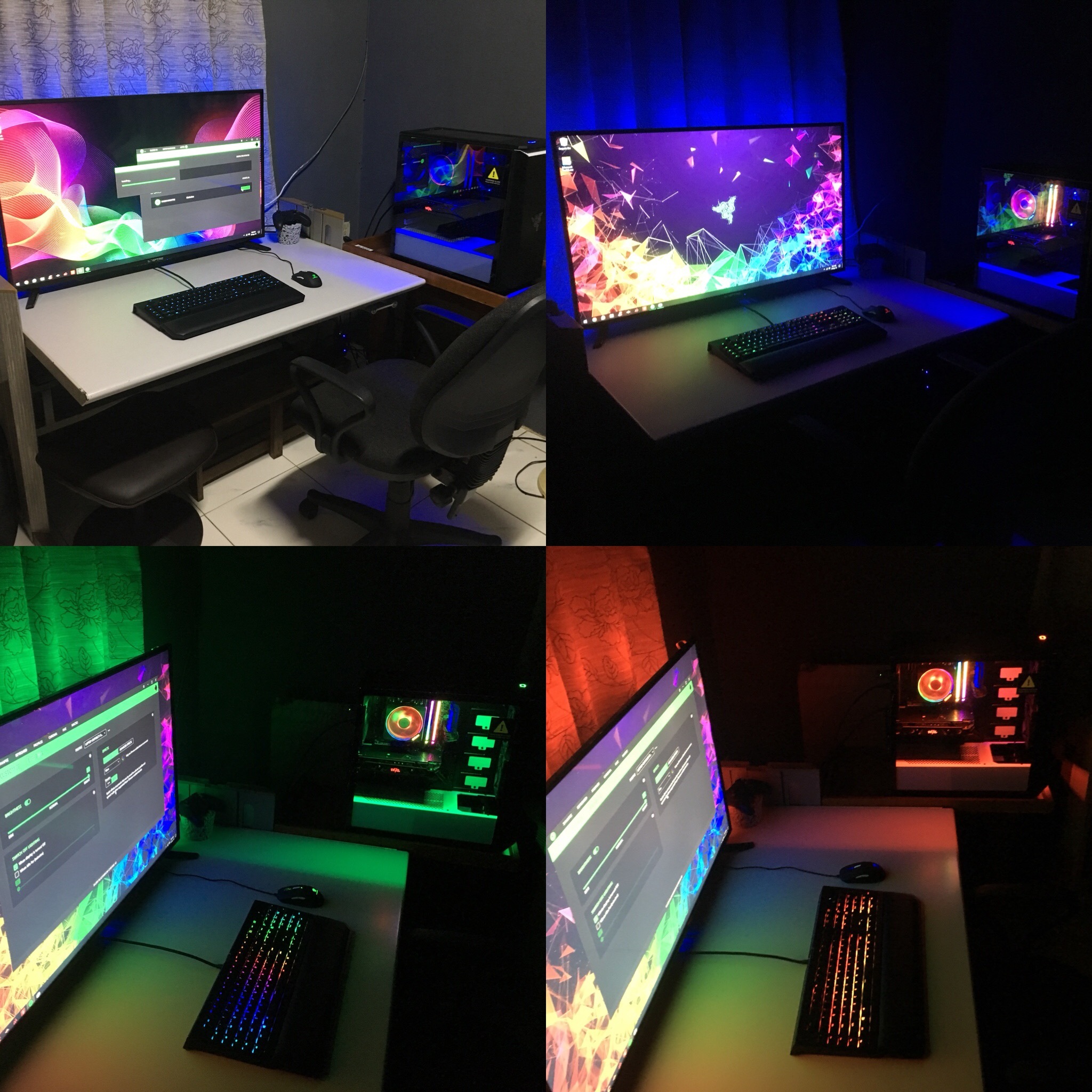
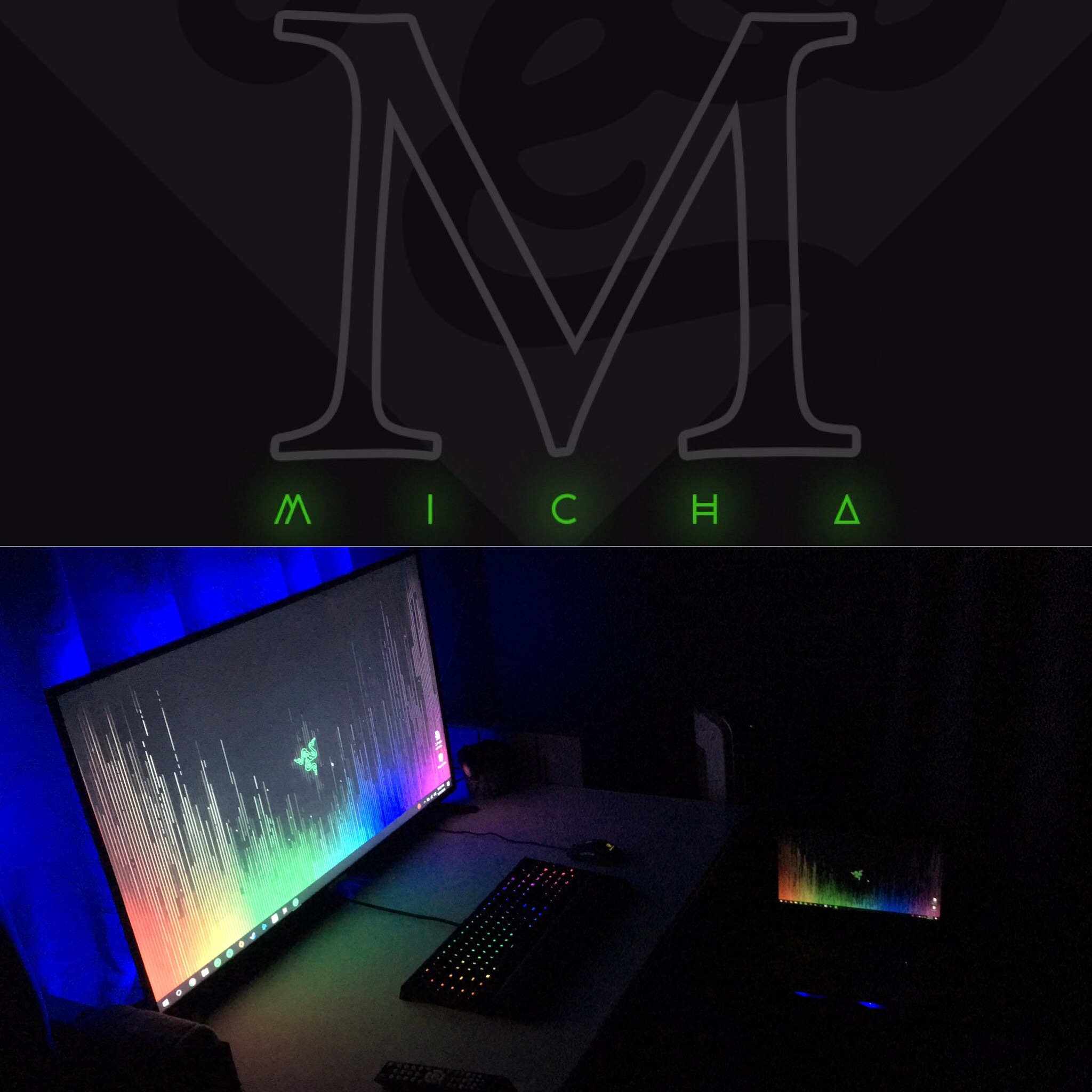
old setup (laptop) Lenovo legion Y720: CPU - 7700HQ GPU - GTX 1060 6GB RAM - 8GB Storage - NVME M.2 PCIE SSD 128GB + 1 TB HDD New setup (desktop) Razer logo-ed: CPU - Ryzen 2700x GPU - RX VEGA 64 RAM - 16 GB Veangeance pro (RGB) Storage - NVME M.2 PCIE SSD 250GB + 2.5" SSD 500GB + 1 TB HDD keyboard = Blackwidow chroma v2 (Razer green switches) *missing a Goliathus extended chroma and still choosing a better mouse (mamba TE or mamba elite?)


This topic has been closed for replies.

10 Replies

Jenjar
Vanguard
  • Vanguard
  • January 4, 2019
I like the green the most, but the whole setup looks great in any color! For the mouse, I would go for the Mamba Elite over the old Mamba TE. The elite is the new model with a better sensor and a few different textures on the rubber sides and scroll wheel on the mouse, and it also has better button switches as well.

Jenjar
I like the green the most, but the whole setup looks great in any color! For the mouse, I would go for the Mamba Elite over the old Mamba TE. The elite is the new model with a better sensor and a few different textures on the rubber sides and scroll wheel on the mouse, and it also has better button switches as well.
Thanks Jenjar, i will take your advice into consideration:D. Razer green it is! thanks for the honest opinion.

GameGH0ST
Remanuel94
old setup (laptop) Lenovo legion Y720: CPU - 7700HQ GPU - GTX 1060 6GB RAM - 8GB Storage - NVME M.2 PCIE SSD 128GB + 1 TB HDD New setup (desktop) Razer logo-ed: CPU - Ryzen 2700x GPU - RX VEGA 64 RAM - 16 GB Veangeance pro (RGB) Storage - NVME M.2 PCIE SSD 250GB + 2.5" SSD 500GB + 1 TB HDD keyboard = Blackwidow chroma v2 (Razer green switches) *missing a Goliathus extended chroma and still choosing a better mouse (mamba TE or mamba elite?)
Need more RAM.

EDG3_GH0ST
Need more RAM.
I agree with you on that one ghost. need more money first x_x. RAM prices have dropped, but its still expensive.

Joikansai
Vanguard
  • Community Ranger
  • January 4, 2019
Is that TV? How about adding free sync 1440p monitor, your hardware is capable doing that.

Joikansai
Is that TV? How about adding free sync 1440p monitor, your hardware is capable doing that.
hahah good eye. yes, i watch a lot of tv and i thought i would just hook my pc to my tv, but i am saving up for a panel.

kajira
Vanguard
  • Mother of Gaming
  • January 17, 2019
Personally, I'm all about the purple or pink - so, that's what I'd lean towards. Or just a full on rainbow. :)

kennethyha
Nice setup! Wanna ask what did you use for the backlight behind your monitor?

kajira
Personally, I'm all about the purple or pink - so, that's what I'd lean towards. Or just a full on rainbow. :)
allright i'll give the purple theme a try and i'll be posting it soon :D
kennethyha
Nice setup! Wanna ask what did you use for the backlight behind your monitor?
Hi kenneth, i used an ordinary led strip for TV. it has a sticky end so you can just stick it behind your monitor or TV. it comes with a remote. here you have a link for a ledstrip on amazon: https://www.amazon.com/PANGTON-VILLA-Led-Strip-Lights/dp/B072QWJRBS/ref=sr_1_1_sspa?ie=UTF8&qid=1547828254&sr=8-1-spons&keywords=LED+strip+for+TV&psc=1

kennethyha
Remanuel94
allright i'll give the purple theme a try and i'll be posting it soon :D Hi kenneth, i used an ordinary led strip for TV. it has a sticky end so you can just stick it behind your monitor or TV. it comes with a remote. here you have a link for a ledstrip on amazon: https://www.amazon.com/PANGTON-VILLA-Led-Strip-Lights/dp/B072QWJRBS/ref=sr_1_1_sspa?ie=UTF8&qid=1547828254&sr=8-1-spons&keywords=LED+strip+for+TV&psc=1
Thanks! It is not programmable though. I hope I can get the Chroma HDK from the Softminer giveaway so that I can program and play with it!