[MONTHLY SILVER] November 2026 30,000 Silver Drawing
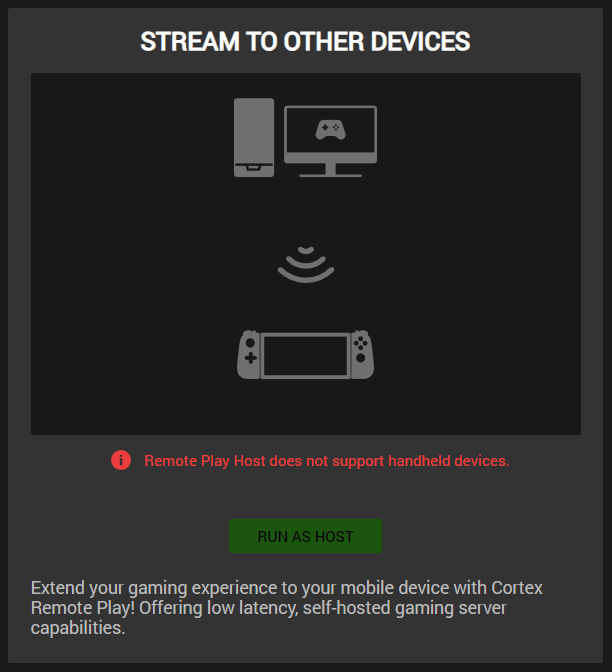
how do i fix this?
Bro use Vpn or wait . This error also come on my account
Same issue on my PC for some strange reason. I have no idea how to fix it. Basically makes the application useless to me.
I have a ROG Ally With X mobile and come with the same issue, there should be a way to bypass this
hey, i’ve factory reset my pc and it worked, not the ideal
I'm going to attempt an uninstall with Revo and see what happens. Maybe something is cached.
Same problem, not a clue what about my desktop qualifies it as a handheld device..
how to only download the Razer Remote Host exe separately?
I THINK IT MAY BE DUE TO OLDER HARDWARE OR DRIVERS. IM GOING THROUGH IT NOW BUT I HAVE AN OLD PC WIT 6 GIGS OF RAM AND THATS THE ONE GIVING ME ISSUES
Same issue for me. Running Windows 11, everything up to date. Intel CPU, AMD RX6600 GPU, 32gb RAM.
is there a solution to this? I have a ROG ally X and doesn't work.
Any progress?
Already have an account? Login
Enter your E-mail address. We'll send you an e-mail with instructions to reset your password.