

I have several bugs to report in the beta version.
Beta - Synapse 4.0. [removed by moderator]
Linked games - Game names are not centered in the tiles, and long names are truncated and end with "...".
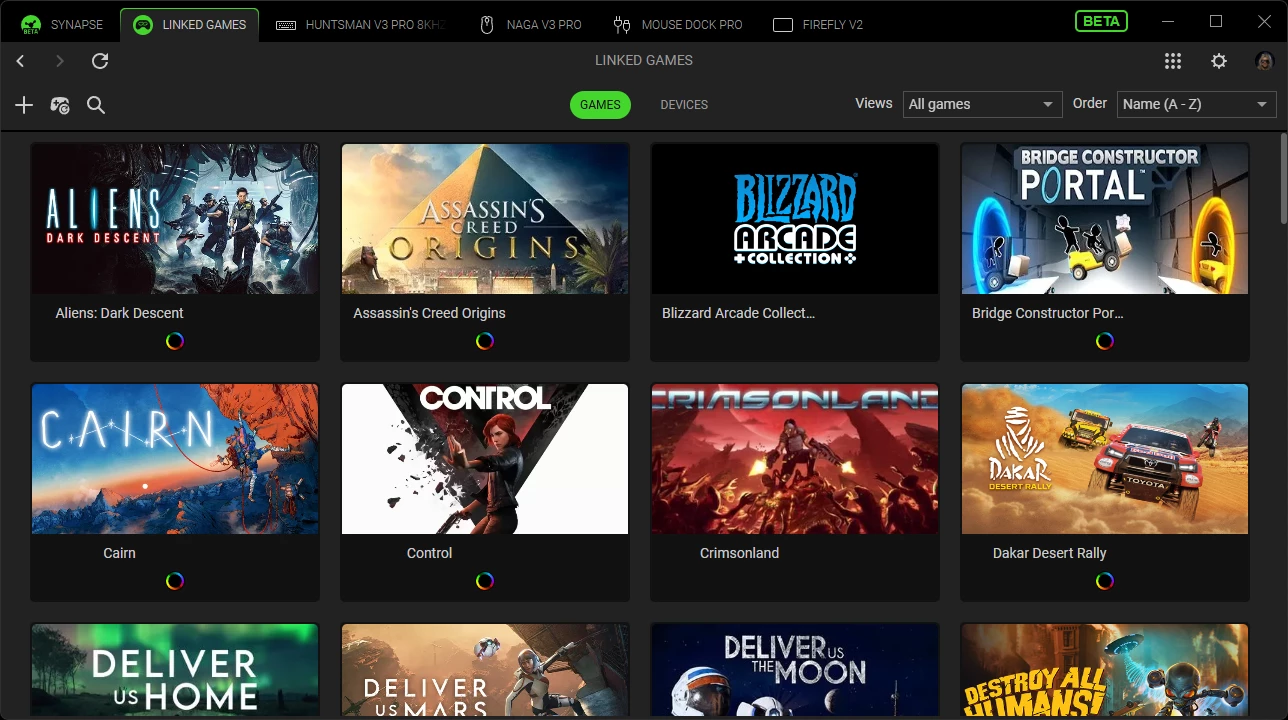
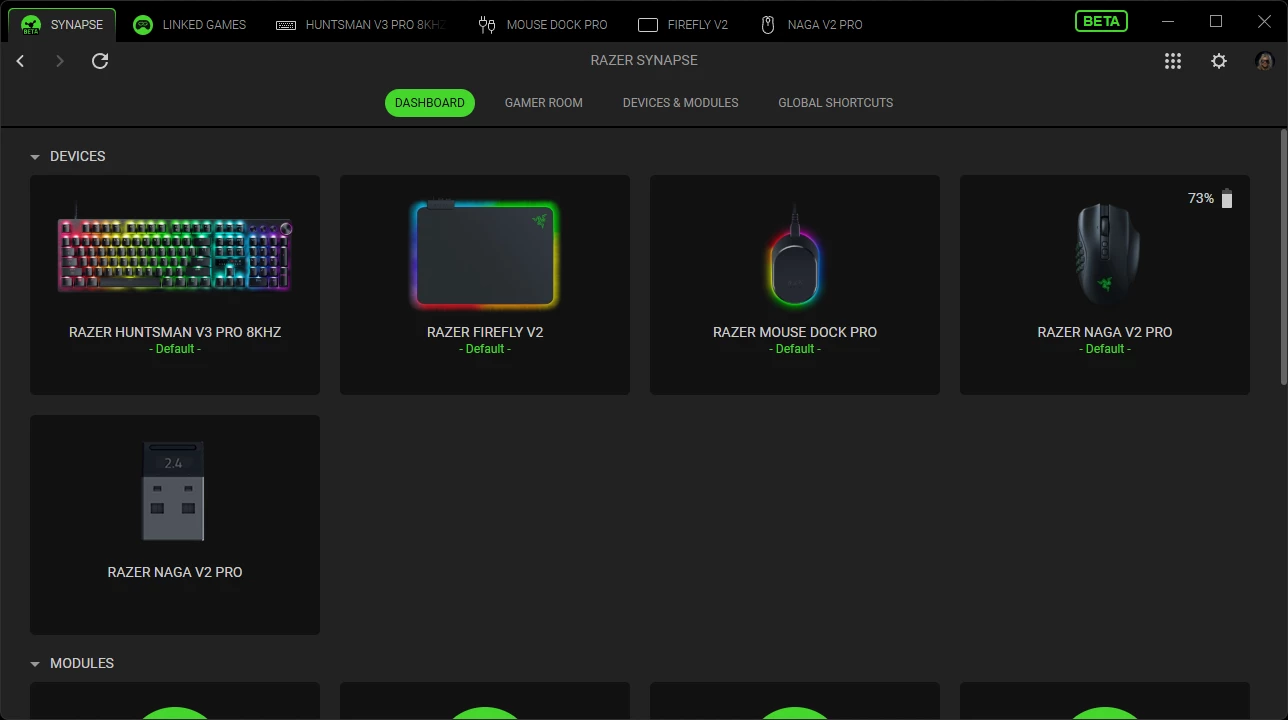
Razer Naga V2 Pro - When using the dongle, both the mouse and the dongle are shown in the device list. After clicking the dongle entry, the pairing utility opens and gets stuck on "Loading..". This issue does not occur with the Razer Naga V3 Pro; only the mouse is visible in the device list.
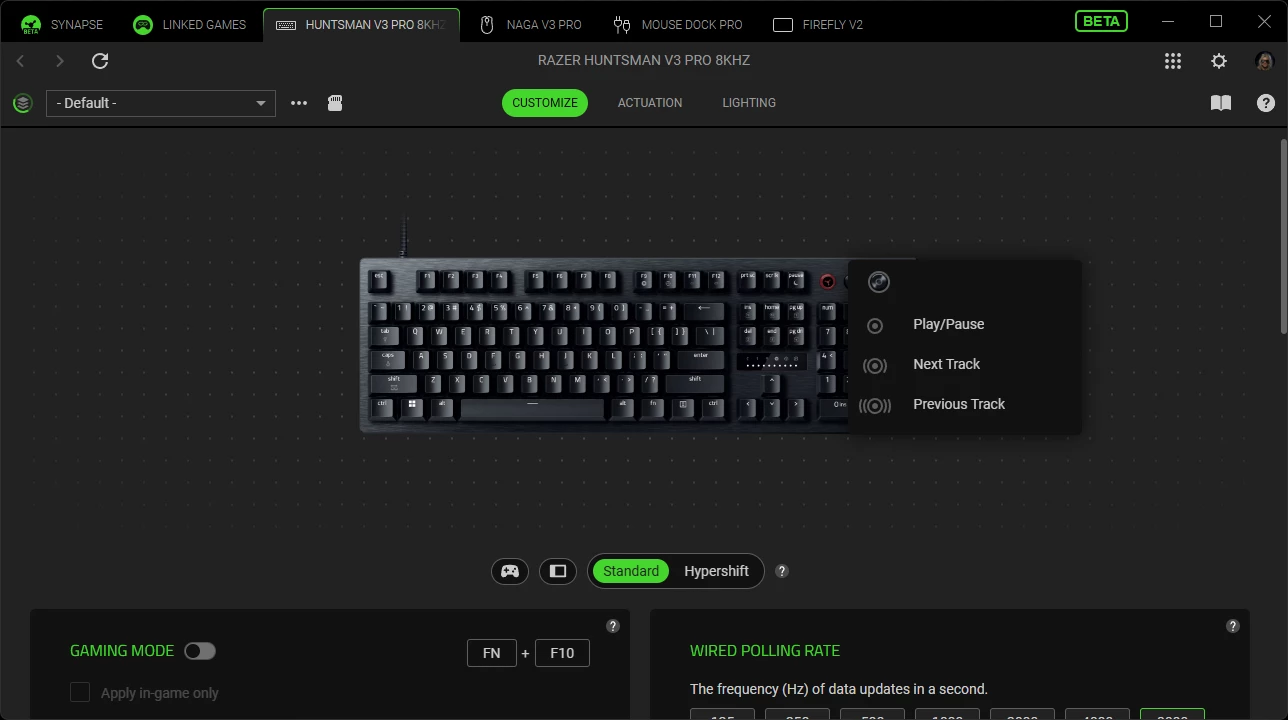
Razer Huntsman V3 Pro 8KHz - It would be good if it were possible to change the binding of the button right next to the volume roller, which has multimedia controls (play/next/prev) permanently assigned to it.
Beta - Chroma App 4.0. [removed by moderator]
Chroma Studio - The Razer Naga V3 Pro paired through the Razer Mouse Dock Pro or dongle is not visible on the canvas, so its lighting colors cannot be configured. The Razer Naga V2 Pro, also paired through the Razer Mouse Dock Pro or its dongle, is displayed without any problems.
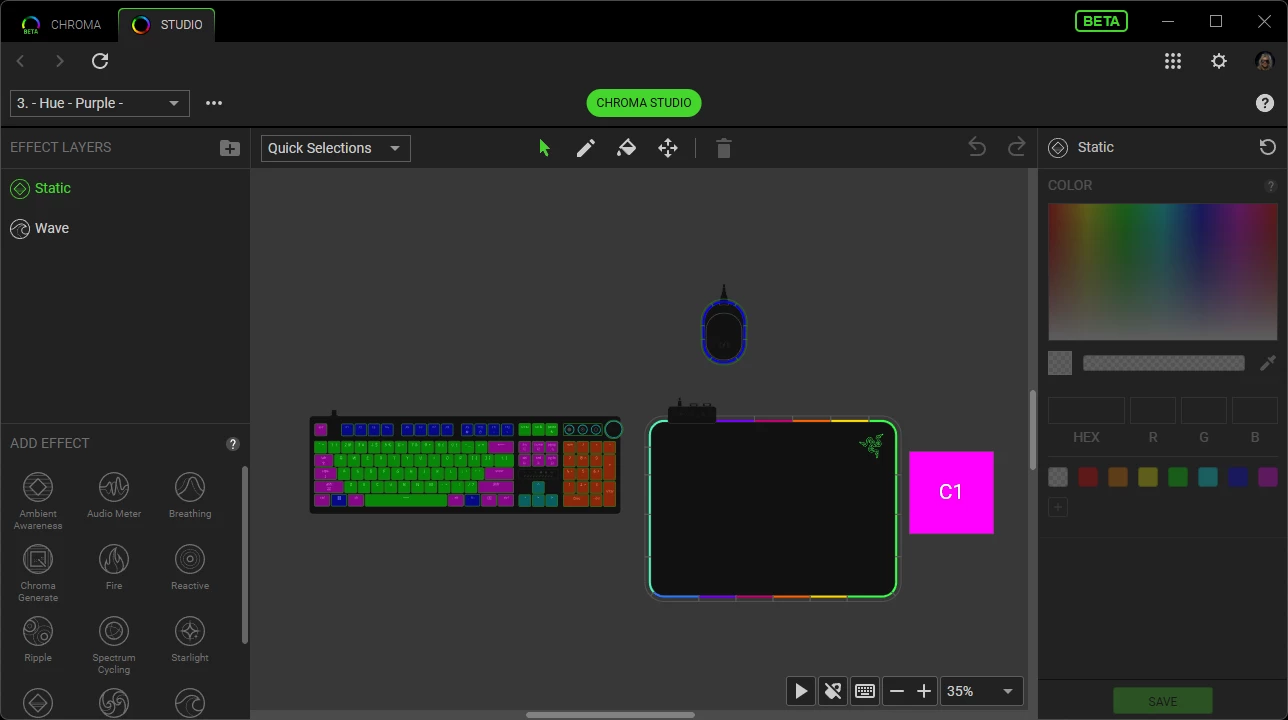
Philips Hue - For a device (for example, an LED strip), its position in Chroma Studio is not saved. Every time I return to Chroma Studio, it appears in a different position. The positions of the other devices are saved. This problem has been present in the Chroma App for a long time.
