BlackWidow V4 LP TKL disconnects when sharing HyperSpeed Multi-Device dongle with DeathAdder V3 hyperspeed | Razer Insider
Skip to main content
Question

BlackWidow V4 LP TKL disconnects when sharing HyperSpeed Multi-Device dongle with DeathAdder V3 hyperspeed

  • June 7, 2026
  • 4 replies
  • 75 views

heatgreatCyanProcess795

Hi everyone,

I am experiencing a frustrating issue with the Razer HyperSpeed Multi-Device feature and was hoping to get some help or see if anyone else has faced this.

My Devices:

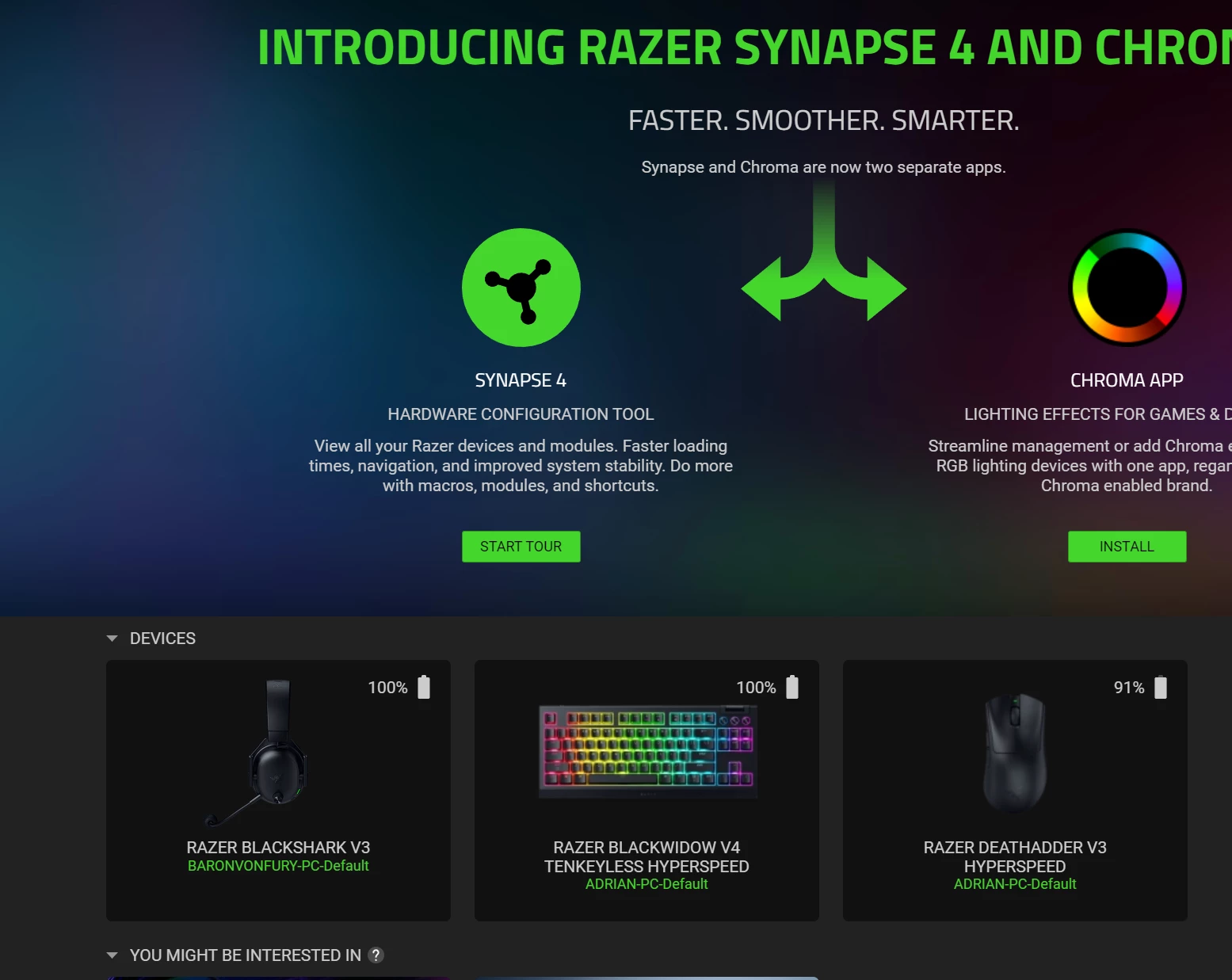
  • Keyboard: Razer BlackWidow V4 LP TKL

  • Mouse: Razer DeathAdder V3 Hyperspeed

The Issue: I tried pairing my DeathAdder V3 to the BlackWidow's 2.4GHz dongle to save a USB port. The initial pairing process completes successfully.

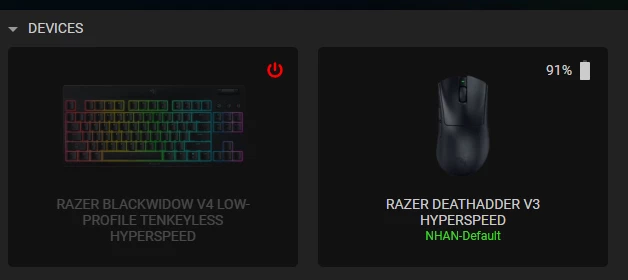
However, just a few seconds after they are connected, the keyboard completely drops its connection and becomes disconnected. Strangely, the mouse continues to work perfectly fine through the keyboard's dongle.

I have tried unplugging and replugging the dongle, as well as restarting Synapse, but the exact same behaviour repeats: both work for a few seconds, then the keyboard disconnects while the mouse stays connected.

Is this a known bug with Razer Synapse, a firmware issue, or am I doing something wrong during the setup? Any advice or troubleshooting steps would be greatly appreciated.

Thanks in advance!
 

4 Replies

HI, 


I have the exact same problem but with the deathadder v3 pro


Hi i have the same problem. have both my keyboard and mouse connected to a single donlge. my keyboard sometimes disconnects from the wireless dongle and the ~ key keeps flashing but the mouse stays connected. i now keep my keyboard wired (which defeats the wireless purpose). i have my dongle connected directly with my motherboard usb and my pc situated next to my keyboard.


george_koba
  • Insider Mini
  • August 9, 2026

Hey, I have the same exact issue and it’s very frustrating…

Can we get a fix please?


Adam_Shepard
  • Insider Mini
  • August 9, 2026

hello all!

A few day sago ive bought the wuwa limited capsule with the BW4 TKL and the Viper 3 se. i had the same problem, and while i contacted the support, they gave me a list of the compatible devices. Unfortunately, the mouse, while its listed and became an available option to par them, were NOT compatible with this feature! Thats why.


So while i removed all the previous periprerials, reilstalled Synapse i had to use BOTH dongles, and now both, the KB and the mice is working fine!