BlackWidow V4 LP TKL disconnects when sharing HyperSpeed Multi-Device dongle with DeathAdder V3 hyperspeed | Razer Insider
Skip to main content
Question

BlackWidow V4 LP TKL disconnects when sharing HyperSpeed Multi-Device dongle with DeathAdder V3 hyperspeed

  • June 7, 2026
  • 5 replies
  • 134 views

heatgreatCyanProcess795

Hi everyone,

I am experiencing a frustrating issue with the Razer HyperSpeed Multi-Device feature and was hoping to get some help or see if anyone else has faced this.

My Devices:

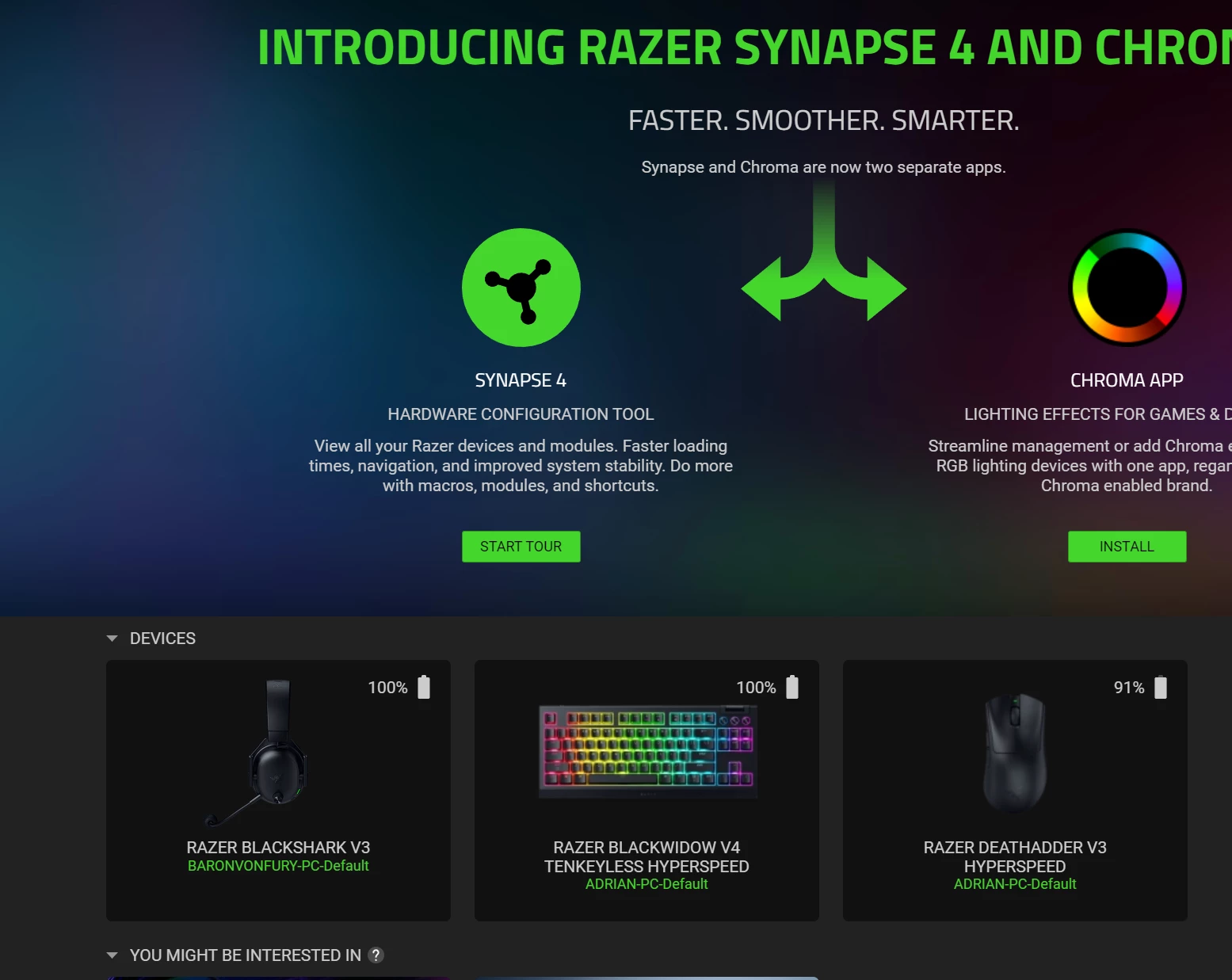
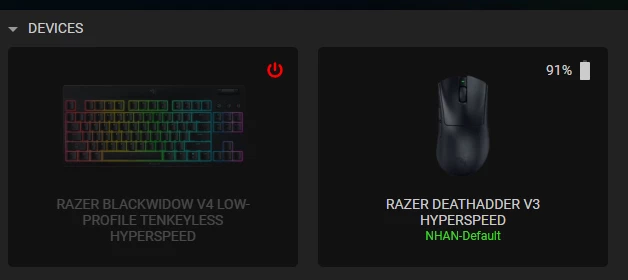
  • Keyboard: Razer BlackWidow V4 LP TKL

  • Mouse: Razer DeathAdder V3 Hyperspeed

The Issue: I tried pairing my DeathAdder V3 to the BlackWidow's 2.4GHz dongle to save a USB port. The initial pairing process completes successfully.

However, just a few seconds after they are connected, the keyboard completely drops its connection and becomes disconnected. Strangely, the mouse continues to work perfectly fine through the keyboard's dongle.

I have tried unplugging and replugging the dongle, as well as restarting Synapse, but the exact same behaviour repeats: both work for a few seconds, then the keyboard disconnects while the mouse stays connected.

Is this a known bug with Razer Synapse, a firmware issue, or am I doing something wrong during the setup? Any advice or troubleshooting steps would be greatly appreciated.

Thanks in advance!
 

5 Replies

HI, 


I have the exact same problem but with the deathadder v3 pro


Hi i have the same problem. have both my keyboard and mouse connected to a single donlge. my keyboard sometimes disconnects from the wireless dongle and the ~ key keeps flashing but the mouse stays connected. i now keep my keyboard wired (which defeats the wireless purpose). i have my dongle connected directly with my motherboard usb and my pc situated next to my keyboard.


george_koba
  • Insider Mini
  • August 9, 2026

Hey, I have the same exact issue and it’s very frustrating…

Can we get a fix please?


Adam_Shepard
  • Insider Mini
  • August 9, 2026

hello all!

A few day sago ive bought the wuwa limited capsule with the BW4 TKL and the Viper 3 se. i had the same problem, and while i contacted the support, they gave me a list of the compatible devices. Unfortunately, the mouse, while its listed and became an available option to par them, were NOT compatible with this feature! Thats why.


So while i removed all the previous periprerials, reilstalled Synapse i had to use BOTH dongles, and now both, the KB and the mice is working fine!


  • Insider Mini
  • September 23, 2026

I'm having the exact same problem with the exact same keyboard and my Naga V3 Pro, which is listed as compatible for the multi device pairing.

Has anyone managed to find a solution to this?