
Razer hunstman mini problems | Razer Insider
Skip to main content
Question

Razer hunstman mini problems

  • March 10, 2023
  • 6 replies
  • 80 views

Slendzio

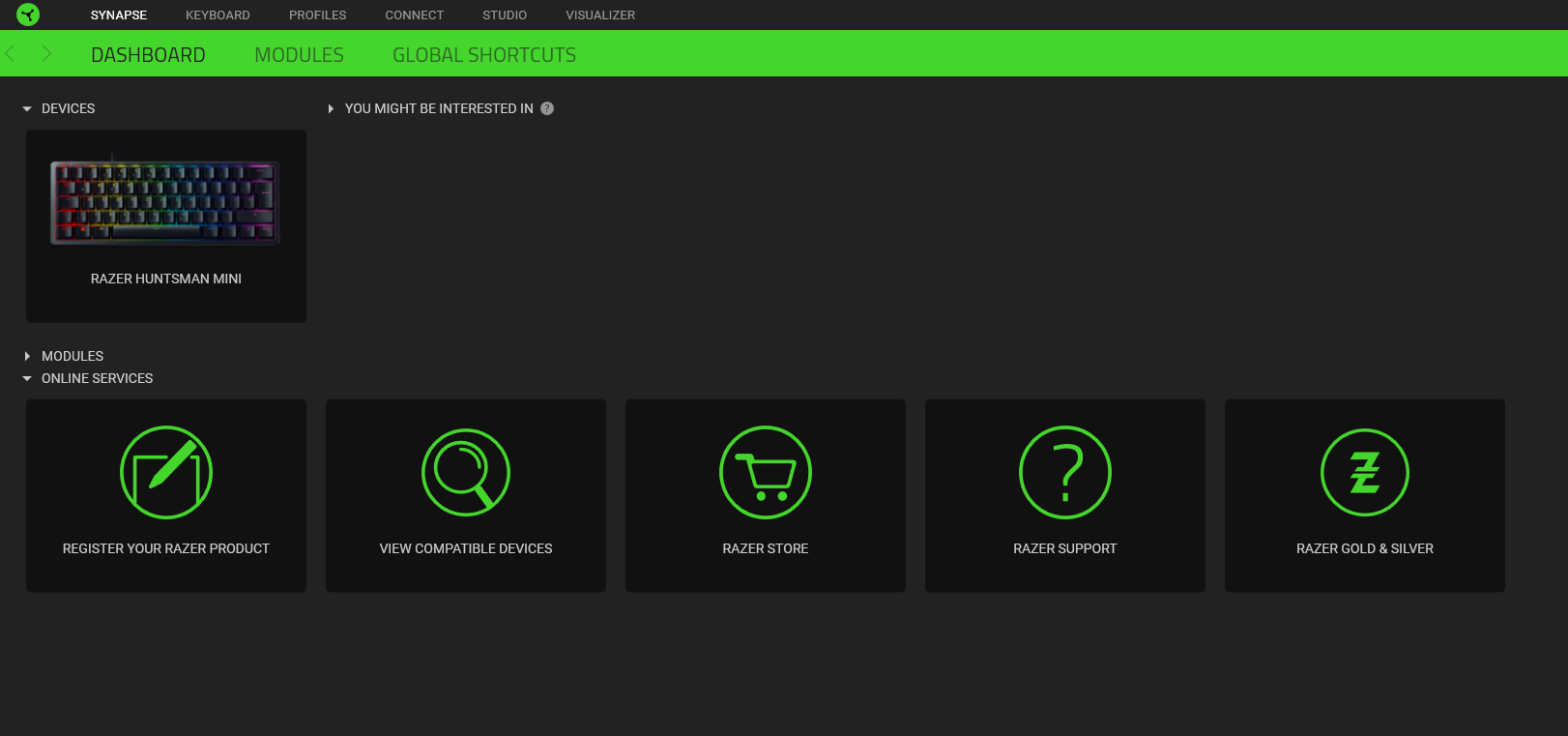
I have a problem with the keyboard Razer Hunstsman mini . Because the keyboard is not responding. I can change the RGB backlight but the keys don't respond. I tried to install drivers in device manager but it didn't help.what can I do. It was working normally before 
 

6 Replies

FiszPL
Vanguard
Forum|alt.badge.img+1
  • VANGUARD
  • March 10, 2023

Check the cable on both sides - if it’s properly (fully) inserted into the port.

You can also check it with other USB-A to USB-C cable, and also how it behaves on other PC.


Slendzio
  • Author
  • Insider Mini
  • March 10, 2023

The cable is properly connected and on another cable there is a similar effect the application reads the keyboard but as if it was blocked


FiszPL
Vanguard
Forum|alt.badge.img+1
  • VANGUARD
  • March 10, 2023

You can try hard reset your keyboard (aka. exit demo mode): https://mysupport.razer.com/app/answers/detail/a_id/1697/~/how-to-fix-an-unresponsive-razer-keyboard-with-a-hard-reset-or-by-exiting-out

Btw. what about other PC? Did you’ve checked it?

Also you can try updating firmware if you have’t done it yet: https://mysupport.razer.com/app/answers/detail/a_id/4298


Slendzio
  • Author
  • Insider Mini
  • March 10, 2023

still the same, nothing to look at, maybe in the device manager I will delete something


  • Insider Mini
  • March 10, 2023

I have the same problem everything was fine yesterday and today my keyboard is responding to my touch but nothing is Actually typing. Any chance you get to fix yours?


Slendzio
  • Author
  • Insider Mini
  • March 11, 2023

It looks like she didn't read it or got some kind of block , Maybe someone will come up with a proven way