RAZER BASILISK V3 PRO | Cannot switch profiles by any buttons | Razer Insider
Skip to main content
Question

RAZER BASILISK V3 PRO | Cannot switch profiles by any buttons

  • July 28, 2025
  • 4 replies
  • 230 views

OceanBlueQUARTZsleek644

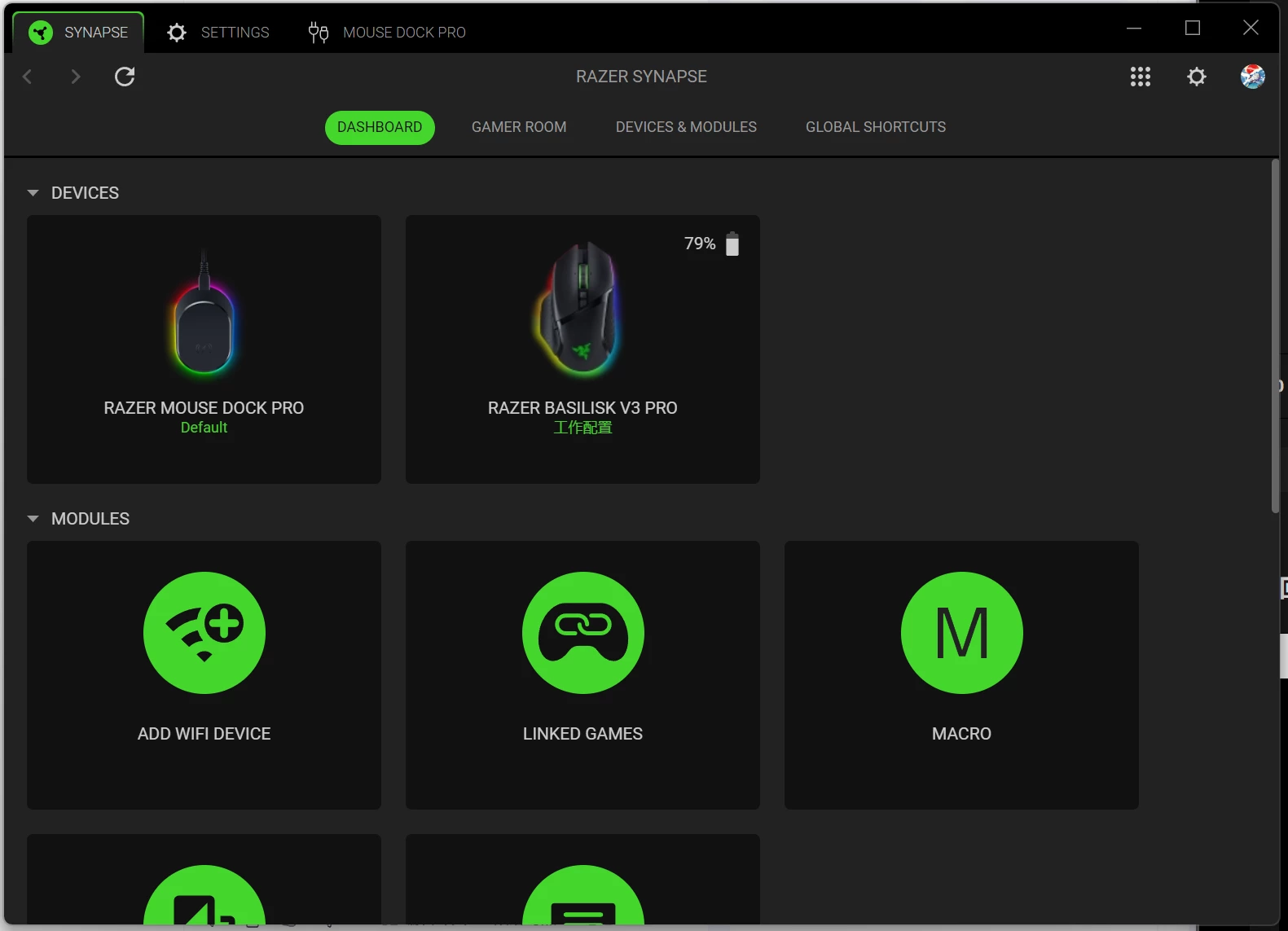
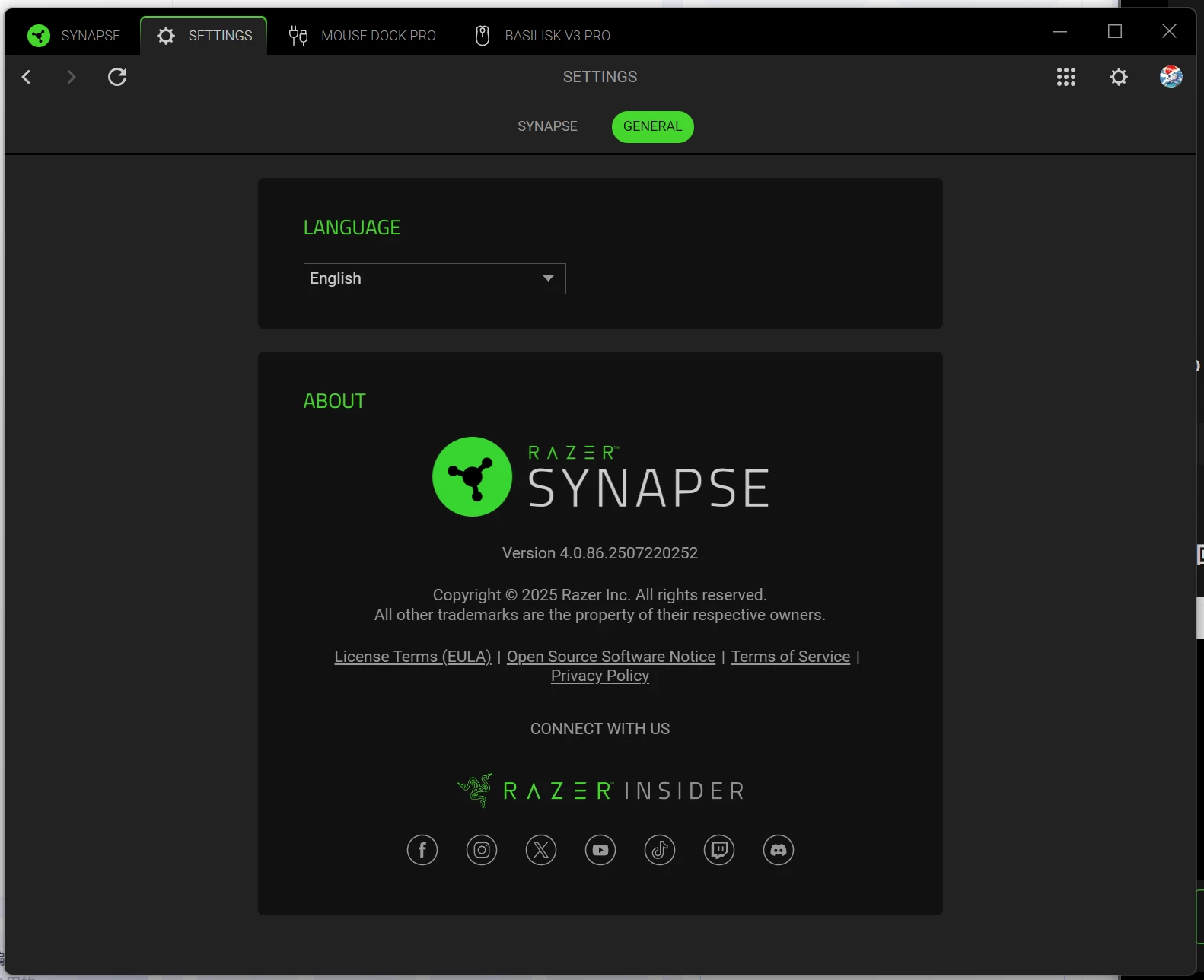
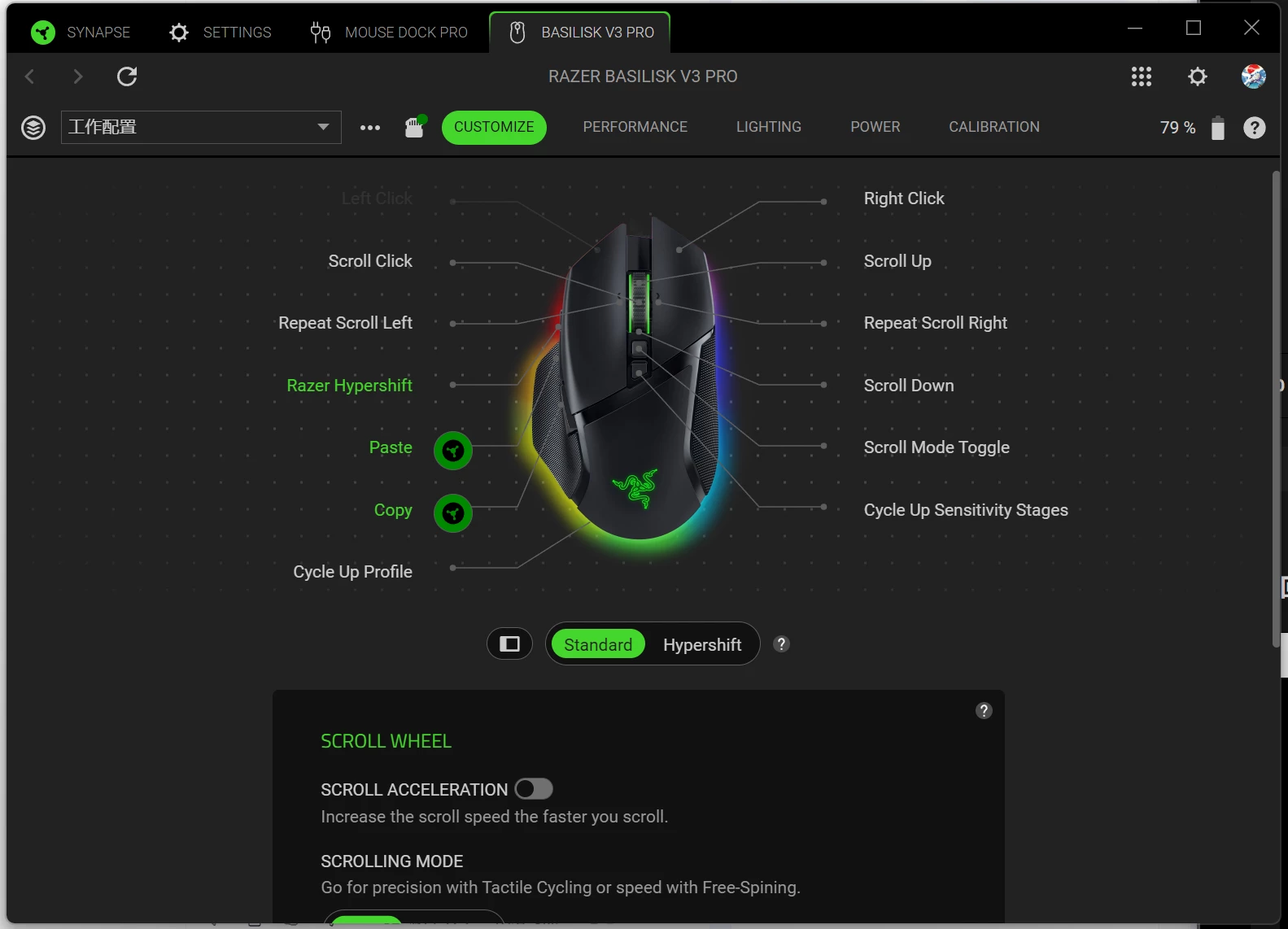
My mouse RAZER BASILISK V3 PRO is unable to CYCLE UP PROFILE on mouse board memory by the PROFILE button at the bottom of the mouse. But it can still be switched through Razer synapse v4.0.86.

The confusing thing is that I can use PROFILE button normally by binding it to other functions (such as increasing volume or scroll mode toggle). So I confirm that the PROFILE button works normally.

So I bind the CYCLE UP PROFILE to other buttons (such as the left or right mouse button), it will not work either.

If I use the USB cable to connect the computer instead of 2.4 GHz mode, this problem will not occur.
4 Replies

OceanBlueQUARTZsleek644


FireShaddow
  • Insider Mini
  • August 4, 2025

My guess is that you will not have this problem if you switch back to the 2.4 GHz Dongle. I have had issues with my mouse ever since I wasted my money on that 70 dollar paperweight.

I have the same issue, I cannot switch profiles (but I can switch lighting if I select the sub-option for it) when using the dock… essentially making it useless for me since I need to switch quite often. In fact, I can’t use any of the Profile Switch binds at all, on any button on the mouse. I also have to unplug/replug the dock in every time I turn my PC on (I’ve had to do this for 2 years, even on Synapse 3) in order for my mouse to connect. No issues when using the 2.4 dongle though. So I just stopped using it all together, and it has been collecting dust.

I finally decided to put in another support ticket and actually finish it through. I have wasted a month of time going back and forth through their Support Ticket system to get an RMA for the dock… only to have it replicate the same issue. It either has to be a software thing… or a mouse thing. Anything is possible at this point. I had to RMA my Basilisk when I got it because after a month of owning it because it only would turn on while it was UPSIDE DOWN. How does that even happen??? So I’m on my 2nd Basilisk which already gives me a sour taste about Razer.

It just seems like Razer has really poor Quality/Testing on these products & they don’t care about actually fixing the root cause of the problem. It really sucks because I love the mouse, but when paying SEVENTY DOLLARS for their overpriced accessory, I have to go through all of these extra steps just to do the things I was doing just fine without it. I responded back to the ticket yesterday and was told I’d hear back in 24 hrs… I’ll update you on what happens if you’d like.

Unless Razer actually fixes this issue through some Miracle, I’m never buying another Razer product again… it’s so unbelievable frustrating. I worked with KeyChron on an issue I had on their keyboard a while back and they did a whole firmware update to fix it in less than 2 weeks. Razer is a way larger company and I could never see them doing something like that.


Sorry for the rant. I just haven’t seen any posts about this from anyone else until now. I recommend you put in a ticket to their support. The more people asking about it… the more likely it should get fixed.


OceanBlueQUARTZsleek644

My guess is that you will not have this problem if you switch back to the 2.4 GHz Dongle. I have had issues with my mouse ever since I wasted my money on that 70 dollar paperweight.

I have the same issue, I cannot switch profiles (but I can switch lighting if I select the sub-option for it) when using the dock… essentially making it useless for me since I need to switch quite often. In fact, I can’t use any of the Profile Switch binds at all, on any button on the mouse. I also have to unplug/replug the dock in every time I turn my PC on (I’ve had to do this for 2 years, even on Synapse 3) in order for my mouse to connect. No issues when using the 2.4 dongle though. So I just stopped using it all together, and it has been collecting dust.

I finally decided to put in another support ticket and actually finish it through. I have wasted a month of time going back and forth through their Support Ticket system to get an RMA for the dock… only to have it replicate the same issue. It either has to be a software thing… or a mouse thing. Anything is possible at this point. I had to RMA my Basilisk when I got it because after a month of owning it because it only would turn on while it was UPSIDE DOWN. How does that even happen??? So I’m on my 2nd Basilisk which already gives me a sour taste about Razer.

It just seems like Razer has really poor Quality/Testing on these products & they don’t care about actually fixing the root cause of the problem. It really sucks because I love the mouse, but when paying SEVENTY DOLLARS for their overpriced accessory, I have to go through all of these extra steps just to do the things I was doing just fine without it. I responded back to the ticket yesterday and was told I’d hear back in 24 hrs… I’ll update you on what happens if you’d like.

Unless Razer actually fixes this issue through some Miracle, I’m never buying another Razer product again… it’s so unbelievable frustrating. I worked with KeyChron on an issue I had on their keyboard a while back and they did a whole firmware update to fix it in less than 2 weeks. Razer is a way larger company and I could never see them doing something like that.


Sorry for the rant. I just haven’t seen any posts about this from anyone else until now. I recommend you put in a ticket to their support. The more people asking about it… the more likely it should get fixed.

Thank you for your reply and for sharing your experience.
I honestly didn’t expect such an annoying issue from a $70 accessory.

When I first got the dock, everything worked fine — but at some point, the profile switching just stopped working, and I can’t even remember exactly when it happened. Now, I have to open Razer Synapse every time I want to switch profiles, instead of simply pressing a button, which is very inconvenient.

I previously submitted a warranty request and even sent both the mouse and dock to Razer’s support center, but they refused to acknowledge the issue. That was extremely frustrating.

Although this might seem like a minor issue, it significantly impacts the user experience — and since we paid for the product, we should be able to enjoy its full functionality.

I’ll continue to follow up with Razer Support about this, and if you hear anything from your side, I’d really appreciate it if you could keep me posted as well. Thanks again!


FireShaddow
  • Insider Mini
  • August 7, 2025

I will definitely keep you updated. Thanks for sharing that!


So far nothing helpful… they are having me submit Logs for the second time. I received an email that is supposed to contain a link that’s required to open run the program. But the link is not actually anywhere in that email… so I can’t run the program.


I sent a screenshot of the error that’s telling me to click the unique link… and the rep replies and tells me to make sure I install the program……... I sent a screenshot of the ERROR I’m getting when I’m RUNNING THE PROGRAM. You seriously can’t make this up. I am really starting to lose my patience with this. I really am not trying to come off rude to these guys but this is just ridiculous. It seems intentional at this point - the lack of care.