



















[MONTHLY SILVER] July 2026 30,000 Silver Drawing
-
Recently active
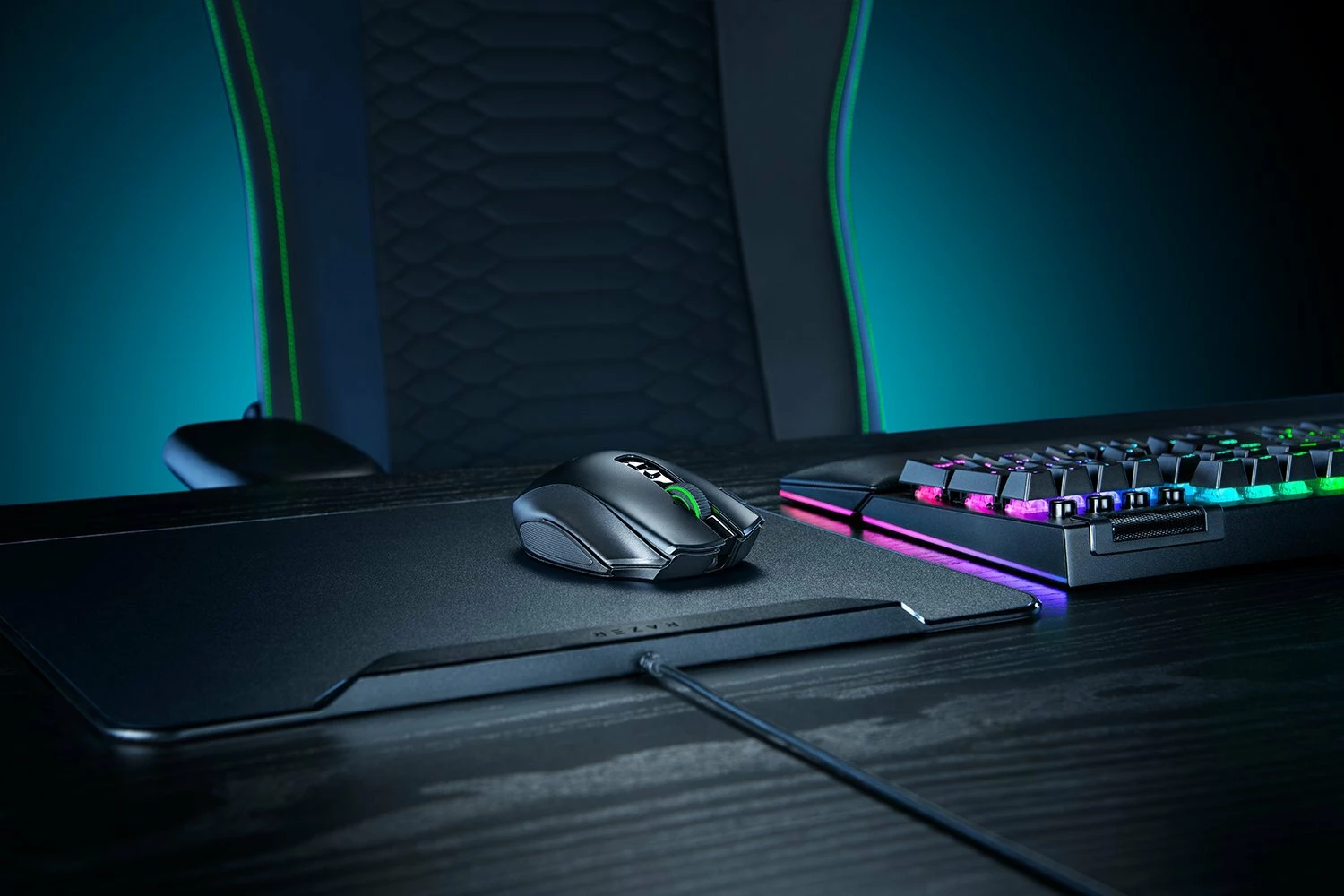
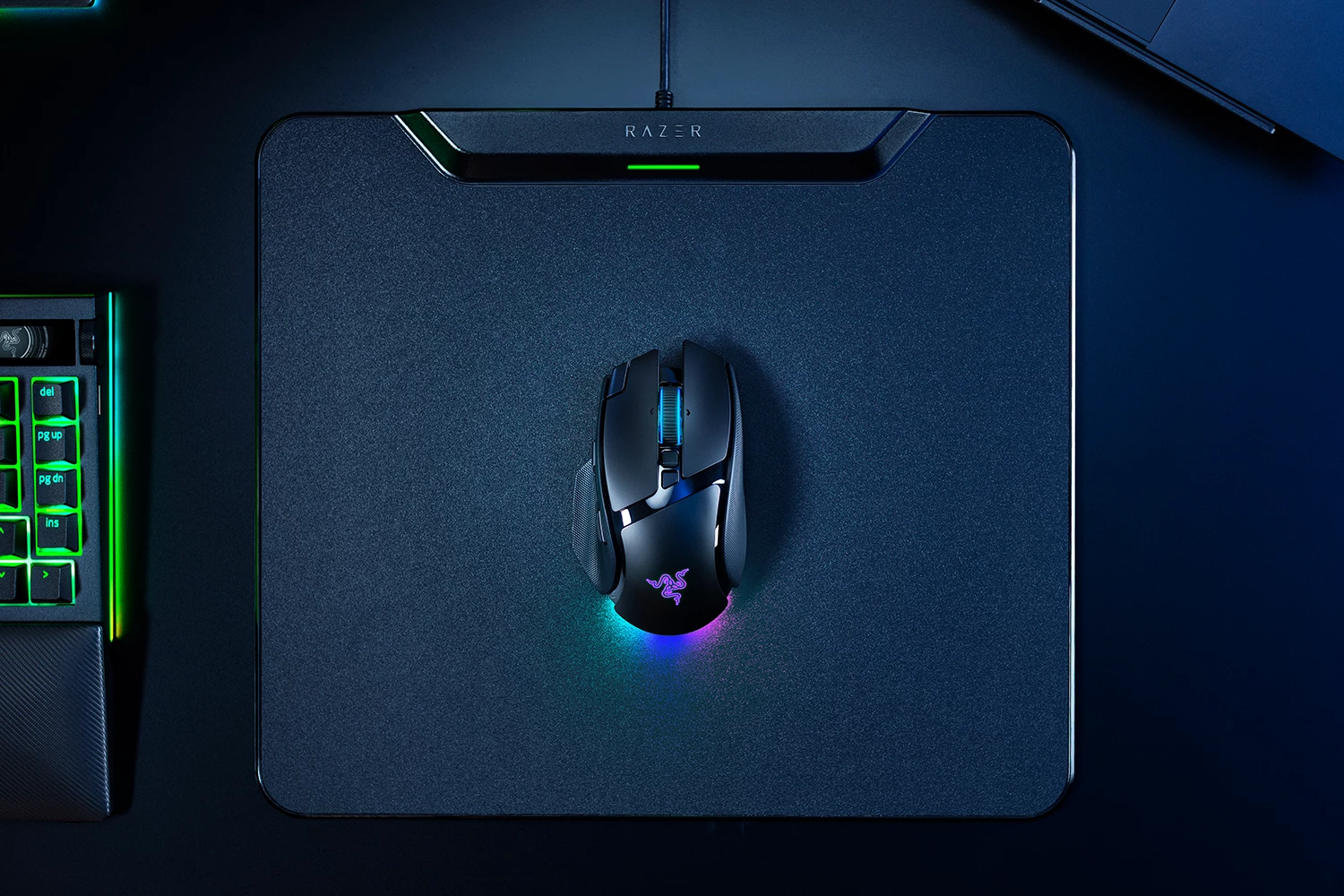
Adapt and unleash with the all-new Razer Naga V2 Pro - the mouse of choice for MMO gamers, with 3 swappable side plates for up to 22 programmable controls. https://rzr.to/naga-v2-pro Fully geared with a set of next-gen upgrades like the Razer HyperScroll Pro Wheel, Focus Pro 30K Optical Sensor, and Optical Mouse Switches Gen-3, arm yourself with the best-in-slot pick for your favorite MMO.
Meet the Razer Viper Mini Signature Edition: the best hyper-lightweight performance gaming mouse. Crafted from high-grade magnesium alloy, arm yourself with a masterpiece that outclasses the competition: https://rzr.to/viper-mini-signature Sign up now to be notified of the drop.
Celebrate Hello Kitty Day with our newest Kawaii Tokyo theme on Razer Customs! Adorned with the cutest characters and mouth-watering Japanese food icons, savor the sweet taste of victory with Hello Kitty and Friends in Tokyo. These exclusive designs are now available for the Razer Orochi V2 and Gigantus V2, customizable with your gamer tag. Secure the most wholesome wins with these kawaii companions: https://rzr.to/hello-kitty-custom
Unleash true MMO control with the new Razer Naga V2 HyperSpeed: https://rzr.to/naga-v2-hyperspeed Optimize your skill rotations with 2 extra buttons for up to 21 programmable controls. Power through progression on a single AA battery, for up to 250 hours of non-stop raiding on Razer HyperSpeed Wireless, and up to 400 hours on Bluetooth.
This video will guide you on how to pair your Razer HyperPolling Wireless Dongle and Razer Mouse Dock Pro to a compatible device. Please note that any damages caused by upgrading or modifying your Razer product are not covered by Razer's Warranty Policy. For more information, see Razer's Warranty Policy. Visit the Support page: How to pair or unpair the Razer HyperPolling Wireless Dongle - - - Insiders, what do you think the next Support video should be? Comment with a topic. Great suggestions will be rewarded with the repeatable "Nice" achievement. Also, for every 20 comments on this thread and the YouTube video, I'll be giving away a random "Great" Achievement. Insiders, be sure to leave your Insider ID in the YouTube comment to be eligible. Lastly, for those of you who subscribe to the Support channel, we'll be doing massive Silver giveaways for each milestone, so be sure to tell your friends, smash that like button and subscribe to the channel.
A legend needs no introduction - the Razer DeathAdder V2 Special Edition boasts ergonomics acclaimed by millions of gamers worldwide and features Razer Green highlights emblazoned on its Speedflex Cable to add a little style to your game: https://rzr.to/deathadderV2-SE
Mouse Razer Mamba Elite Firmware Updates Razer Mamba Wireless Firmware Updates How to activate the Razer Hypershift on the Razer mouse How to resolve DPI and mouse buttons issues, double-clicking/spamming inputs, scroll wheel issues, and Razer mouse is not detected How to resolve issues where my Razer mouse cursor has erratic movements How to manually change the DPI Sensitivity on my Razer Mouse How to create macros on a Razer Mouse My Razer mouse does not track, move the cursor, or is not tracking well Razer Synapse does not recognize or detect my Razer device How to clean Razer devices
i was looking at razer’s mice recently in anticipation of getting an updated razer trinity, as my old (wired) naga trinity is aging. i noticed that razer now only offers the razer naga trinity as a wireless mouse, the only wired versions of the naga being a naga with fixed 12 buttons and the left hand edition of the mouse. why is razer only offering the best edition of the naga (and i imagine many of their other models are doing the same thing now), the naga trinity, with only wireless connectivity and not wired? dear razer, wireless peripherals are a major security vulnerability. please continue to offer the trinity version of the razer naga with a wired version. not everyone wants to use insecure peripherals that do nothing but provide a majorly insecure attack vector for cyber attacks for literally no logical reason whatsoever; wireless peripherals are not only useless, they’re literally detrimental.
I am begging on my hands and knees, please bring back the ouroboros, its the best mouse i’ve ever used, it was sleek, ergonomic, customizable, it was the greatest gaming mouse i’ve ever had, what do i have to do to get a V.2?
Is there any info on if we’ll be seeing the V3/Pro this year?
I use a Raza Naga X (RZ01-0359) and error came up saying “CRP disabled” and the mouse was not detected at all by the laptop & the RGB lights were off. The problem occurred when I launched Razer Synapse.Is there a solution for this?
Can we please get a setting that can set the mouse wheel sensitivity.Please don’t tell me there is Windows settings in mouse settings. Its not what we need. I would like to have the wheel sensitivity set so that i have to DELIBERATLY scroll in game because it drives me insane that my mouse will scroll when bumped and swap weapons in a fire fight (CS2)… The feature request is like this… have it customizable that 3 scrolls within some small period of time = 1 scroll output. That way I can purposefully scroll and not have it randomly scroll when bumped.
Hi. Just like the title. My Basilisk V3 pro mouse takes like 10 seconds to wake up from sleep mode. If I move the mouse, it will light up but it will not move my cursor until 10-15 sec later. Here’re what I have tried and none of them worked.I updated both the mouse and the dongle to the latest version. I tried connect both the Basilisk V3 pro and the Deathstalker V2 Pro keyboard to the same dongle. Please help.
Hello Razer Support Team,I am contacting you regarding an issue with my Razer V2 Pro White mouse that I purchased in December 2024 from Amazon.The scroll wheel is not working properly. While scrolling down, the mouse sometimes registers an unexpected scroll in the opposite direction and moves up. This happens frequently and affects my normal use, especially during gaming and everyday computer tasks.I purchased two Razer V2 Pro White mice, and unfortunately both devices have the same issue. This makes me believe that it may be related to the model or a possible manufacturing issue.I live in Tunisia, and returning the products to Amazon is very difficult for me. I would appreciate your assistance with a warranty solution or any troubleshooting steps you recommend. Please let me know if a repair, replacement, or another solution is available.Product information: ● Model: Razer V2 Pro White ● Purchase date: December 2024 ● Place of purchase: Amazon ● Country: Tunisi
Mouse: Razer Basilisk V3 Pro 35KIssue: Bluetooth stopped appearing on Windows and phone, despite working wired and via HyperSpeedSymptoms: Slow blue breathing light, profile button would not enter pairing modeWhat fixed it:Held:Left clickRight clickScroll wheel clickAll three side buttonsProfile buttonMouse entered Bluetooth pairing mode and became discoverable again. The usual left/right/middle click reset method reported for other Razer mice did not work; this combination did.(I speculate this mouse is just handsy-r lol) It's worth noting this happened after installing Synapse 4 and updating firmware and troubleshooting, Bluetooth became stuck and this method recovered it. Hope this helps, peace.
Hello,CS 2 profile switch resets to default after searching for new game.I setuped a new profile for 8000 hz polling rate, extra for cs 2 to limit battery drain.I also tested the profile switch behavior with using a cable instead of the hyper polling dongle. Same effect.Reinstalling Synapse 4, deleting all app data files and doing the same does not work too. I assume profile switching for CS 2 is not working at all.Best regards
I want the RAZER NAGA HEX V2 back. The layout was perfect for me and it was build to last. I've had 3 Naga Trinity since, but the build quality isn't on par with the Hex v2. I now use the Naga pro v2 but i't's 6 number faceplate layout isn't what I want, so I slapped the trinity hex panel on the pro although it doesn't give me access to the “7” button. The Naga Pro v2 built quality is on par with the Naga Hex V2, but the trinity isn't.PLEASE!! Either give us the Hex V2 back, or make a side panel for the Naga V2 PRO that resembles the one on the trinity.
Broken piece shown in image (i’m not sure what you’d even call it), is it possible to get this replaced at all or are my options to potentially steal one from another deathadder v2 or to try and glue this back together?
Hi everyone,I own my old Razer mamba hyperflux but mouse stoped working (switches broke (pcb broke too)) and i wanted to used Razer Cobra with my old hyperflux,Is this combo going to work?And does anyone have any “lifehack” to make new cloth side on it? Thanks everyoneZoidy
Hello, I´ve been looking around on the internet for an sollution but i can´t seem to find one. So the problem is. My button 4 and 5 on the side of the mouse aren´t working anymore. I never had this problem before but recently they quit working. The weird thing is. After i push in both the side buttons 4 and 5 and the 2 buttons on top. They both work for like 10 seconds again. I also just found out: if i hold one of the 2 side buttons for like 2 seconds they both start working again for like 30 seconds. I really have no idea what i can do to fix this. Is it some weird option/setting from the mouse that turns dissables the side buttons and when i hold them for a small amount of time it turns on both buttons. Thanks for reading and mayby offer an sollution.
I have a Razer Naga Pro Model RZ01-0342 but this guide might work for other Razer Naga models or other razer mice using the same scroll wheel encoder. Like every razer product I’ve owned a switch or sensor goes bad within a few months of warranty expiration. I have replaced D-Pad switches on my Tartarus’ (I have 3) over 40 times. Let me know if you have this issue because I found better switches for these. Anyways the scroll wheel on my Naga Pro started jumping around. I followed every tutorial, using compressed air etc. I took it apart and cleaned the optical sensor, still jumping. It seems this uses both an optical sensor and a physical encoder attached to the axis of the wheel. Looking down on the mouse this attached to the right side. This is likely what you need to replace. I was able to find one on Aliexpress for under $4 including shipping. This link might expire but here is what I used TTC Mouse Wheel Encoder For Razer Naga 2014 Hex V2 Mamba 5G Epic Chroma With Wire Mouse Wheel
My Razer Viper Mini's clicks and RGB lighting are working fine, but the mouse cursor won't move. I looked into it and found that some users experience an issue where the cursor snaps to the edge of the screen—I'm having the exact same problem. I’ve already tried cleaning the sensor and reinstalling the drivers; is there anything else I can do?
I’ve been researching Razer mice for the past few days because I’m looking to upgrade my current setup. I want a mouse that performs well for both gaming and everyday productivity, but with so many models available, it’s been difficult to decide which one offers the best overall value.After reading reviews on RTINGS, PC Gamer, and Tom’s Hardware, I’ve narrowed my options down to these two popular choices:Razer Viper V4 Pro Wireless Esports Gaming Mousehttps://www.amazon.com/Razer-Viper-Wireless-Esports-Gaming/dp/B0GMLBSSTD?th=1&linkCode=ll2&tag=german0478-20&linkId=30a8a5a95a8bd1ed7cbe8faa4089abe5&language=en_US&ref_=as_li_ss_tlRazer Viper V3 Pro Wireless Esports Gaming Mousehttps://www.amazon.com/Razer-Viper-Wireless-Esports-Gaming/dp/B0CW25XR5S?th=1&linkCode=ll2&tag=german0478-20&linkId=57c59fc1b3aed6e725a59dbcae8be342&language=en_US&ref_=as_li_ss_tl However, I’m still unsure which one would be the better fit. I’m looking for a mouse that is co
Are there any plans to release a left handed version of the Pro Click V2 Vertical? I’d buy it immediately. Currently using a Logitech lift left handed.
windows11 update KB5094126 breaks my mouse Razer Deathadder V3. Have uninnstalled the update and immediatley works again. stopped auto updates for a few weeks to see if issue would be solved, but after it installed again, again the mouse stopped working and again I uninstalled said update. Anyone having the same issue?
Already have an account? Login
No account yet? Create an account
Enter your E-mail address. We'll send you an e-mail with instructions to reset your password.