

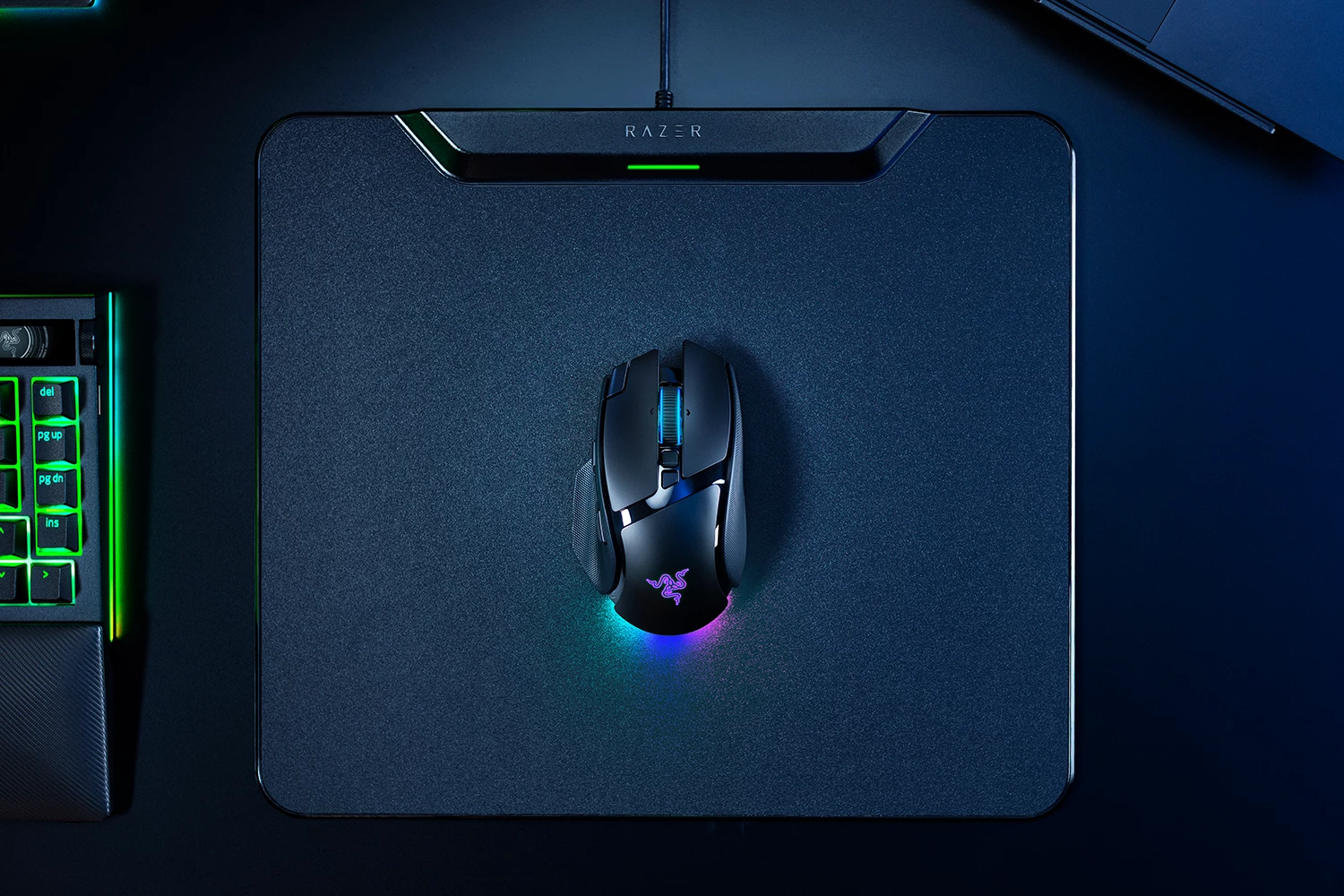

RAZER BASILISK V4 PRO | The Apex of Immersion & Customization | Razer Insider
Skip to main content

RAZER BASILISK V4 PRO | The Apex of Immersion & Customization

Njord


Where immersion meets customization, the Razer Basilisk V4 Pro takes both further than ever. Fully decked out with our latest suite of next-gen technologies, discover the ultimate wireless ergonomic RGB gaming mouse that plays to your every possible preference.

https://www.razer.com/gaming-mice/razer-basilisk-v4-pro


3 Replies

  • Insider Mini
  • October 11, 2026

Any plans for a wired only versions of the V4 lineup?


The mouse dock v2 pro does not connect to any mouse I use including this one. This needs to be escalated. I've tried two different mouse docks v2 and neither of them will connect to any device I try. Everything can connect to my old mouse dock just fine. I've uninstalled/reinstalled synapse. Driver cleanup etc. There is no firmware for the basilisk v4 pro nor the mouse dock v2 pro on the razer website so I cannot update the firmware either. My cobra pro, basilisk v4 pro and viper v4 pro do not connect to the mouse dock v2 pro. Please look into this. I have a top of the line gaming pc and am tech savvy. Please fix your software. 


  • Insider Mini
  • October 19, 2026

I recently purchased the Razer Basilisk V4 Pro and Mouse Dock V2. 


I previously owned numerous Razer high end mice, such as Naga V2 & V3 Pro, Mouse Dock Pro. 


The Basilisk V4 Pro constantly disconnects from the Mouse Dock V2 Pro. However, when I pair my Naga V3 Pro to the mouse dock v2 pro it works just fine. 


I am using the Razer Basilisk V4 Pro right now with the wireless 2.4ghz dongle that it came with, and the Naga is connected via the mouse dock v2 pro. 


There appears to be no issues with either mouse setup this way. The only issue appears to be the Basilisk V4 Pro and the V2 Pro connection. 


I have uninstalled Razer Synapse 4 twice and that has not solved the issue. I have checked Device Manager to ensure that all of the USB devices are set to not sleep under those devices power options. I have also verified that my power plan is not set to allow USB devices to sleep. 


Hopefully a firmware update resolves this as I am reluctant to deal with an RMA when the mouse is working just fine via USB dongle and the mouse dock v2 pro seems to work just fine connected to my Naga V3 Pro. This tells me that the hardware is functioning correctly.