Razer Naga V2 Pro - Numpad being entered as Number Row for games | Razer Insider
Skip to main content
Question

Razer Naga V2 Pro - Numpad being entered as Number Row for games

  • July 19, 2025
  • 4 replies
  • 249 views

Does anyone know how to fix this? 


When charging or even sometimes when wireless. I have the num pad on the side bound to Num Pad buttons. But in-games it always inputs as normal Number Row keys. Which makes it completely unusable. 


Tried resetting/removing profiles. Removing drivers, etc. Nothing seems to fix it. I can only sometimes fix it in wireless mode if I turn the mouse off and on again. 
4 Replies

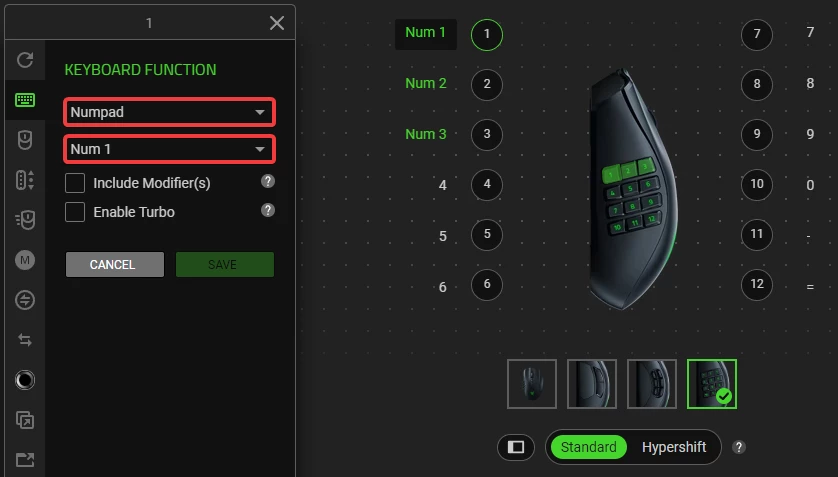
Hey! Just checked and it works at least for me in Synapse 4, both wired and wireless. To make sure it works as numpad instead of the number row, you need to go to Customize for the profile you want to set up for numpad, select Keyboard Function, then specifically select Numpad, and then Num (x). I’ve included a screenshot with highlights to make it a bit clearer.


Hope this helps!


  • Author
  • Insider Mini
  • July 26, 2025

Hey! Just checked and it works at least for me in Synapse 4, both wired and wireless. To make sure it works as numpad instead of the number row, you need to go to Customize for the profile you want to set up for numpad, select Keyboard Function, then specifically select Numpad, and then Num (x). I’ve included a screenshot with highlights to make it a bit clearer.


Hope this helps!


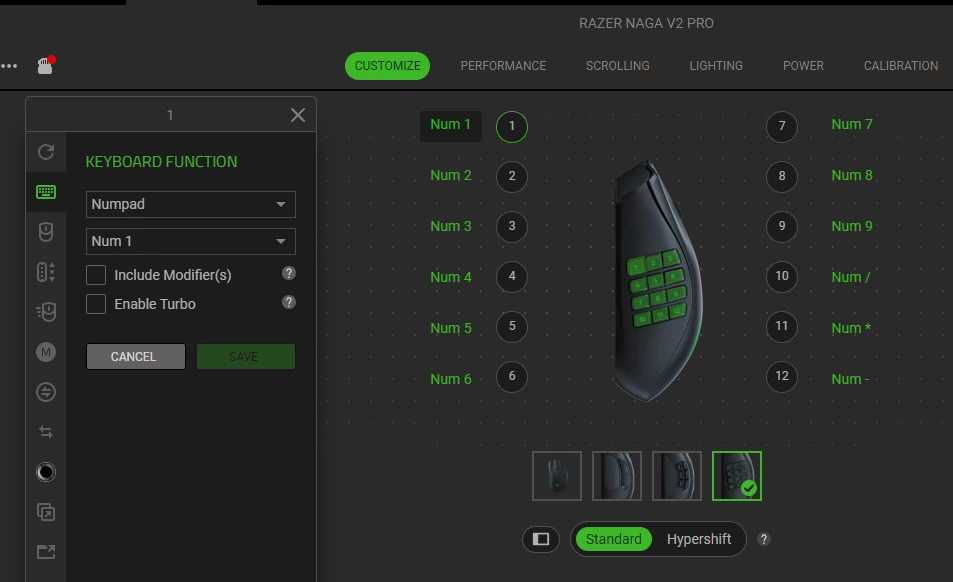
I do have it set up that way. Setting it through Numpad menu or manually entering it doesn’t fix the issue.


I can sometimes get it to start working if I power off the mouse in wireless mode and turn it back on. But once it goes to sleep or is connected to USB it stops functioning as a Numpad again.

Here’s the screenshot of how i have it set.


I can sometimes get it to start working if I power off the mouse in wireless mode and turn it back on. But once it goes to sleep or is connected to USB it stops functioning as a Numpad again.


That kinda sounds like maybe a profile is being switched somewhere? I only use auto profiles (specifically one for desktop and one for FF XIV right now) but I’ve had Synapse kinda bug out between switching apps -- especially the scroll wheel browser detection. I also wonder if it’s like Synapse is fighting the mouse’s hardware profile.


  • Author
  • Insider Mini
  • July 26, 2025

I can sometimes get it to start working if I power off the mouse in wireless mode and turn it back on. But once it goes to sleep or is connected to USB it stops functioning as a Numpad again.


That kinda sounds like maybe a profile is being switched somewhere? I only use auto profiles (specifically one for desktop and one for FF XIV right now) but I’ve had Synapse kinda bug out between switching apps -- especially the scroll wheel browser detection. I also wonder if it’s like Synapse is fighting the mouse’s hardware profile.


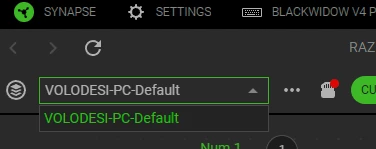
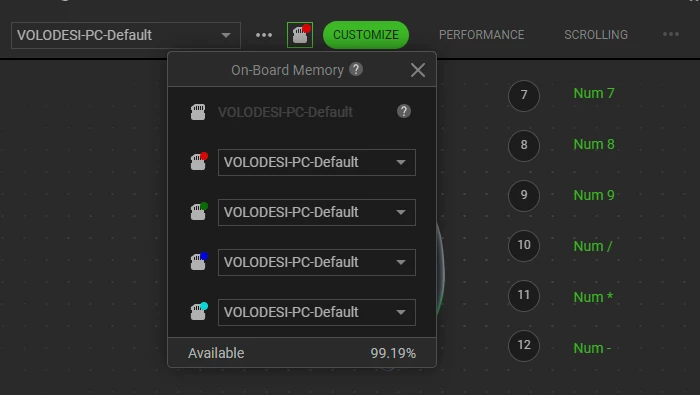
I don’t use profile switching at all. I only have one profile.


I also tried filling all the on-board profiles with my default one. I tried clearing all on-board ones as well. Still doesn’t fix it.