

Razer Viper Ultimate charging problems. | Razer Insider
Skip to main content

Razer Viper Ultimate charging problems.

  • December 14, 2021
  • 5 replies
  • 1240 views

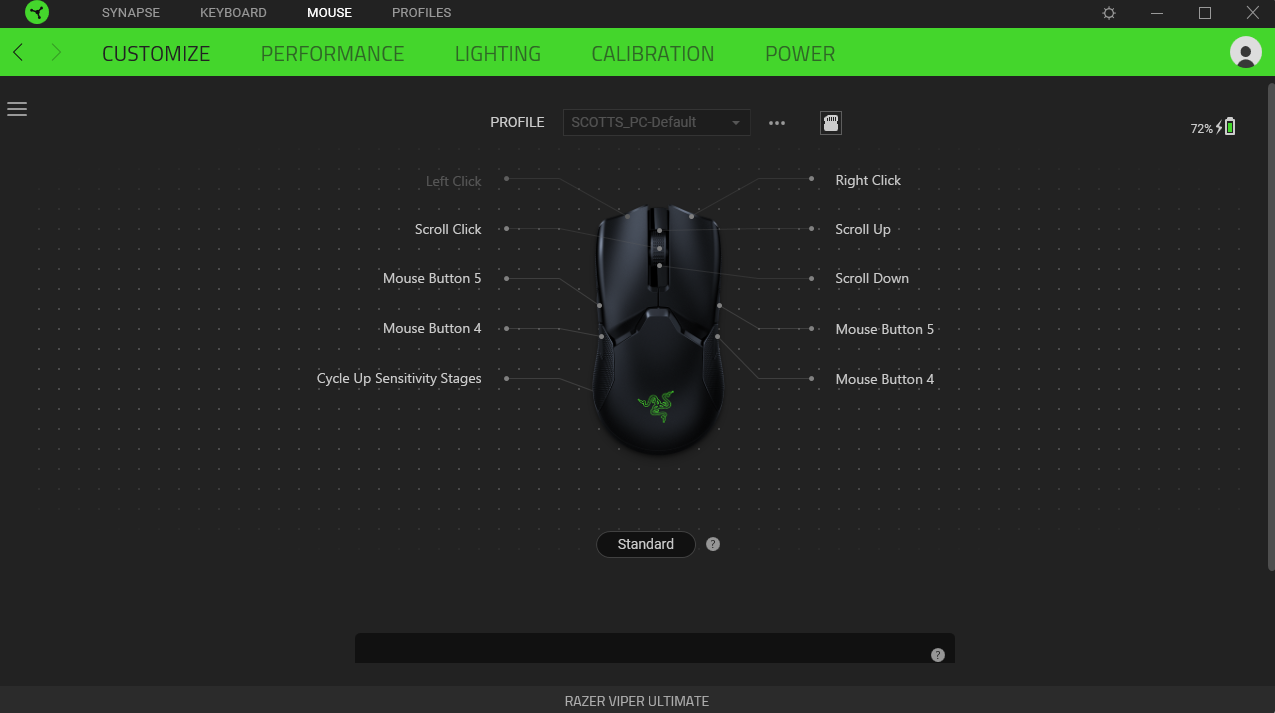
Only started recently but when i try charge my mouse up its percentage is not going up at all! It says it is charging with the little bar going up and the lightning bolt but its not gone up for the past couple of hours now. I have tried everything from changing to a different USB port at the back of my motherboard, reset everything, updated everything and still having problems. Please help.
This topic has been closed for replies.
5 Replies

  • Author
  • December 15, 2021
Still sitting a 72% since i uploaded onto this forum, weird.


Same problem happening to me. Stuck on 3%. It has happened before and fixed itself usually in less than an hour, but this time it has been 24+ hours.

Sye_The-Vie
Vanguard
  • VANGUARD
  • December 16, 2021
scottRc
Only started recently but when i try charge my mouse up its percentage is not going up at all! It says it is charging with the little bar going up and the lightning bolt but its not gone up for the past couple of hours now. I have tried everything from changing to a different USB port at the back of my motherboard, reset everything, updated everything and still having problems. Please help.
When you mentioned update, including the Firmware?

  • Author
  • December 16, 2021
Sye_The-Vie
When you mentioned update, including the Firmware?
Hey sorry, yeah i never seen that i had to do that but that did fix it i think, was on device version 1.01.00 at the time now it's went to 1.06.00 Took a while for it to go full charge but it's finally going up at least.

  • Author
  • December 16, 2021
XOXOXOXOXOXOXOx
Same problem happening to me. Stuck on 3%. It has happened before and fixed itself usually in less than an hour, but this time it has been 24+ hours.
Try doing the firmware update for it, that's what fixed it for myself. https://mysupport.razer.com/app/answers/detail/a_id/3750/~/razer-viper-ultimate-%7C-rz01-03050-support There's the link there for ya