RAZER STEALTH 13 EXTERNAL MONITORS | Razer Insider
Skip to main content

RAZER STEALTH 13 EXTERNAL MONITORS


Hi Guys, I looking for my Razer Stealth 13 an external monitor 21:9 or 32:9 not for gaming but for contents production. Some tips? :big_grin_::rolleyes:
This topic has been closed for replies.

16 Replies

Joikansai
Vanguard
  • Community Ranger
  • February 17, 2021
Not a creator but I’d like to get new laptop stand with usb c and monitor output, with it I think you’ll be able single cable solution which’s nice. For monitor I don’t have also ultrawide only 1 4K 60Hz and 1080p 165Hz but i have plan adding another QHD monitor to do nvidia surround gaming, i use all those monitors with Razer core, yes also single cable from the core for data and power.

Someone have an advice about a external monitors for Razer Stealth 13?

-Mr.Nobody-
Carugati
Someone have an advice about a external monitors for Razer Stealth 13?
you can used any model of monitor, what you need is dongle for the HDMI Port

-Mr.Nobody-
you can used any model of monitor, what you need is dongle for the HDMI Port
there’s some precisely dongle best that others for Razer Stealth 13?

-Mr.Nobody-
Carugati
there’s some precisely dongle best that others for Razer Stealth 13?
if you live in north america, amazon is good place to look for something like this

Joikansai
Vanguard
  • Community Ranger
  • February 20, 2021
Carugati
there’s some precisely dongle best that others for Razer Stealth 13?
I’d go with usb c to DP for having better bandwidth than hdmi, I use this to connect with LG 27ud 4K 60Hz monitor for media consumption and gaming, I think it’s also good for content creators for having a good color accuracy.

-Mr.Nobody-
if you live in north america, amazon is good place to look for something like this
i live in Venice - Italy :smile_:

Joikansai
I’d go with usb c to DP for having better bandwidth than hdmi, I use this to connect with LG 27ud 4K 60Hz monitor for media consumption and gaming, I think it’s also good for content creators for having a good color accuracy.
Thanks man! But I’d like more that 27”...34-39. But what is USB C TO DP?

-Mr.Nobody-
Carugati
Thanks man! But I’d like more that 27”...34-39. But what is USB C TO DP?
usb c to dp (display port) with usb c u get more bandwith for ur display with more accuracy color. u can go for online shope amazon. im sure they have one

-Mr.Nobody-
usb c to dp (display port) with usb c u get more bandwith for ur display with more accuracy color. u can go for online shope amazon. im sure they have one
Nice! You could help me...i’d like use two monitors for best production experience. I will need only a cable usb c to DP to first monitor and i male a bridge from first monitor to seconds with another cable hdmi to hdmi? it’s right for my Razer stealth 13?

-Mr.Nobody-
Carugati
Nice! You could help me...i’d like use two monitors for best production experience. I will need only a cable usb c to DP to first monitor and i male a bridge from first monitor to seconds with another cable hdmi to hdmi? it’s right for my Razer stealth 13?
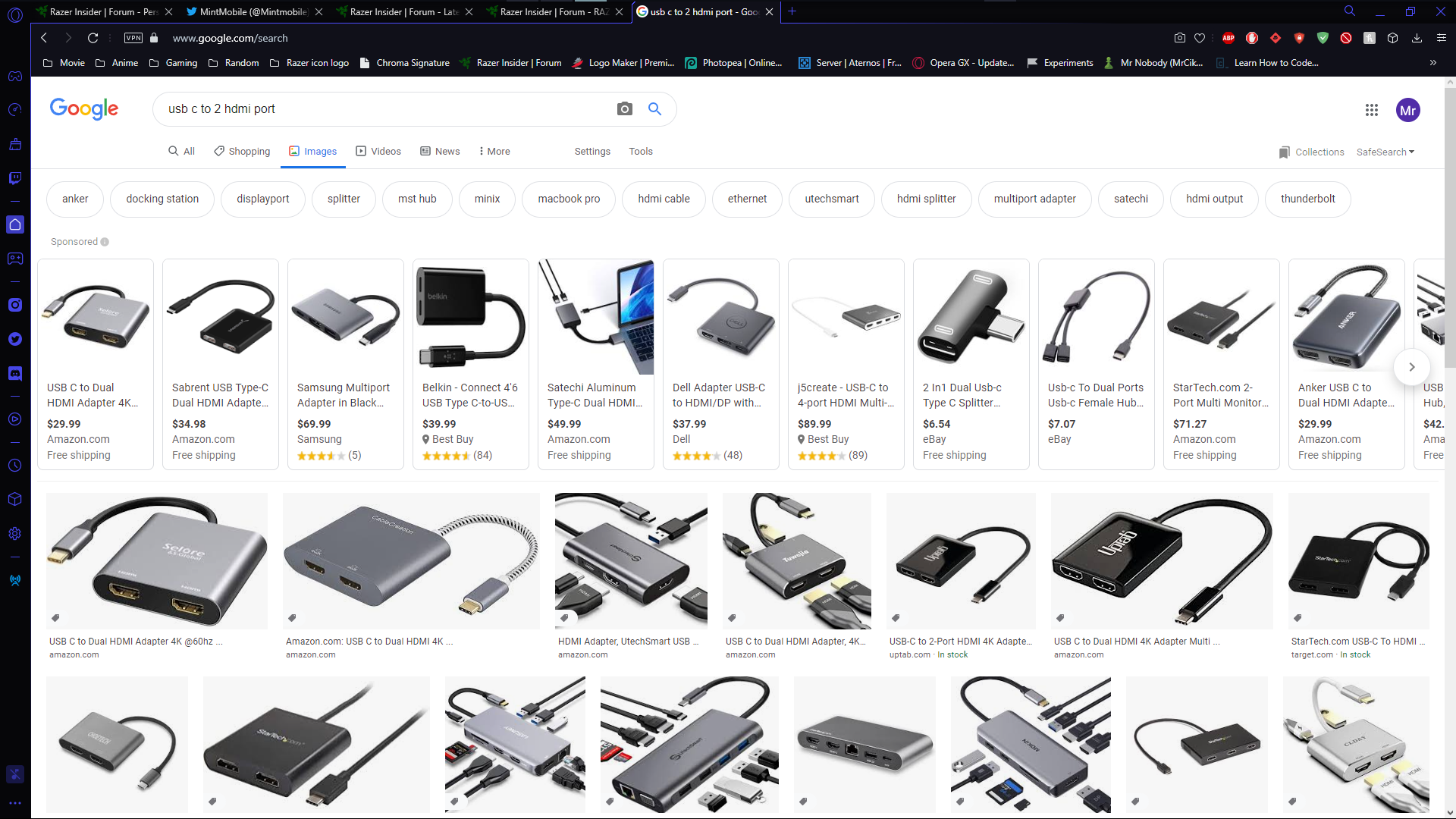
it should do the trick. just now i look on google and there is lot of USB C to HDMI port im glad it help ^_^

give us review after usuing

-Mr.Nobody-
Alamin420
give us review after usuing
i wish i can find my extension and showed u, my experience works like a charm when i was using thunderbolt 3 to 2 HDMI port extension , overal just like actual desktop. atm im using razer blade with razer core and dual monitor

thats great:smile_:

-Mr.Nobody-
i wish i can find my extension and showed u, my experience works like a charm when i was using thunderbolt 3 to 2 HDMI port extension , overal just like actual desktop. atm im using razer blade with razer core and dual monitor
Nice Man, thanks! During my research i find that is better for me to use two monitor, not wide, not curved. In your opinion, if i buy Two Monitors + a dual adapter usbc to dp + wire dp to connect first monitor at the second is a good think?

-Mr.Nobody-
Carugati
Nice Man, thanks! During my research i find that is better for me to use two monitor, not wide, not curved. In your opinion, if i buy Two Monitors + a dual adapter usbc to dp + wire dp to connect first monitor at the second is a good think?
i think 2 monitor with USB C to 2 HDMI port / ThunderBolt 3 To 2 HDMI port would be good trick. i do really recommended the thunderbolt if u have better gpu on ur blade if decent just go with usb c, way cheaper