

7.1 surround sound not showing up in audio output tab | Razer Insider
Skip to main content
Question

7.1 surround sound not showing up in audio output tab

  • July 14, 2026
  • 1 reply
  • 13 views

MajorRig26

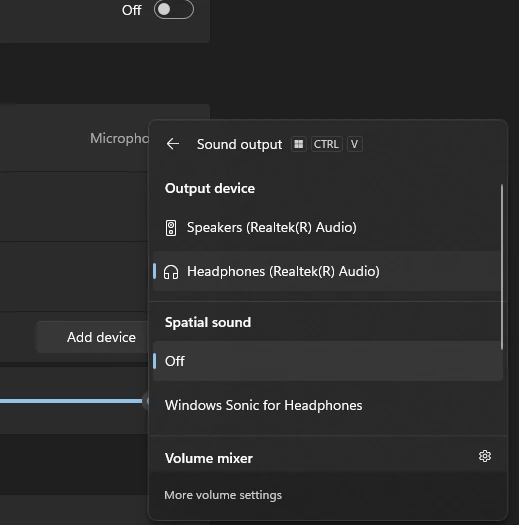
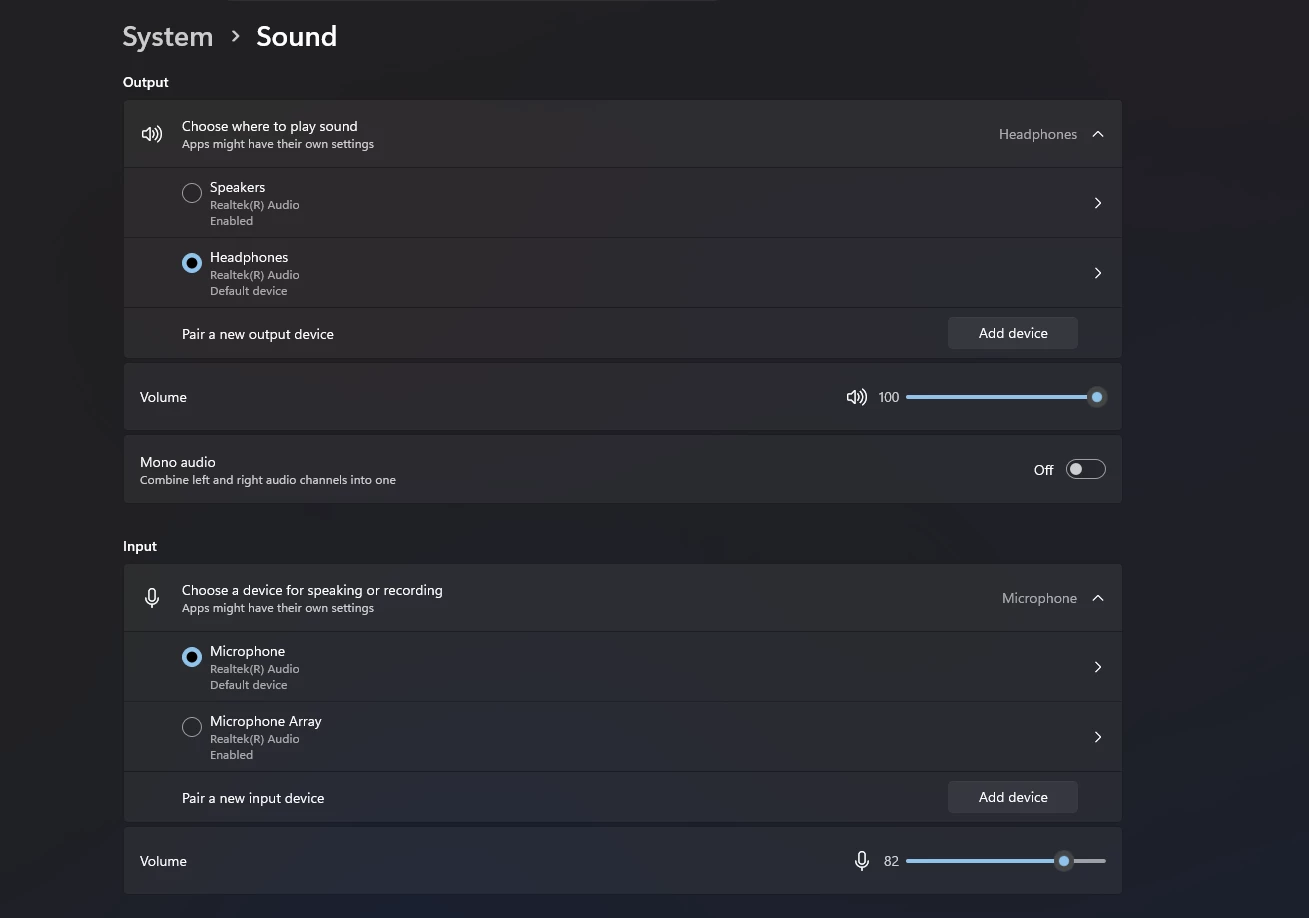
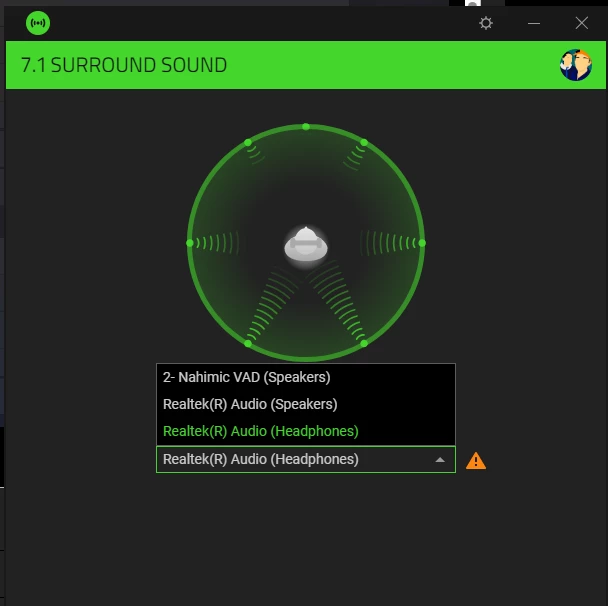
 after a recent windows update i restarted my pc jsut to find out i no longer have 7.1 surround sound  enabled for my razer blackshark v2 x headphone it was workig just fine before the update but now i dont even see the 7.1 surround option in audio output tab or settings, my headphone only registers as stereo output and 7.1 surround 

dont know how to fix it
tried many post with solution like removing all razer files and restarting and again installing 7.1 but that didn’t work too.


1 Reply

Razer.Zionzedd

Hi MajorRig26,


Windows updates often reset audio enhancements and disconnect virtual sound drivers. To get your 7.1 Surround back, reinstall the 7.1 Surround Sound app and ensure your audio drivers are refreshed. Should you require any additional support, PM me your Razer BlackShark V2 X’s SN: (Follow steps here: https://mysupport.razer.com/app/answers/detail/a_id/548/~/how-to-find-the-serial%2C-product%2C-or-part-number-on-a-razer-device) and link of your receipt in a PDF format: (Save the shareable files via any online drive account listed here: https://mysupport.razer.com/app/answers/detail/a_id/4011?_ga=2.197232171.544708261.1744067200-1885068520.1744067200&_gl=1*vo487o*_ga_3TRK53PM75*MTc0NDA2NzE5OS4xLjEuMTc0NDA2NzM0My4yNC4wLjA). Kindly change the privacy settings to "anyone has link", so I can view the file/s without asking for permission.


*Thread locked to PM.