9800X3D Doesn't Meet Min Requirements for AVA Beta? | Razer Insider
Skip to main content
Question

9800X3D Doesn't Meet Min Requirements for AVA Beta?


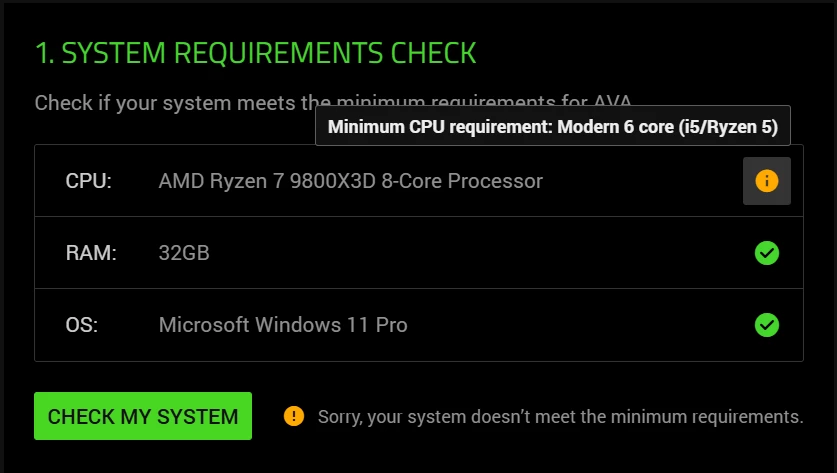
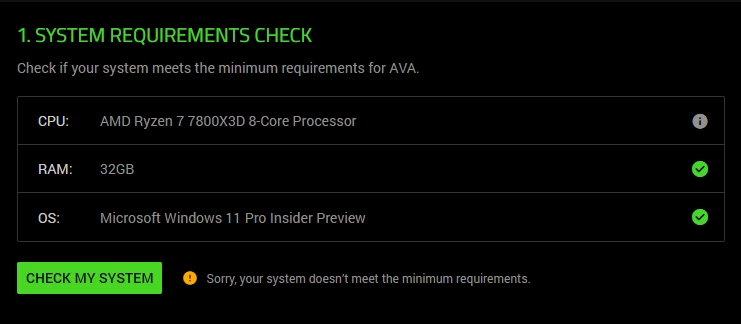
Trying to sign up for the Razer AVA Beta through Cortex. I do the system check, and it’s telling me that my CPU doesn’t meet the minimum requirements. It’s an AMD Ryzen 7 9800X3D 8-Core Processor. I’m pretty sure it meets the requirements. Is this a bug, or what?

14 Replies

RTeoharov
  • Insider Mini
  • March 10, 2026

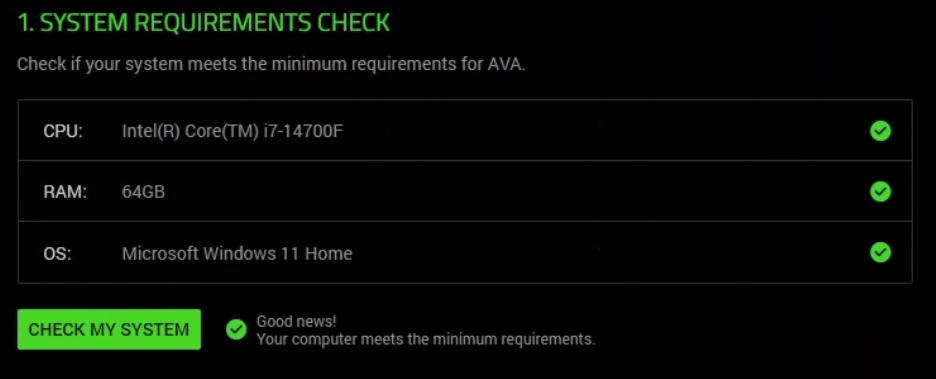
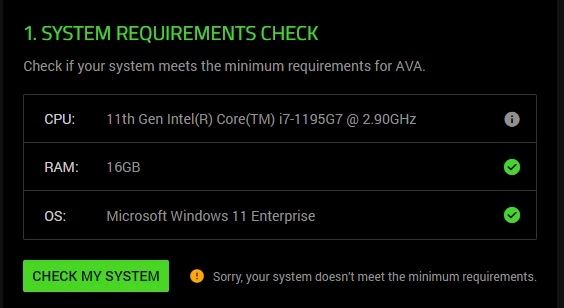
I have Intel Core i5-14600K with 14 cores, min requirement is six, but it shows me: Sorry but you doesn't meet the minimum requirements.


Same for me. 
i7-9700k is not a modern 6-core processor like an i5.


Jonbthatsme

I assume they are testing with Intel processors only at this point. I have a Ryzen 7 7800X3D and it also didn’t meet the requirements. Based on the Intel 14600k being accepted, this would make sense. 


  • Insider Mini
  • March 13, 2026

I have the same processor and the same problem. This doesn’t make sense…


Same, 7800x3d.  I assume this is how this beta is gonna be, Probably better off not doing it


Lrbrownii


Lrbrownii

Thought it was an AMD thing. Looks like they don’t have their compatibility list completed.


watchWhiteever478

I’m getting the same error.
I emailed support and ran through their steps. 
Uninstalling, checking for updates, reinstalling.
Still get the same error.


watchWhiteever478

I just tested on my spare Intel PC and the registration worked.


Lrbrownii

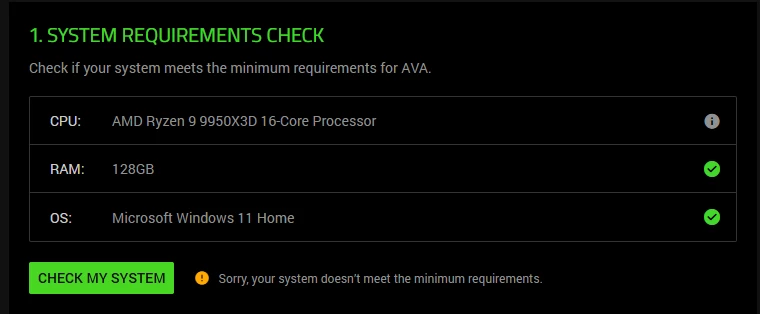
I’m getting the same error.
I emailed support and ran through their steps. 
Uninstalling, checking for updates, reinstalling.
Still get the same error.


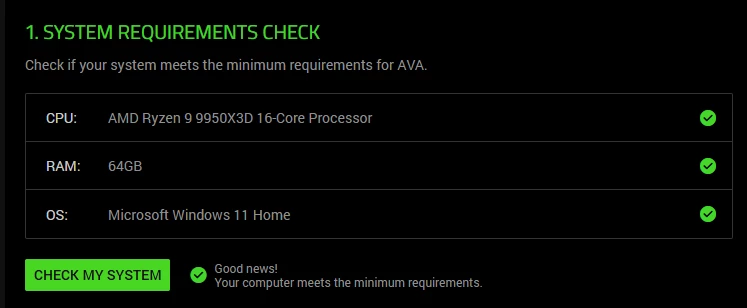
Why does this show as good for me but not you? You have double the RAM we have same cpu. Is everyone's bios updated? You could be missing chipset drivers also? This is very odd that mine says good and this one does not.


TheBat_TTV

I’m getting the same error.
I emailed support and ran through their steps. 
Uninstalling, checking for updates, reinstalling.
Still get the same error.


Why does this show as good for me but not you? You have double the RAM we have same cpu. Is everyone's bios updated? You could be missing chipset drivers also? This is very odd that mine says good and this one does not.

They are always a guy who says that and we are obligated to believe him ahah 


headCerisePinkcamp766

Same here 😣


autoCrimsonGloryville217
still happening anyone know the reason?


autoCrimsonGloryville217

ah strange enough if you turn X3D off in BIOS it passes through the check for anyone else whos stuck 👌🏻