Hi Razer Support Team,
I am reaching out to you because I am having a specific issue with my Razer BlackShark V2 HyperSpeed.
The headset actually works completely fine and the audio is OK when Razer Synapse is disabled (or turned off completely). However, the moment I open or have Razer Synapse enabled in the background, the audio goes completely wild. I am experiencing severe audio distortion, crackling, and sudden, extreme volume spikes where the sound gets very loud out of nowhere and then drops back down.
I have already tried multiple troubleshooting steps, including the ones listed in your official guide here: https://mysupport.razer.com/app/answers/detail/a_id/4003
Specifically, I have:
-
Uninstalled and reinstalled the audio drivers via Device Manager.
-
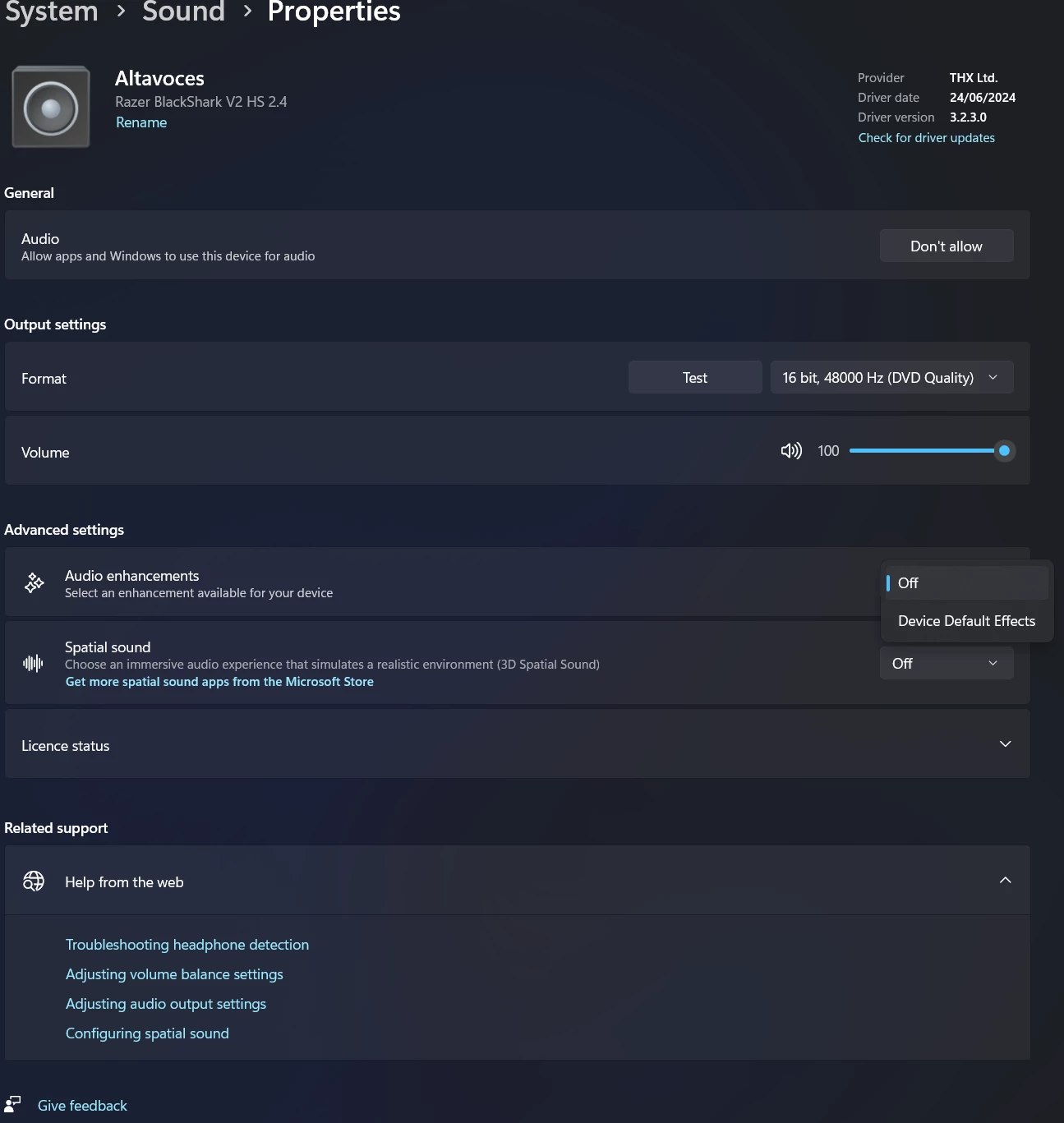
Disabled audio enhancements in the Windows system settings.
-
Tried disabling/enabling THX Spatial Audio settings within Synapse.
Unfortunately, nothing helped, and the issue is clearly tied to the Razer Synapse software itself, as closing the software completely fixes the sound distortion and volume fluctuations.
Could you please advise me on how to fix this software/driver conflict within Synapse?
Thank you in advance for your help.