Description:
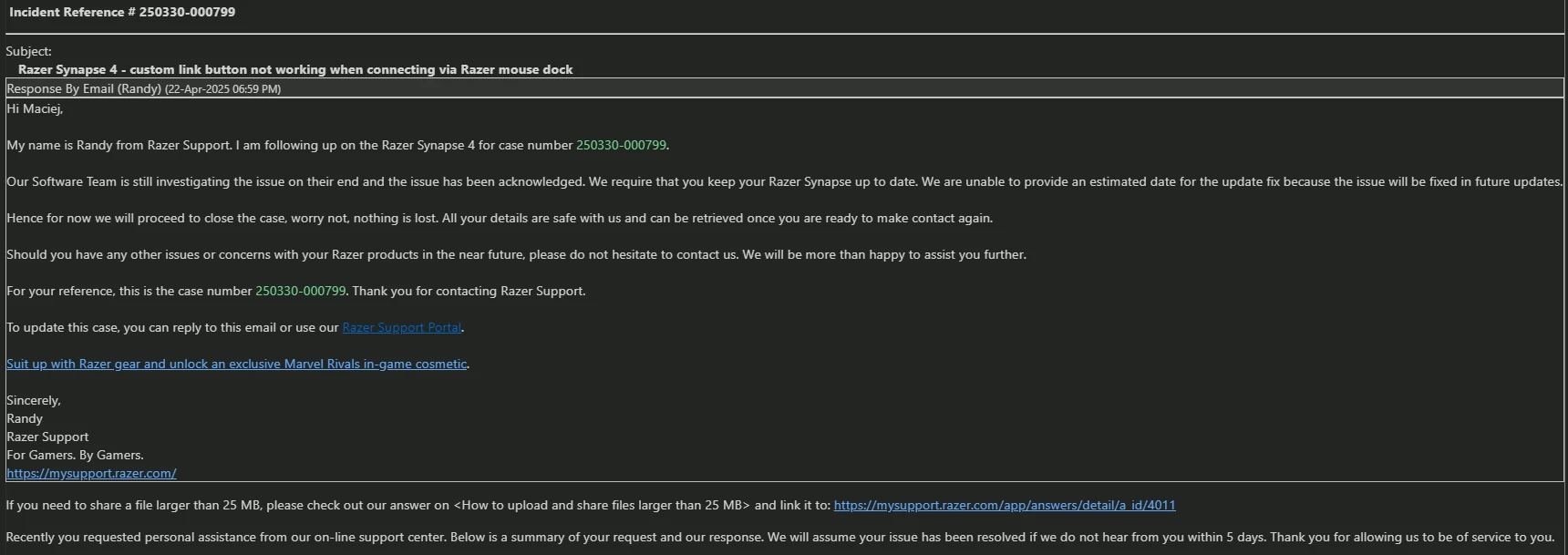
I am experiencing an issue with my Razer Basilisk V3 Pro where the scroll wheel tilt left/right remapping to keyboard arrow keys (← / →) works fine in the following cases:
Wired mode + Synapse 4 → Works
2.4GHz dongle + Synapse 4 → Works
However, the problem occurs only when the mouse is connected via the Razer Mouse Dock Pro. In this mode:
Scroll wheel tilt left/right always defaults to horizontal scroll actions, regardless of what I set in Synapse 4.
Even if I disable the tilt function in Synapse, restart Synapse, and then remap to keyboard arrow keys, the tilt still outputs horizontal scroll events instead of the desired key presses.
This happens both in Standard and Hypershift modes.
It seems like something is overriding or ignoring the mouse's onboard configuration and forcing the default horizontal scroll mapping.
Steps to reproduce:
1. Connect Basilisk V3 Pro via Razer Mouse Dock Pro.
2. In Synapse 4, remap tilt left/right to keyboard arrow keys (← / →).
3. Test in a text editor or browser – the tilt still triggers horizontal scroll instead of the remapped keys.
Additional Notes:
Firmware of both the mouse and dock are up-to-date.
The issue does not occur when using the original 2.4GHz dongle or wired mode.
This makes it impossible to use custom tilt bindings when connected via the Razer Mouse Dock Pro.
Expected behavior:
The tilt left/right should respect the remapping set in Synapse 4 (or the onboard memory), even when connected through the Razer Mouse Dock Pro.