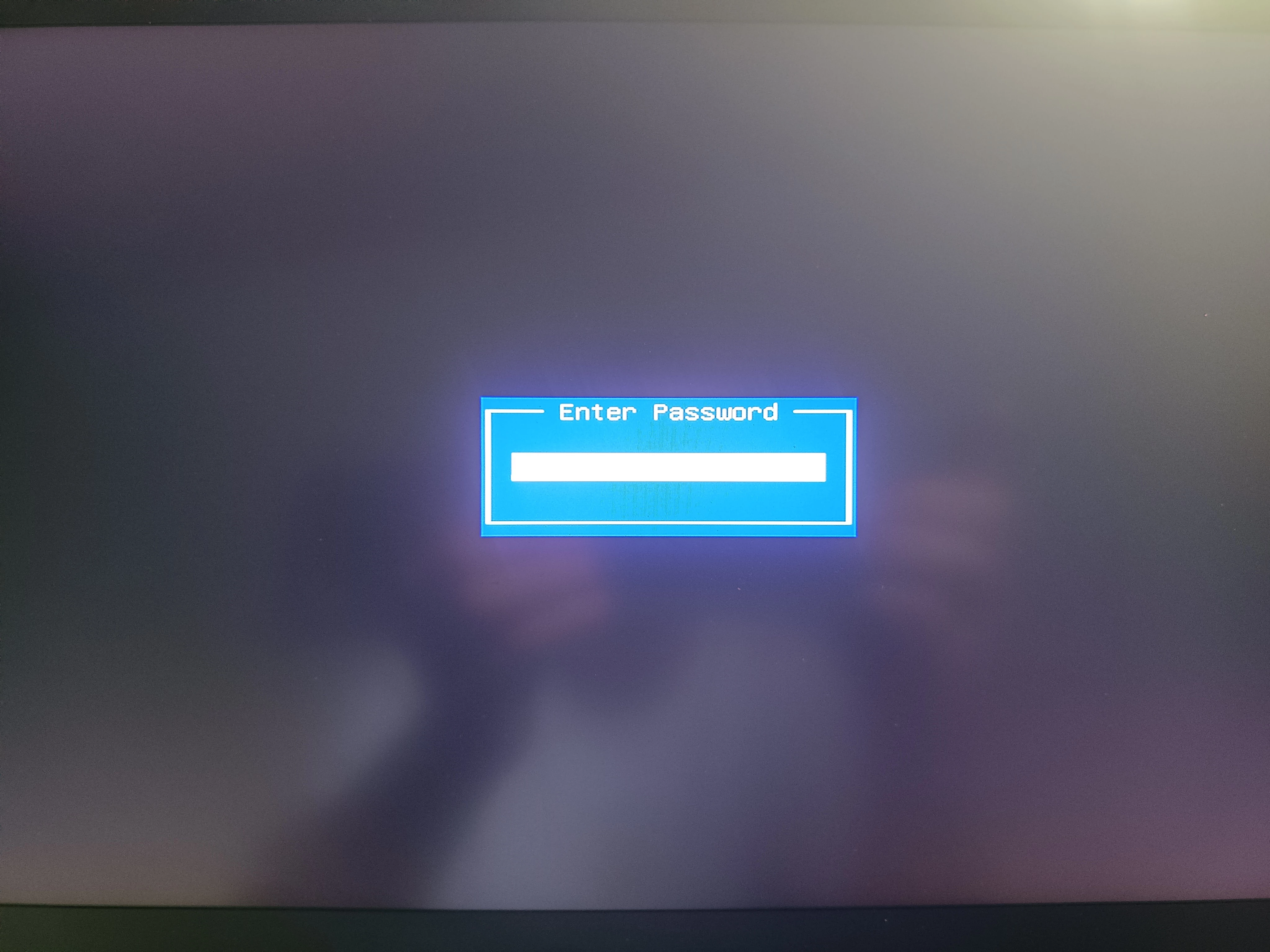
Dear Community/Razer,
I was trying to update the latest Bios 2.06 Update https://mysupport.razer.com/app/answers/detail/a_id/9729/~/razer-blade-15-%282022%29-bios-updater-%7C-rz09-0421x
Hardware: Razer Blade 15 - RZ09-0421
I updated all Windows 11 updates, like stated in the description above.
Further more my machine *had* an Bios access password, which i *cleared* by setting an empty one - BIG MISTAKE!
Now I can’t access the bios and I can’t update to the newest Bios 2.06
@Razer: Do you have any tool or hidden code available, or some procedure I can try to get the following:
1. resetting the password to the old one or removing it entirely *Some 10-digit code to generate a master-pass maybe?
2. Updating the BIOS through Windows 11 successfully
I sent a “BUG” Report to InsydeH2O about the issue with setting an empty password - which results in the mess described above.
I am able to boot Windows 11 and Linux *2 SSDs but no matter what, I can’t pass the Update nor bypassing the Bios Password. I do understand it’s a security feature; but never-the-less it shouldn’t lock me out by using an empty password. This is clearly some issue within the BIOS software itself and should be resolved.
Any help is very,very much appreciated.
I am not sure if “replacing/flashing” the EEPROM via external hardware is the solution to this problem. Any inside information is needed to resolve this issue, thank you all very much in advance.
Below the image of the Bios access lock screen: