

Blade 15 Base 2020 ICC profile not activated
Hello,
I have Blade 15 Base version from 2020. I wanted to calibrate my display so I started searching around about it and got to know that Blade comes with it's own ICC profile called (blade.icm) which is factory calibrated. I can find it in the path C:\\Windows\\System32\\spool\\drivers\\color.
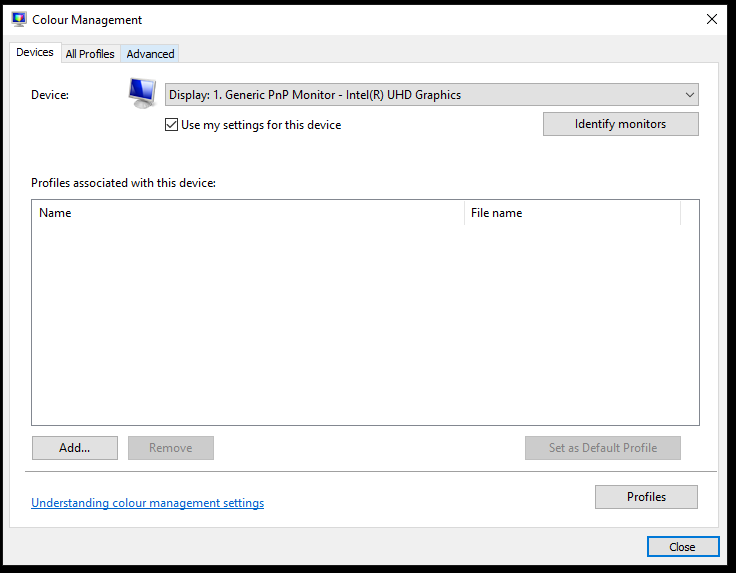
But for some reason, it is not the default profile in windows colour management. When I tried to apply it, it made my display with a weird yellow cast. Please check the image attached.
Is this normal? Or is there something wrong with this?
If the blade profile is specifically calibrated to my display, then it should not make the screen all odd. Or am I missing something here?
This topic has been closed for replies.


Sign up
Already have an account? Login
Log in with Razer ID to create new threads and earn badges.
LOG INEnter your E-mail address. We'll send you an e-mail with instructions to reset your password.