Chroma studio not detecting my Razer devices | Razer Insider
Skip to main content
Question

Chroma studio not detecting my Razer devices

  • October 17, 2023
  • 7 replies
  • 1958 views

Hello! Chroma studio is not detecting any of my 4 razer products the Razer huntsman Quartz keyboard, Razer Basilik Quartz mouse, Razer Base station Quartz and Razer blackshark v2 X Quartz
and giving me this message ,
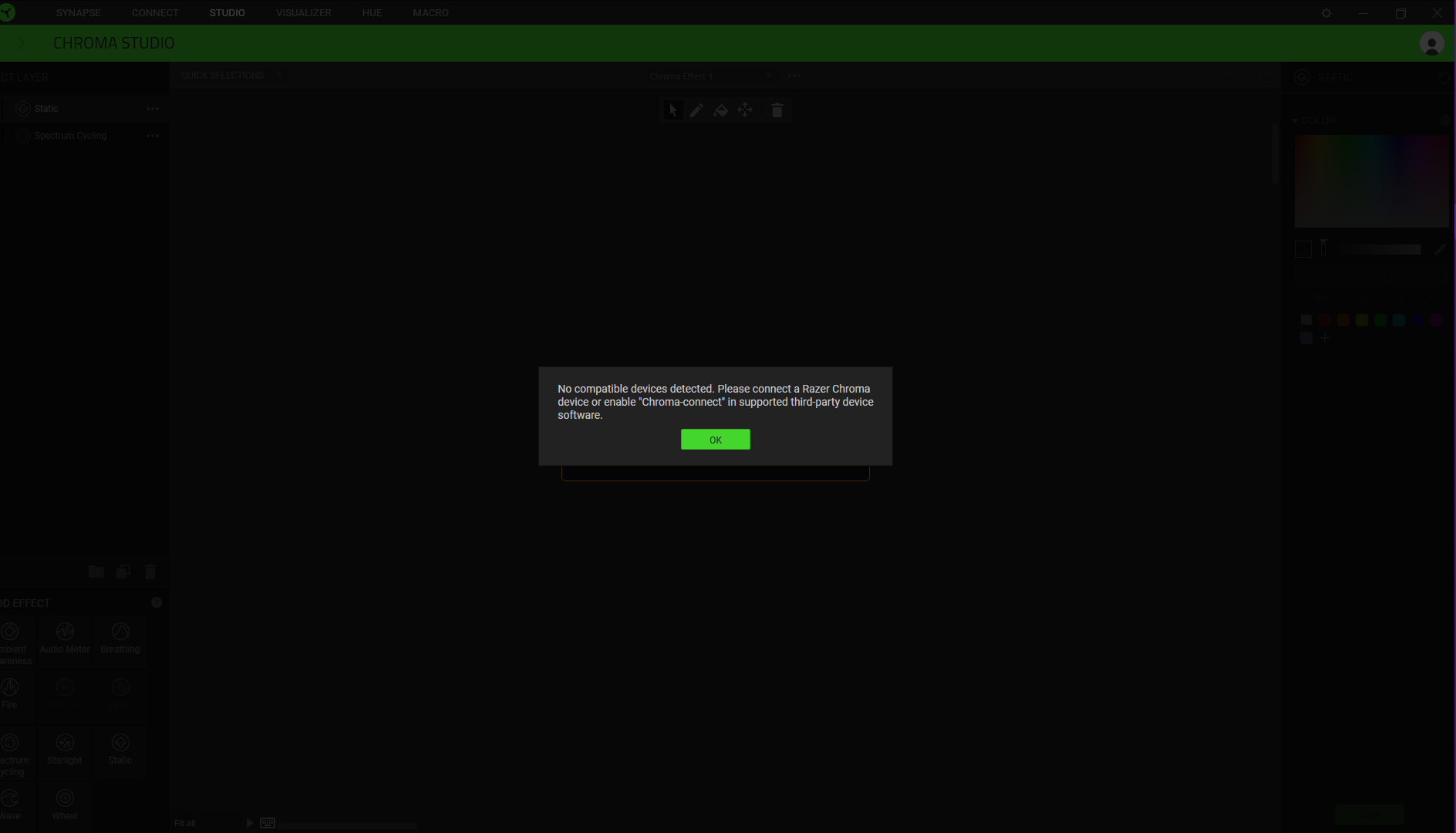
This is very weird as chroma visulizer works but studio doesnt.  I have tested on another device and only the mouse has been able to be detected by razer synapse.  Any help on how to fix this issue would be much appreciated. 

I have done a clean insrall of synapse and my drivers but the issue is still there

7 Replies

  • Author
  • November 5, 2023

still no fix for this :( …. any way to push this to the top of the thread??


MrEndomi
  • Insider Mini
  • November 5, 2023

are you on windows 11 or 10 


since windows released dynamic lighting it messed up mine too but when i turned off the windows settings it worked fine 


also try doing a repair on the synapse software 


  • Author
  • November 18, 2023

are you on windows 11 or 10 


since windows released dynamic lighting it messed up mine too but when i turned off the windows settings it worked fine 


also try doing a repair on the synapse software 


im on windows 10 


The_Edge_USMC
  • Insider Mini
  • November 25, 2023

I've had the identical prob with my Basilisk X hyper- something.  Chroma,studio, and visualizer are missing it too.

I'll try the turning off dynamic lighting in windows see what that brings out. I purchased this mouse yesterday and it's whacked today.


Did you find a solution?

I’m having the same problem with my basilisk x hyperspeed


PastelVioletSHELLfast292

I am having the same problem


I’m having the same problem and Dynamic Lighting in windows is disabled.

My Basilisk v3 mouse won’t show up in Chroma Studio but it is recognized by Synapse.