Blade 16 2024 model (RZ09-0510), purchased less than 8 months ago.
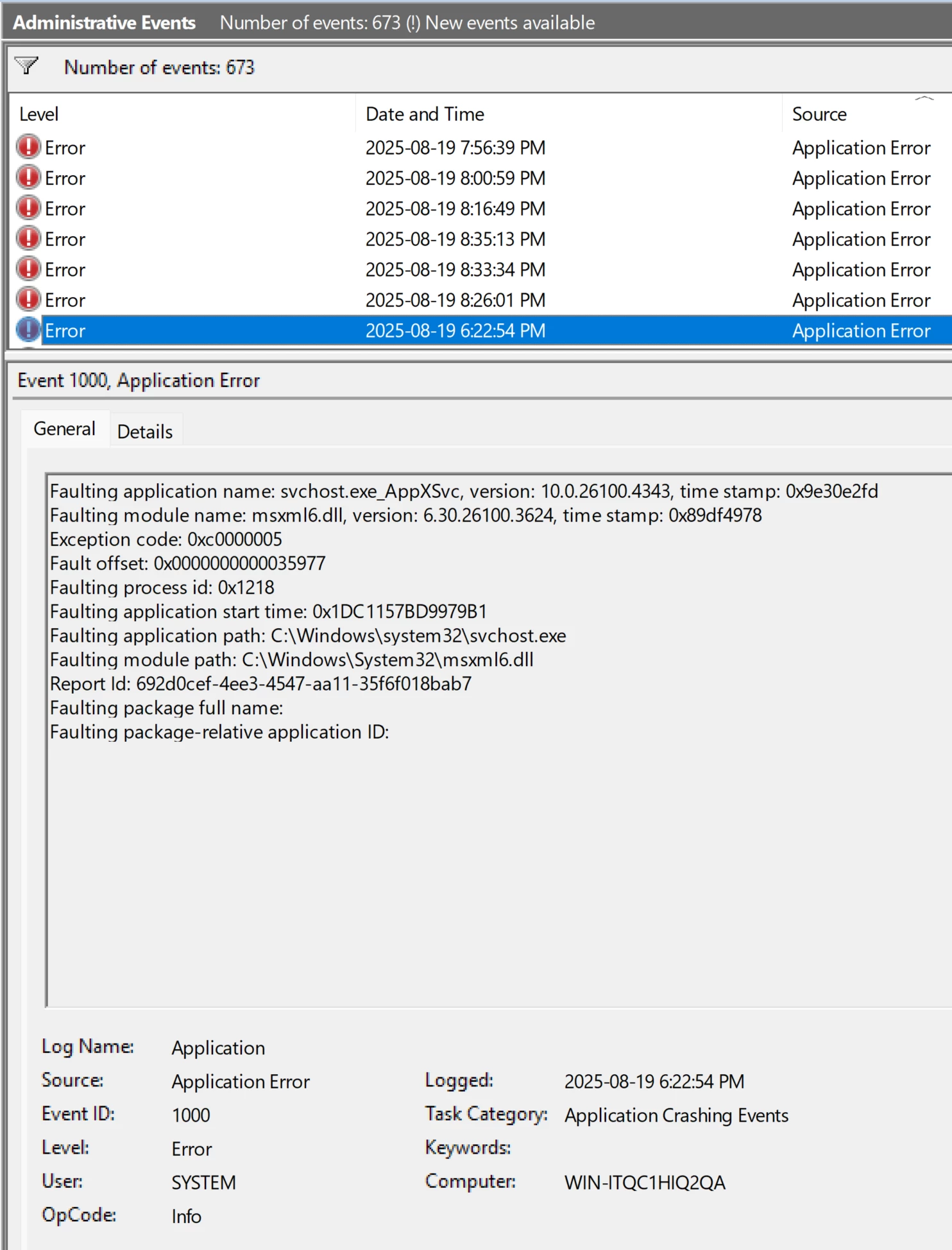
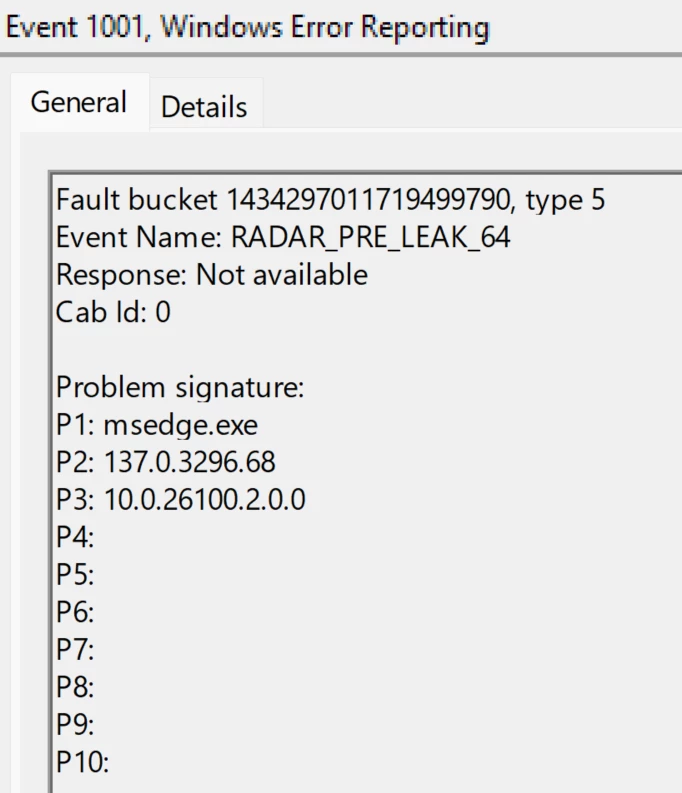
Over the last few weeks, it's become increasingly impossible to play any game (or use most applications for any length of time) because of the constant crashing. The exception codes in the Application event log are usually 0xc0000005 or 0xc0000409. Also get RADAR_PRE_LEAK_64 errors. The length of time it takes from launching a game until the crash varies - sometimes it will crash during loading, sometimes it will run fine for 20 minutes.
Fixes I have tried over the last couple of days, in no particular order (may not be an exhaustive list):
Running games on various different graphics settings (e.g. Total War Warhammer 3 on Low and Ultra)
Running older games on the integrated Intel graphics instead (crash behaviour is the same as running newer games on the 4070)
Running games on various compatibility settings (no change to crash behaviour)
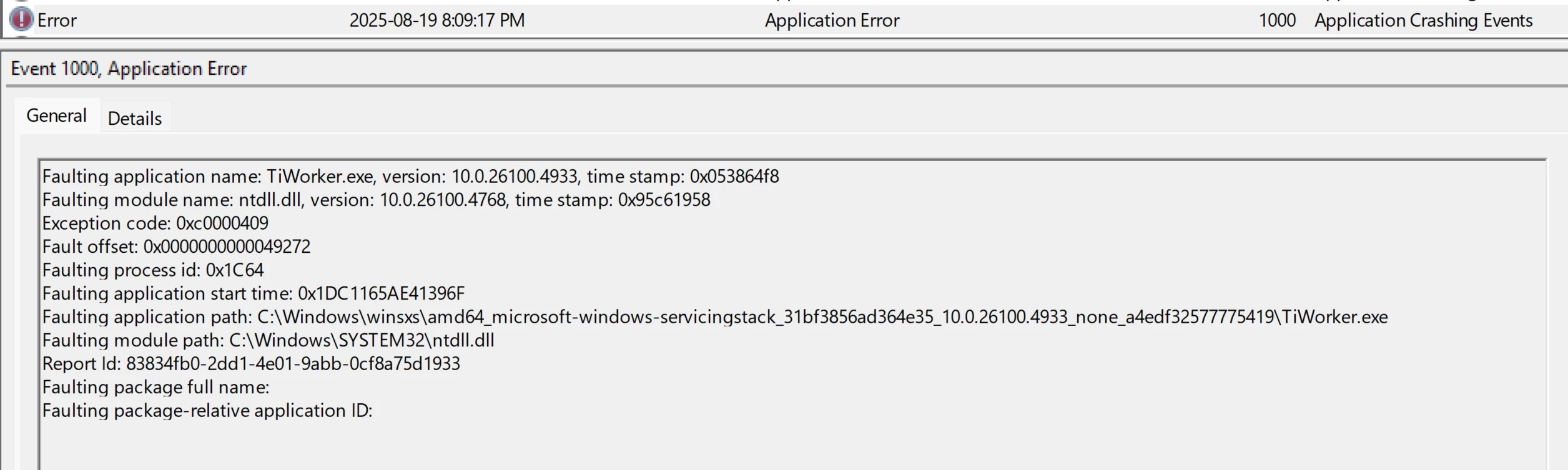
sfc /scannow (usually crashes with 409 error, as in screenshot attached)
dism /online /cleanup-image /restorehealth (usually runs clean)
chkdsk /f (including running offline scans on boot)
Safe mode boot, re-enabling drivers and services one by one (sfc would also crash in safe mode)
Disabling Razer Synapse (and other Razer apps; my event log was full of Razer Chroma errors)
Uninstalling and reinstalling Realtek drivers
Uninstalling and reinstalling Nvidia drivers, including rolling back to an older driver set
Disabling networking
Removing all USB devices
Running rkill and malwarebytes
Disabling Windows Security
Disabling Memory Integrity
Disabling DEP
Memtest86+ (Passed)
Samsung Magician (no media or write errors, SSD runs a little warm at around 60 celsius during stress test but never gets critical)
Intel processor diagnostic tool (Passed)
Windows System Reset (opted to keep my personal data; crashed during execution, going into an infinite reboot loop at 64% complete)
F9 method of factory reset (crashed badly during execution, corrupting MBR)
Clean install of Windows 11 using an USB I made with the Microsoft Media Creation Tool (had to reformat main partition to fix MBR in order to install, but kept the other pre-installed partitions)
… and still crashing if I try to do anything.
If there's anyone out there who can help, I'm kinda going nuts over here.