Category: Synapse 4 / Feature Request / Razer Mouse Dock Pro
Hi Razer Team,
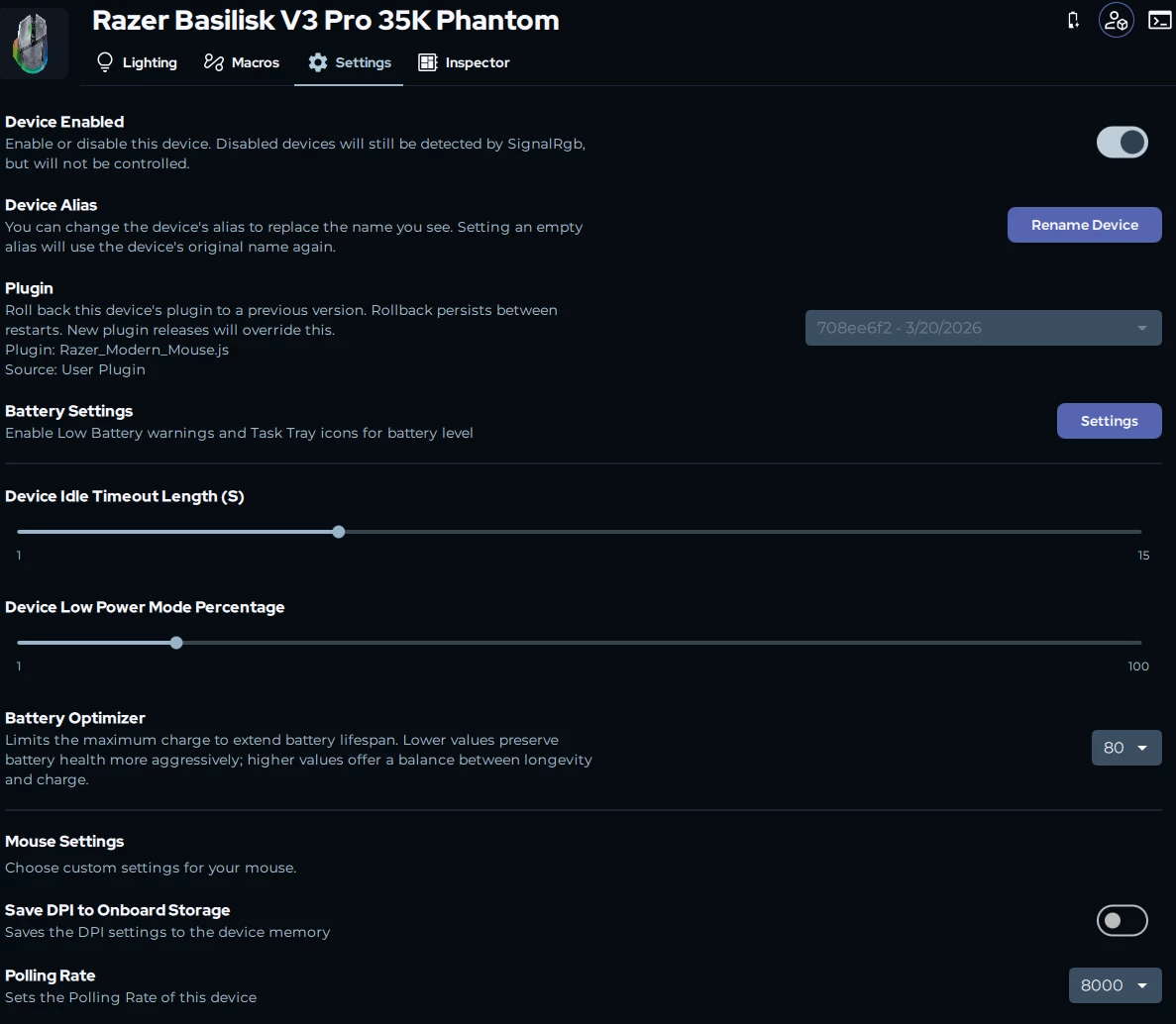
I'm a long-time Razer user and I love the Razer Mouse Dock Pro paired with my wireless mouse. However, after using it for a while, I've noticed a design issue that I believe could be improved to better protect battery health and give users more control.
The Problem
Currently, whenever I place the mouse on the Razer Mouse Dock Pro, charging starts automatically, regardless of the current battery level. This means even if the mouse is already at 90%+ charge, placing it on the dock triggers another charging cycle.
For lithium-ion batteries, frequent top-up charging from high levels (e.g., 90% → 100%) is not ideal for long-term battery lifespan. Many users (myself included) prefer to keep the battery within a healthy range (e.g., 30%–80%) rather than always topping it up to 100%.
Proposed Solution
I would like to request one or both of the following features in Razer Synapse 4 for the Razer Mouse Dock Pro:
Option 1 — Manual Charging Toggle: A simple on/off switch in Synapse 4 that lets users manually enable or disable charging when the mouse is placed on the dock.
Option 2 — Custom Battery Percentage Thresholds (Preferred): Allow users to set their own charging thresholds:
- Lower threshold: Charging starts automatically when battery drops below this percentage (e.g., 30%).
- Upper threshold: Charging stops automatically when battery reaches this percentage (e.g., 80%).
Example Use Case
With custom thresholds set to 30% (lower) / 80% (upper):
- Mouse at 25% → placed on dock → charging starts ✅
- Mouse at 50% → placed on dock → no charging (already above lower threshold) ✅
- Mouse at 95% → placed on dock → no charging (already above lower threshold) ✅
- Mouse charging reaches 80% → charging stops automatically ✅
This gives users full control over their charging behavior and helps extend the battery's lifespan.
Why This Matters
- Battery health: Reduces unnecessary high-level top-up cycles.
- User control: Different users have different preferences — some want 100% always, others want 80% max.
- Industry standard: Many premium wireless devices (laptops, phones, earbuds) already offer custom charging thresholds or "battery saver" modes. Razer can and should match this.
This is a software-only feature — no hardware changes needed. It would make the Razer Mouse Dock Pro significantly more flexible and user-friendly.
Please consider adding this in a future Synapse 4 update. Thank you!