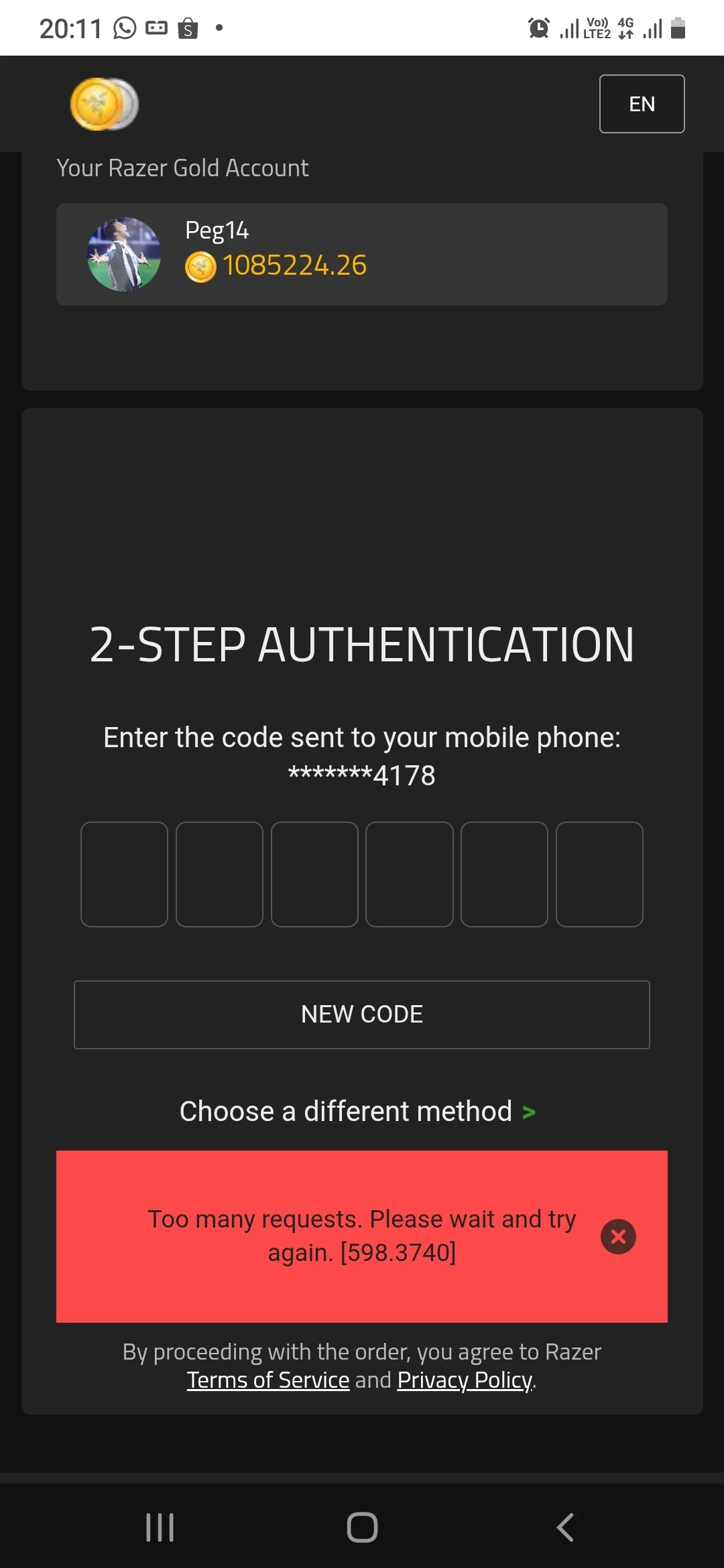
I’m sorry you’re having trouble with your OTP and buying Razer Gold. Let’s try a few quick steps that usually fix this kind of issue. After trying them, please wait about 15 minutes before you try again:
Make sure your phone has a stable internet connection (Wi‑Fi or mobile data). If you can, briefly toggle Airplane Mode on and off or restart your router/connection.
Restart the device you’re using to receive the OTP and to make the purchase.
Log out of your Razer Gold account, then sign back in.
Clear your browser history, cache, and cookies.
Open a private/incognito window in your browser and try the purchase again from there.
If it still doesn’t work after that, our Razer Gold Support team will need to reset your account’s OTP on their end. You can Submit a Ticket or chat with customer service via Live Chat by clicking the green chat button at the bottom right. When you reach out, it helps to include the following details so they can assist you faster:
Registered email:
Razer ID:
First name:
Last name:
Birthdate:
Mobile phone number:
Billing address:
Once you’ve submitted a ticket, please share your ticket number via PM and I’ll flag it to the team so we can help follow up on your case. Have a good one!