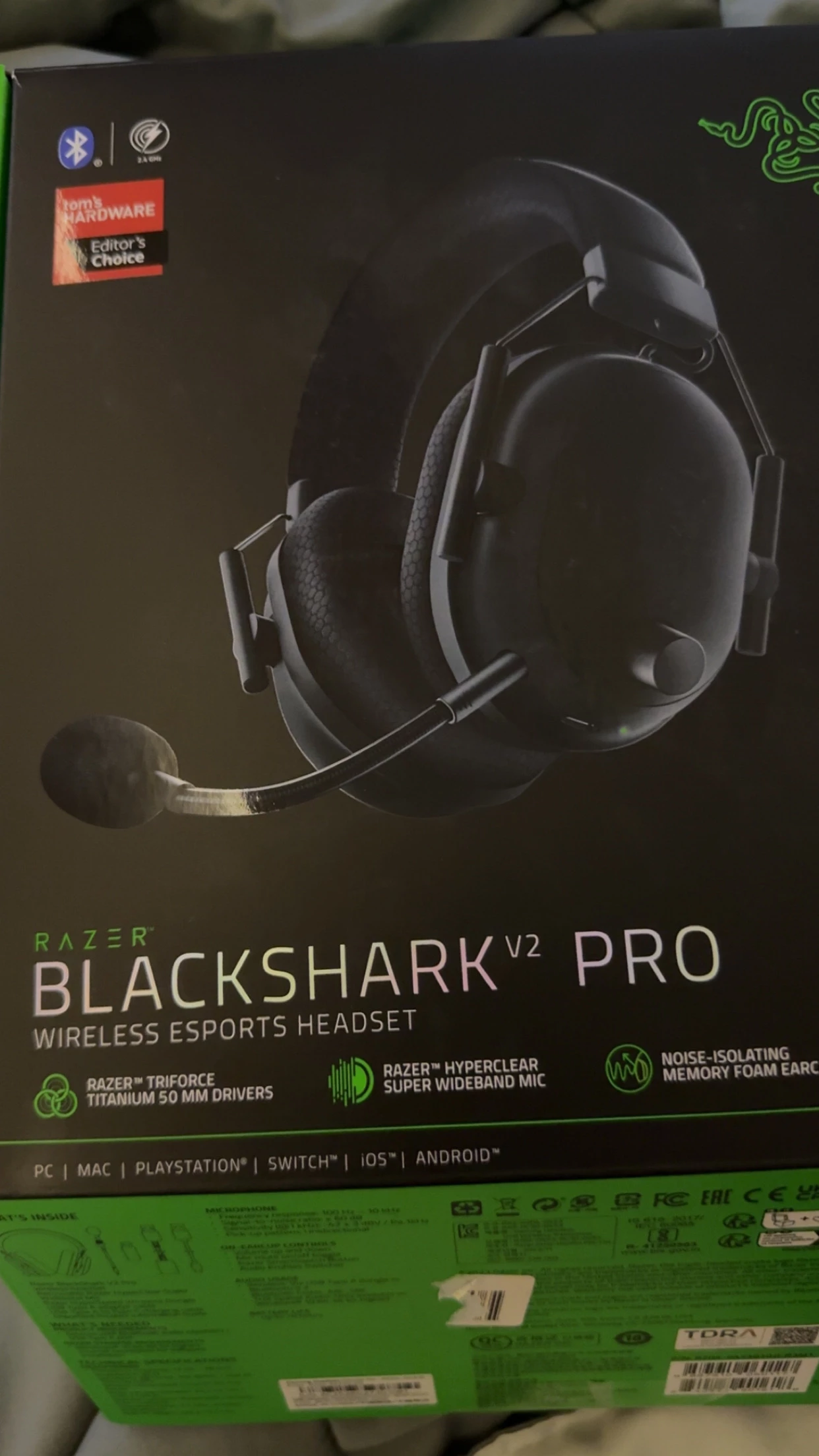
Thanks for reaching out about the issue with your Razer BlackShark V2 Pro. To assist you better, could you please provide more details about the problem and any steps you've already tried? Also, help me answer the following questions below so we can isolate the problem.
Are your headphones powered on and successfully connected to your device via Bluetooth? What type of device are you using (e.g., smartphone, tablet, computer) and its operating system?
Which app are you using to adjust the audio settings? Is the app up-to-date with the latest version?
Have you encountered any error messages or notifications while trying to locate or connect your headphones in the app?
Have you been able to adjust the audio settings with these headphones before, or is this a new issue?
Have you attempted any preliminary troubleshooting steps, such as restarting your device, re-pairing the headphones, or checking app permissions?
Please try the steps below to that may help you resolve the problem.
1. Confirm that your headset is charged, powered on, and paired correctly with your device. 2. Verify that the app has the necessary permissions to access Bluetooth and manage audio settings by checking your device's settings. 3. Ensure the app is updated to the latest version to include all necessary features and bug fixes. 4. Restart both your headset and the device you’re using to potentially resolve connection issues. 5. Remove the headphones from your device’s paired list and re-pair them.
Feel free to PM me with your device’s serial number if you need further help.. Take care and all the best!