Installed Synapse 4 and lost keymaps on Tartarus V2, Help?? | Razer Insider
Skip to main content
Question

Installed Synapse 4 and lost keymaps on Tartarus V2, Help??

  • January 12, 2025
  • 7 replies
  • 462 views

I installed Synapse 4 a couple days ago and I just logged in to my game and my keymap was non-existent, I can see it, but it is greyed out.  I’m really frustrated because I didn’t realize it until I had already engaged in a dungeon that is timed and nothing was working properly, then it wanted me to restart my system multiple times, but in the end, I still don’t have access to my keymap.  It only allows me to remap or add, which I ended up doing, but I have multiple keymaps I would like to not have to completely rebind everything.

7 Replies

  • Insider Mini
  • January 15, 2025

Same issue on all of my Razer products.  Color light changes and profile appears active but the key mappings just don't work 


  • Insider Mini
  • May 26, 2025

Ok after some troubleshooting on my own, here’s what I did to fix the problem. Initially I installed Razer Synapse 4, and could obviously not get any of the keybindings to save in keymapping. I uninstalled the Synapse 4 and went to https://www.razer.com/synapse-3-legacy to download the older Synapse 3. I tried doing the keybinding and it worked. So essentially I’m going to say that they are false advertising when they state that Synapse 4 is backwards compatible with Synapse 3 devices, at least in the case of the Tartarus V2 and Tartarus Pro. Keymapping simply does not work on this device under Synapse 4. Razer really needs to address this issue.


Same.  Had to rollback to Synapse 3.  Sure hope they get somebody busy working on this issue.


SoTexBikerTrash

Having the same/similar issue. When I install Synapse 4 and set my binds up, when I set a key to switch keymaps, it won’t change and both keymap lights stay on. Funny thing is, it didn’t start doing this until I purchased and installed the Barracuda X Chroma headphones. Rolled back to Synapse 3, and all keymaps work as they should.


MiloCamilo
  • Insider Mini
  • July 30, 2025

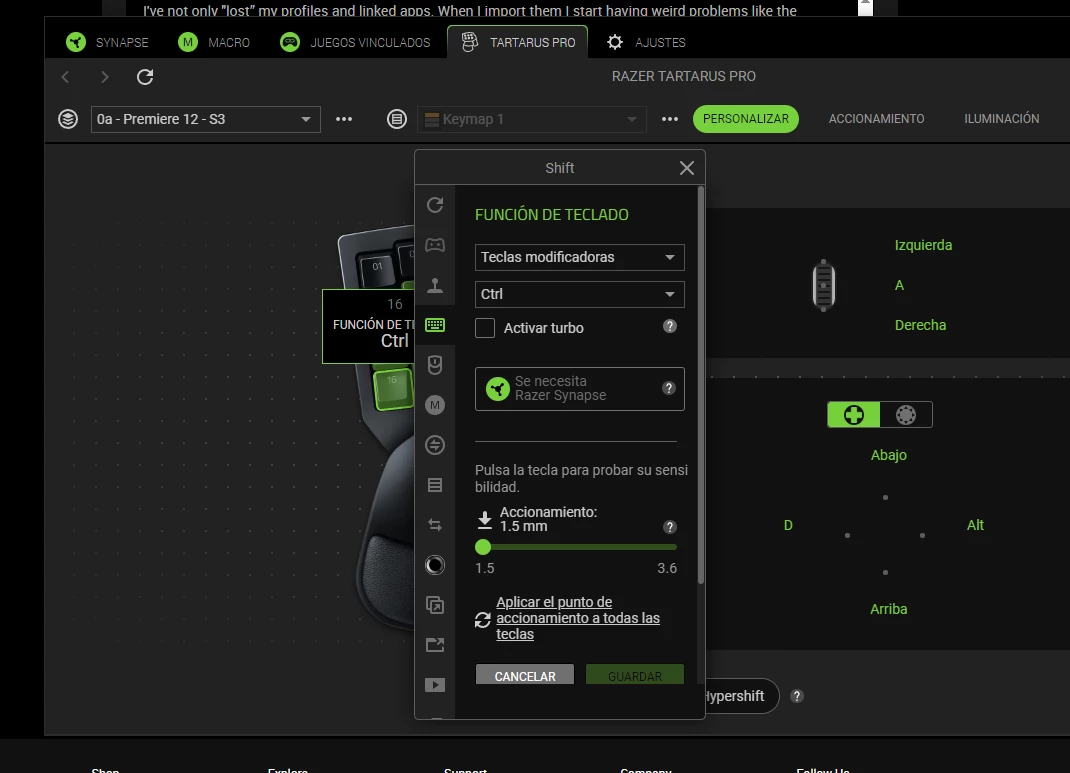
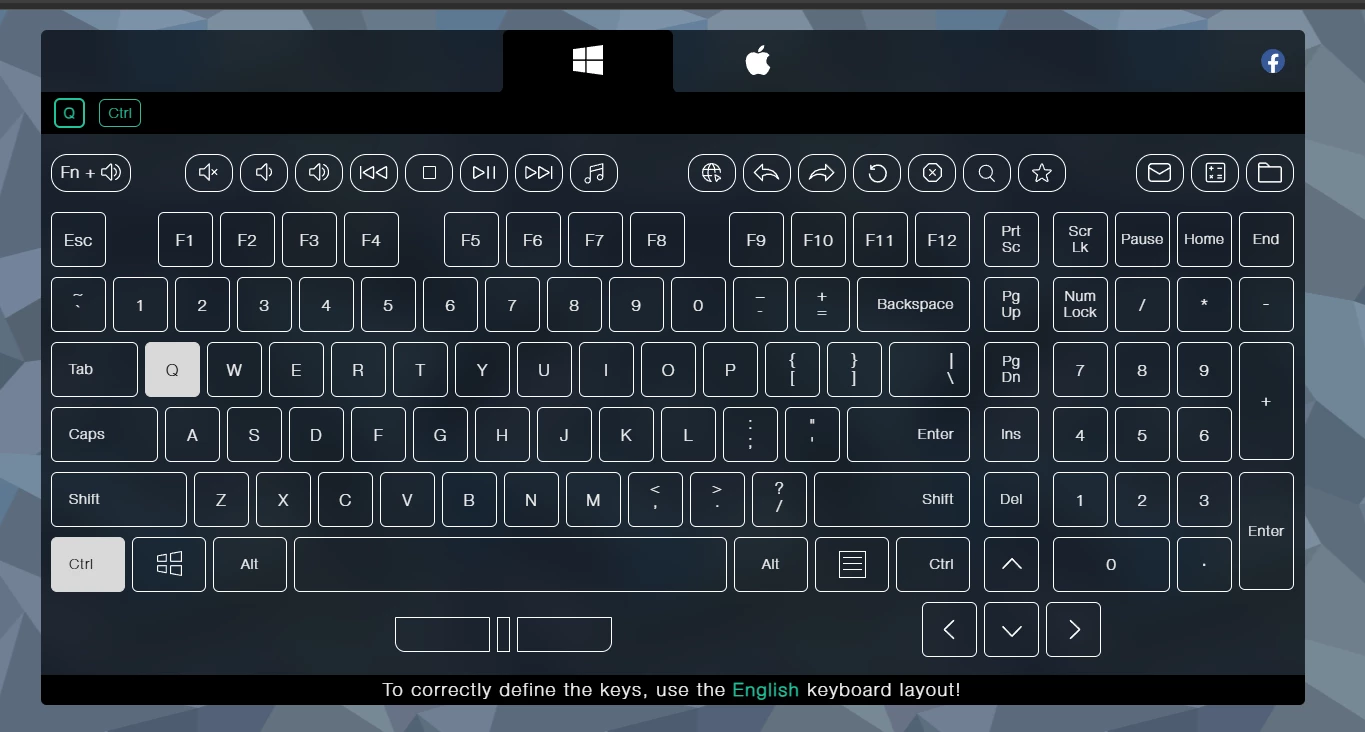
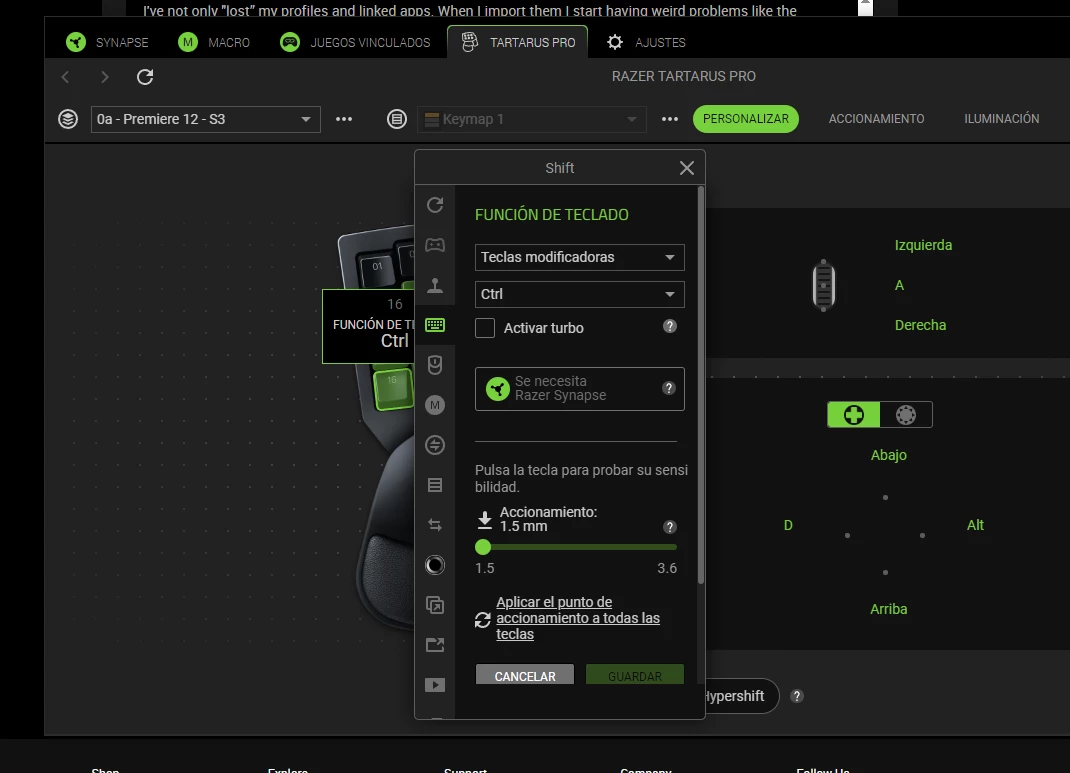
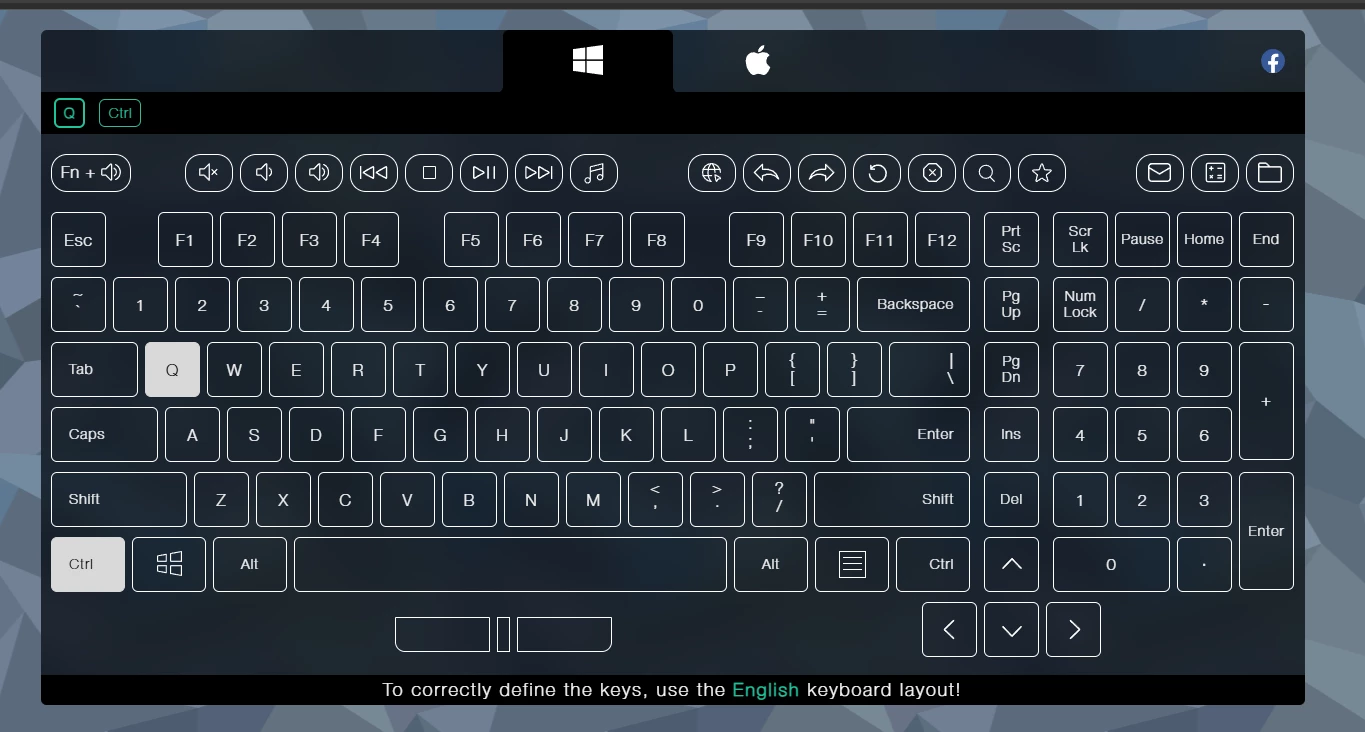
I've not only "lost” my profiles and linked apps. When I import them I start having weird problems like the mapping I see in Synapse doesn't corresponde with the mapping the pc detects. I'm so fucking mad about this bullshit platform. I've had the tartarus V2 since 2022 NOT ONCE have i made it work as it should. Razer why the actual fuck do you make shit so complicated and useless? How can I map the ctrl key to my #16 AND HAVE IT DISPLAY CTRL+Q???!!!


MiloCamilo
  • Insider Mini
  • July 30, 2025

I've not only "lost” my profiles and linked apps. When I import them I start having weird problems like the mapping I see in Synapse doesn't corresponde with the mapping the pc detects. I'm so mad about this platform. I've had the tartarus V2 since 2022 NOT ONCE have i made it work as it should. Razer why do you make it so complicated and useless? How can I map the ctrl key to my #16 AND HAVE IT DISPLAY CTRL+Q???!!!


  • Insider Mini
  • August 22, 2025

I cant even get Razer Synapse 4 to detect my Razer Tartarus Pro at all it just shows my keyboard and mouse. this is really annoying.