

Invalid activation code sent to the e-mail | Razer Insider
Skip to main content

Invalid activation code sent to the e-mail

  • December 10, 2024
  • 1 reply
  • 45 views

firstQueenBluebuzz557


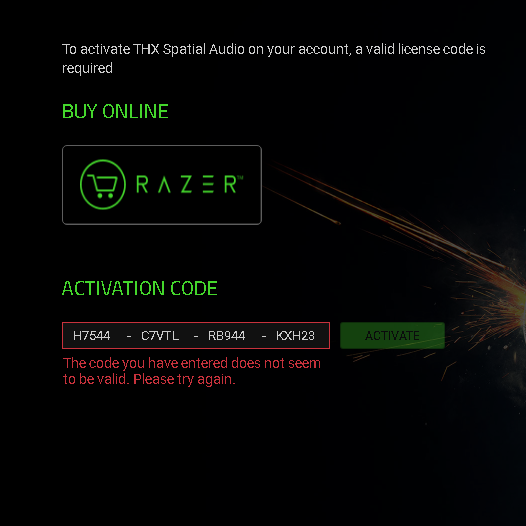
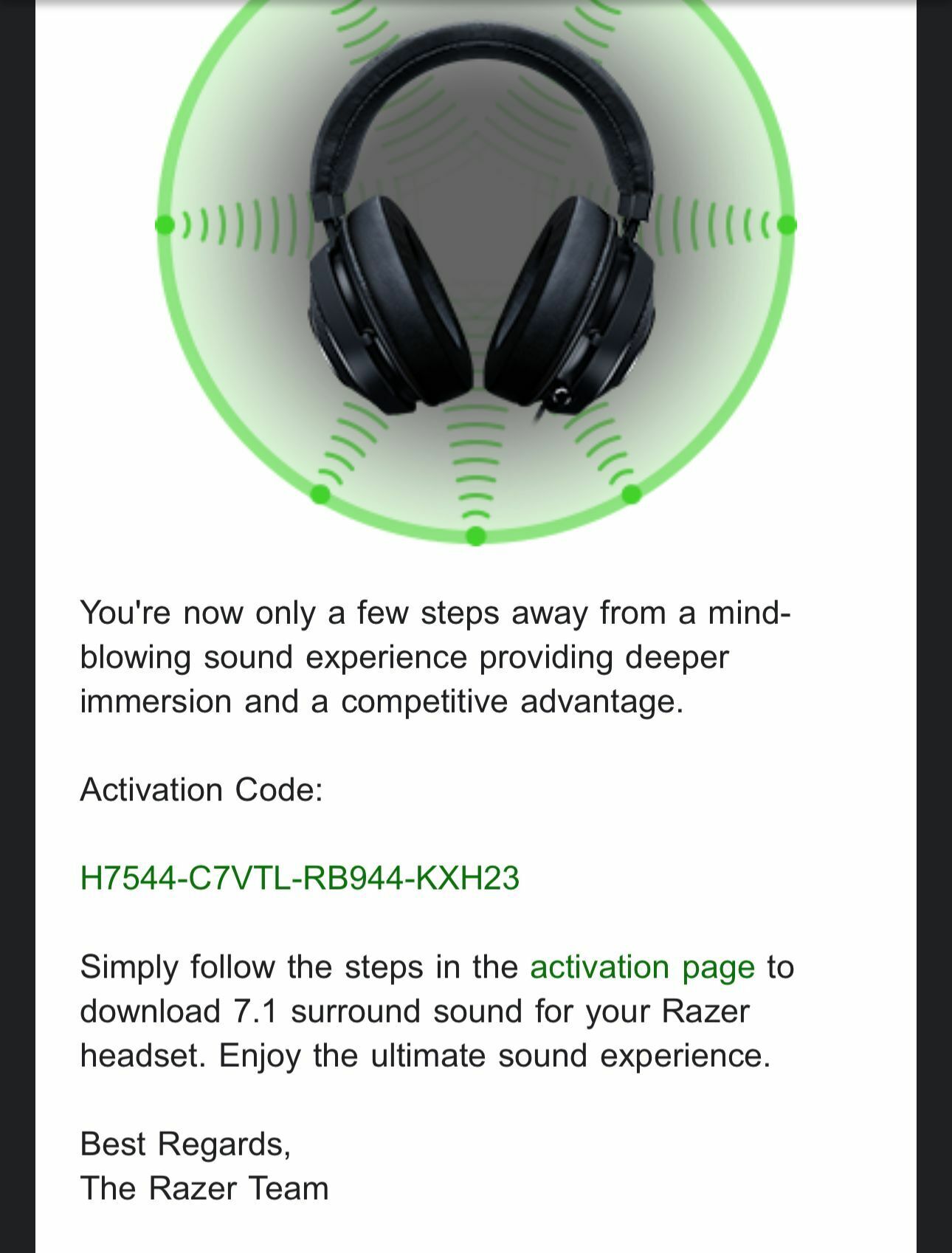
I'm grateful to those who tried to help. I researched and know how to get the code and the activation steps. The problem is that the incoming code is invalid and I need to get a valid activation code for the next step. I hope I was able to explain my problem.



This topic has been closed for replies.

1 Reply

Razer.sushi.boi

Hi there, ​@firstQueenBluebuzz557!


The THX Spatial Audio is different from the 7.1 Surround Sound. They are entirely different. You need the 7.1 Surround Sound software for this one. Please follow the steps below:

- Download the 7.1 Surround Sound software. (Click the green hyperlink on the left)
- Run the 7.1 Surround Sound installer.
- Click “INSTALL”.
- Launch the 7.1 Surround Sound app when the installation is completed.
- Log in with your Razer ID.
- Enter the activation code that came with your purchase.
- Click “ACTIVATE”.


If that didn’t work, then shoot me a PM along with your headset’s serial number so I can validate it and the code.


*Thread locked to curb conversation to PM.

