Hi,
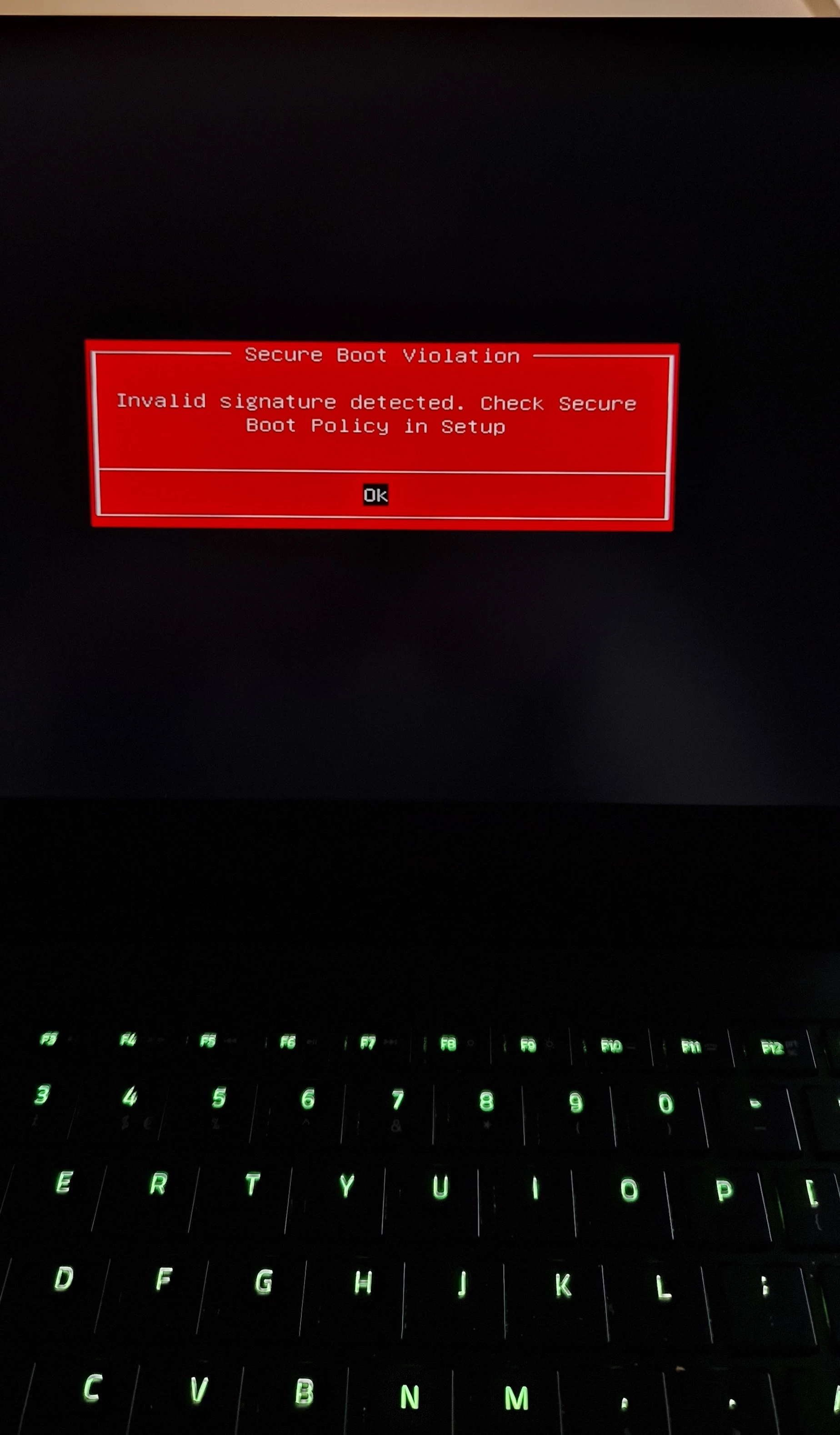
I own a Razer Blade 15 Advanced Model (2018) and have been experiencing a "Secure Boot Violation" BIOS error after a recent update.
I attempted the USB recovery method suggested on the forums, but the folder referenced in the instructions does not exist on my system.
While troubleshooting, I accidentally selected the OS Recovery option, which restored the laptop to its factory settings. To boot into Windows, I had to disable Secure Boot in the BIOS.
The system is now running an older version of Windows, and I am unable to install some applications because they require a newer Windows version. Additionally, Windows Update is not allowing me to upgrade to the latest version.
I suspect the Secure Boot violation issue may be preventing the Windows update from completing successfully.
Could you please help me resolve the Secure Boot error and update my system to the latest version of Windows?
Thank you.