Hello Razer Support,
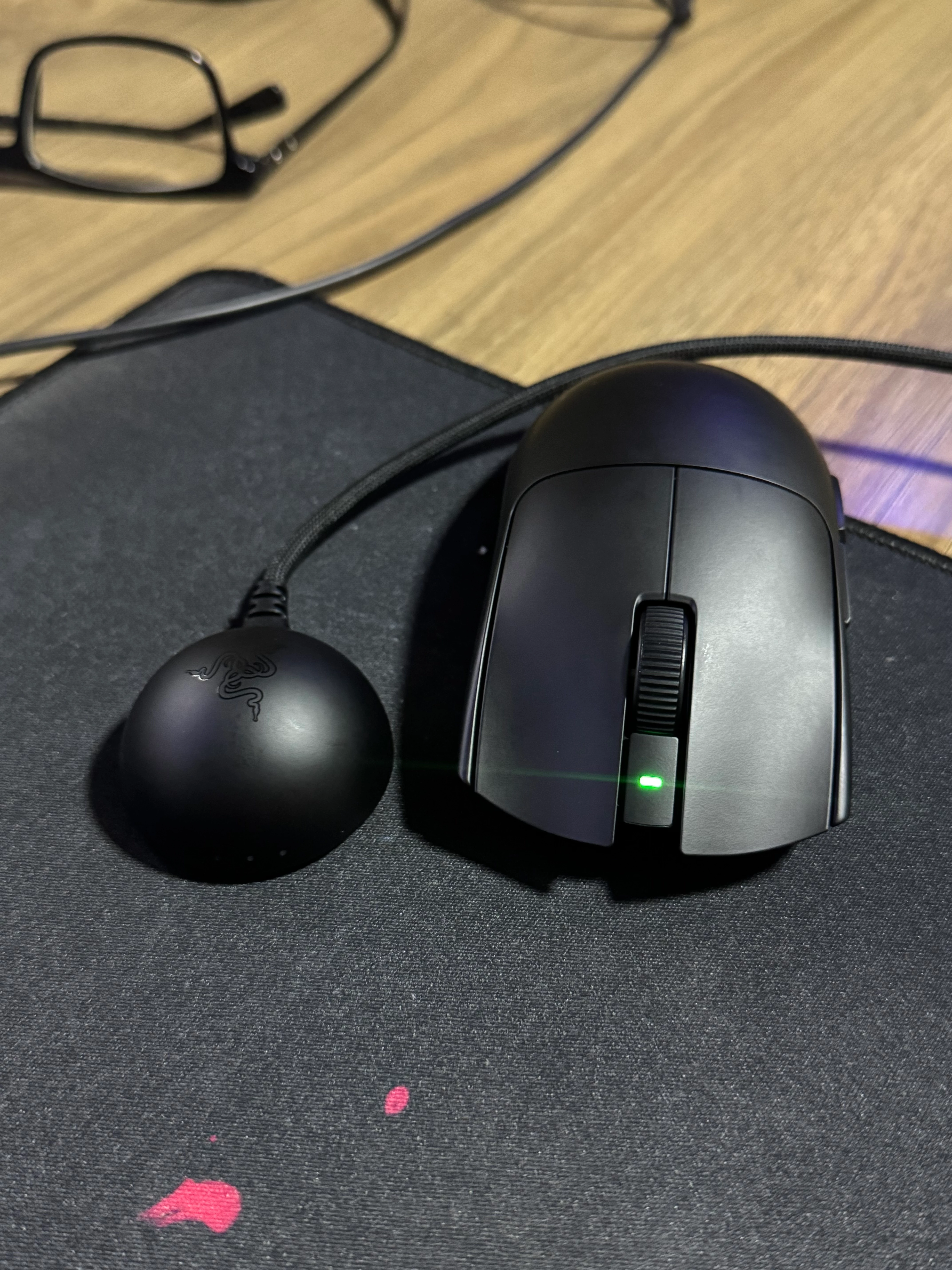
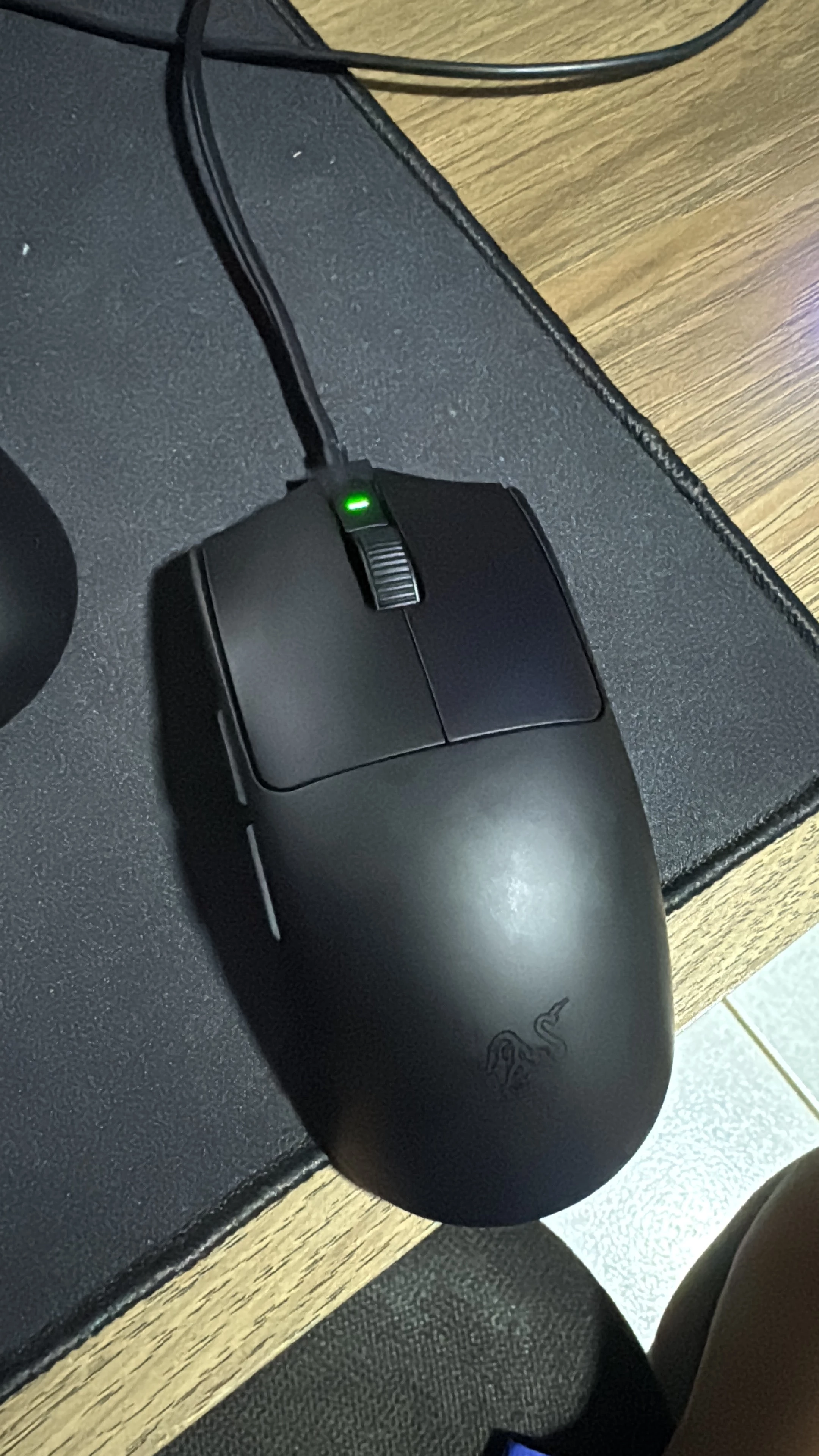
I purchased a Razer Viper V4 Pro less than a month ago, and it had been working perfectly normally until today.
Today, when I turned on my computer and connected the mouse, I noticed that the mouse lights do not turn on and the device does not connect.
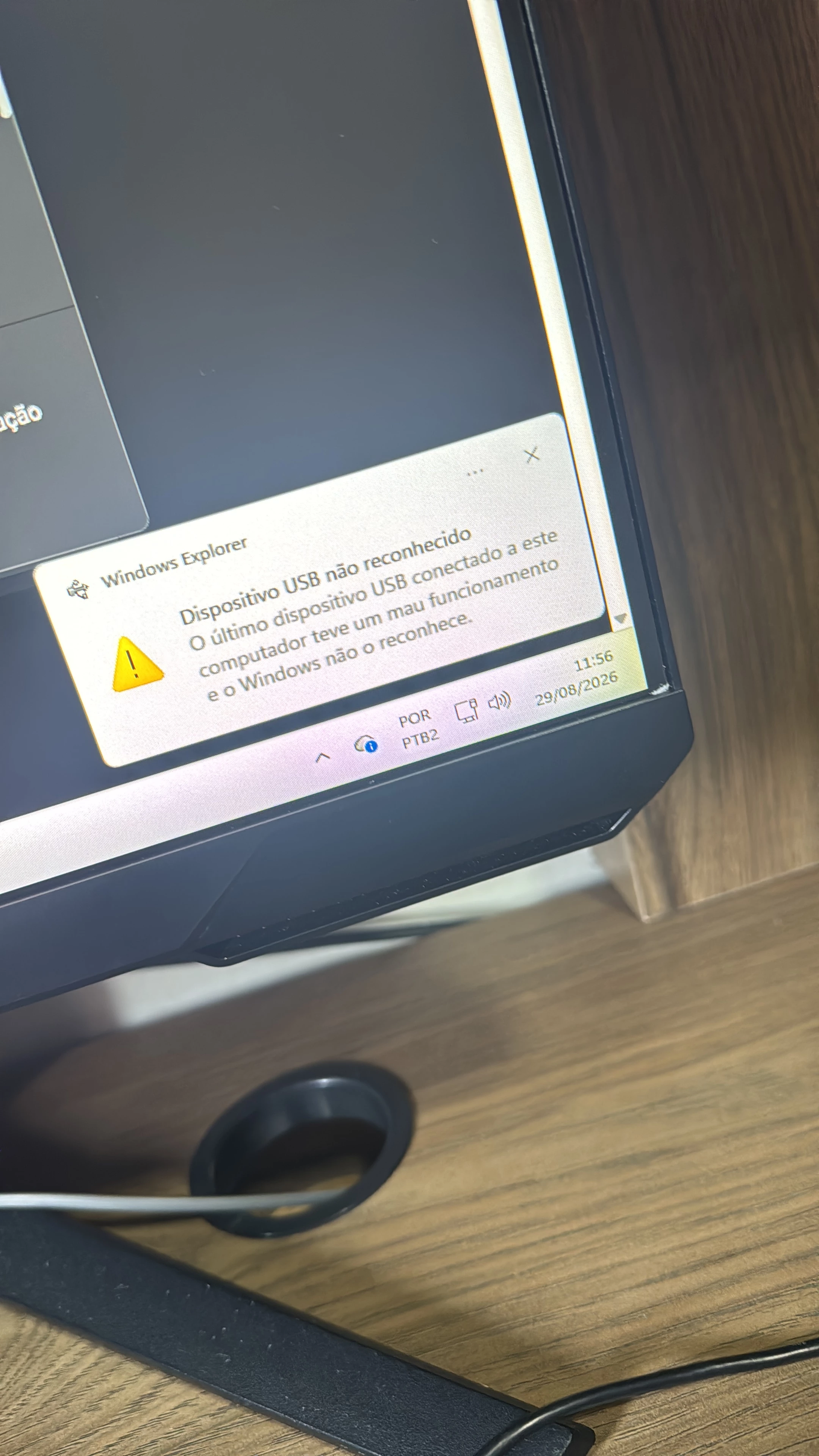
Windows displays the following error message:
“USB device not recognized. The last USB device connected to this computer malfunctioned, and Windows does not recognize it.”
I have already tried:
- Reconnecting the mouse using the original Razer USB cable.
- Trying different USB ports.
- Restarting the computer.
- Connecting the mouse to another computer.
Unfortunately, the same problem occurs on the other computer as well. The mouse is still not recognized, and the lights do not turn on.
Since the mouse is less than a month old and was working perfectly until today, I would like your assistance in determining what is causing this issue and, if necessary, arranging a replacement or warranty service.
I can provide photos, videos, proof of purchase, or any other information you may need.
OBS : Im from Brazil
Thank you for your assistance