Naga V3 Pro and Dock Battery Level not Updating | Razer Insider
Skip to main content
Question

Naga V3 Pro and Dock Battery Level not Updating

  • August 28, 2026
  • 8 replies
  • 84 views

EvilTwinTepe

Just paired up my V3 Pro with my Dock Pro about a week ago. I’ve noticed the battery level does not update properly. I saw another thread that shows an updated pairing utility, but that seems to be spicific to the USB dongle - which I am not using.

8 Replies

JackTian2021
  • Insider Mini
  • August 28, 2026

I have been testing for more than a week and found that the battery level display is inaccurate and does not update in real time! After fully charging, within the first 20 hours of use, the battery level always shows 100%, and then the battery level begins to continuously drop, and you will notice the real-time updates of the battery percentage! During charging, the battery level does not update in real time. For example, if it showed 41% before charging, it stays at 41% throughout the charging process and even when fully charged, it still shows 41%! However, after restarting or checking after a few minutes, LeiYun 4 suddenly shows 100%. During charging, the battery percentage does not increase or change, which is very strange.

Razer Naga v3 PRO has a bug where it can’t show real-time battery level! | Razer Insider


EvilTwinTepe
  • Author
  • Insider Mini
  • August 28, 2026

Your post is what caused me to post. Definitely a bug. I swapped out to the supplied USB dongle, and used the new “pairing utility” and same results. However, my battery usage never seems to go DOWN. It just always shows 100%. I think when I bought it the mouse was at 60-something %, but now perma-100.


EvilTwinTepe
  • Author
  • Insider Mini
  • August 28, 2026

Per Support, tried completely uninstalling Synapse (used Revo to make extra sure). Rebooted. Installed Synapse, launched, rebooted. Same issue. Will try to keep this thread up to date, assuming Razer doesn’t lock it, as we get updates.


JackTian2021
  • Insider Mini
  • August 29, 2026

Per Support, tried completely uninstalling Synapse (used Revo to make extra sure). Rebooted. Installed Synapse, launched, rebooted. Same issue. Will try to keep this thread up to date, assuming Razer doesn’t lock it, as we get updates.

I'm using WIN11 Pro, and I've tried every possible method, including using the included cable to connect the mouse, using the included USB receiver to connect the mouse, reinstalling Razer Synapse 4 or the Razer Synapse 4 Beta, and Razer support even provided me with a cleanup initialization tool (DriverCleanup_22_04_2026) via email, but nothing solved the problem! 

In short, after one or two weeks of testing, I personally still think it's a firmware issue. I hope Razer can fix this problem of not showing the battery level in real time through a firmware update as soon as possible!


Lrbrownii
  • Insider
  • August 30, 2026

Per Support, tried completely uninstalling Synapse (used Revo to make extra sure). Rebooted. Installed Synapse, launched, rebooted. Same issue. Will try to keep this thread up to date, assuming Razer doesn’t lock it, as we get updates.

I'm using WIN11 Pro, and I've tried every possible method, including using the included cable to connect the mouse, using the included USB receiver to connect the mouse, reinstalling Razer Synapse 4 or the Razer Synapse 4 Beta, and Razer support even provided me with a cleanup initialization tool (DriverCleanup_22_04_2026) via email, but nothing solved the problem! 

In short, after one or two weeks of testing, I personally still think it's a firmware issue. I hope Razer can fix this problem of not showing the battery level in real time through a firmware update as soon as possible!


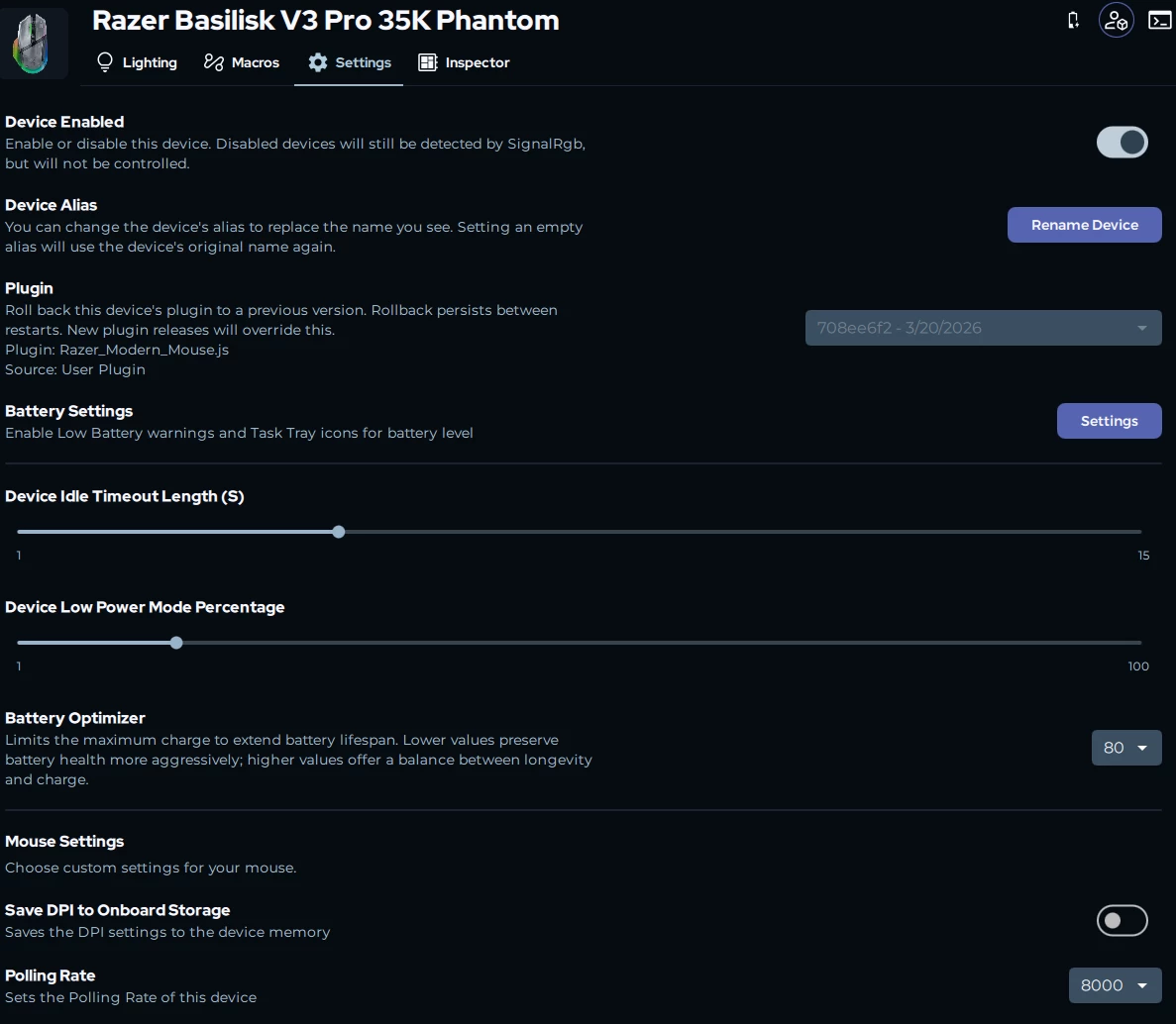
I will let you know if it's firmware. I will not be using these devices in Synapse until the Chroma Addressable RGB controller and Chroma light strip set work properly.


Lrbrownii
  • Insider
  • August 30, 2026

I just want my damn Chroma back!


Lrbrownii
  • Insider
  • August 30, 2026

Although 8k polling and hyperflux v2 battery optimizer needs to happen!


EvilTwinTepe
  • Author
  • Insider Mini
  • August 31, 2026

Well that is interesting - what app is it? Curious if you can figure out if it is S4, or FIrmware, or what!