For a few days, my laptop was giving errors when turning on and repairing problems I couldn't figure out. Today, October 20, 2025, it happened again and it kept giving an error when resetting. After some suffering, after going to the home screen with the internet already not working, the Wi-Fi simply wouldn't turn on, saying there was no internet connection, and since my 2023 Razer Blade 14 doesn't have an internet cable input, there was nothing I could do.
So I thought about restoring the laptop to factory settings. And now, when booting up, it still shows that I have no internet connection. It says I need to install a Wi-Fi internet drive.
I've already installed several on another PC, but when I insert the USB flash drive, it doesn't recognize any of the drivers I downloaded. I've already been to AMD's website, Razer's website, and even Microsoft's website. But none of them offer a working driver, or even any driver at all.
When I bought the notebook, I didn't have to download any network drivers. It was already working normally, and I've restored it several times without any problems, even on my other notebook. Only now, without any reason, the Wi-Fi stopped working.
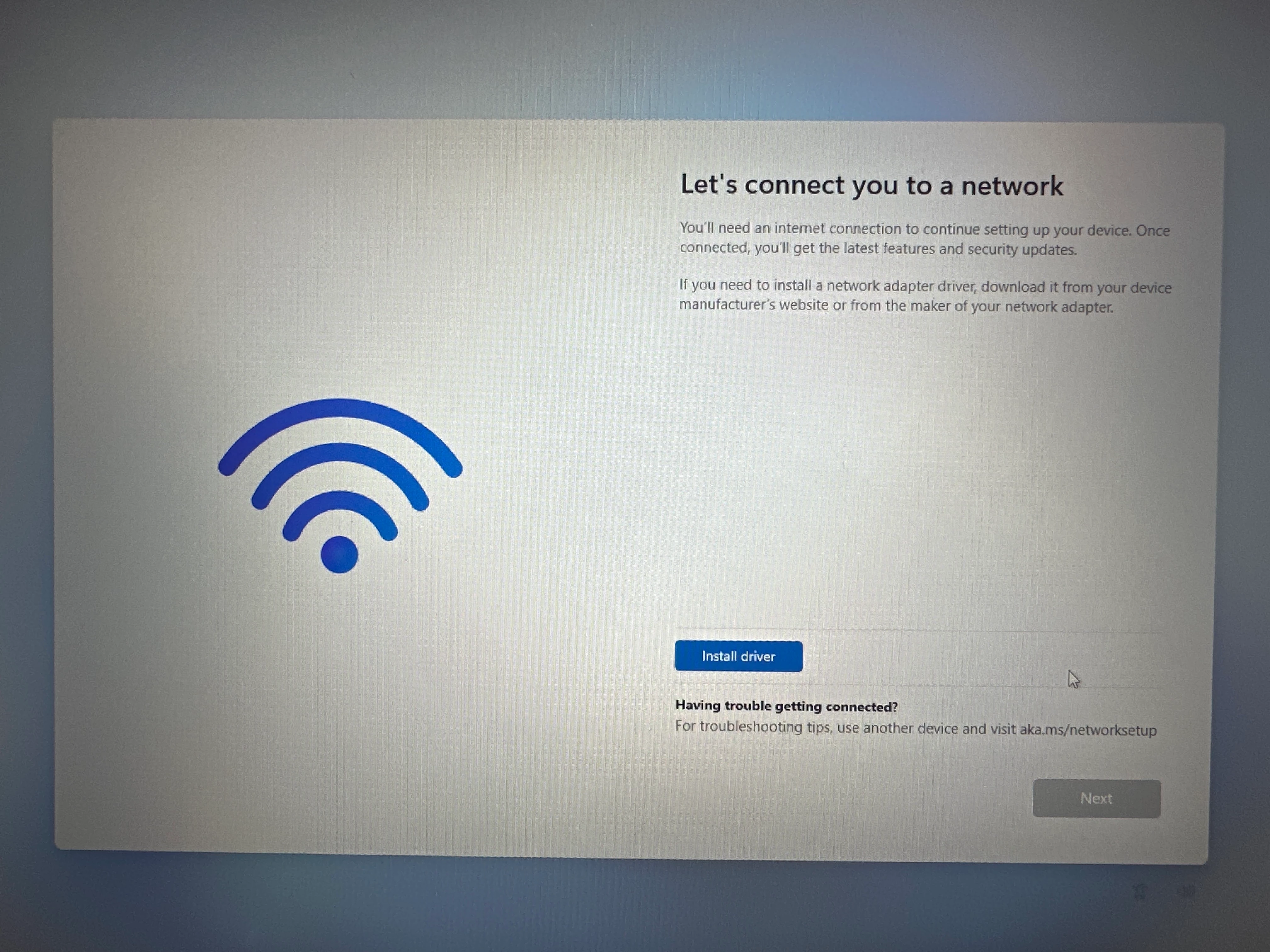
After trying to download several and searching on
every possible website, none of the drivers are recognized as useful. I JUST wanted to know which driver I should download to fix this.
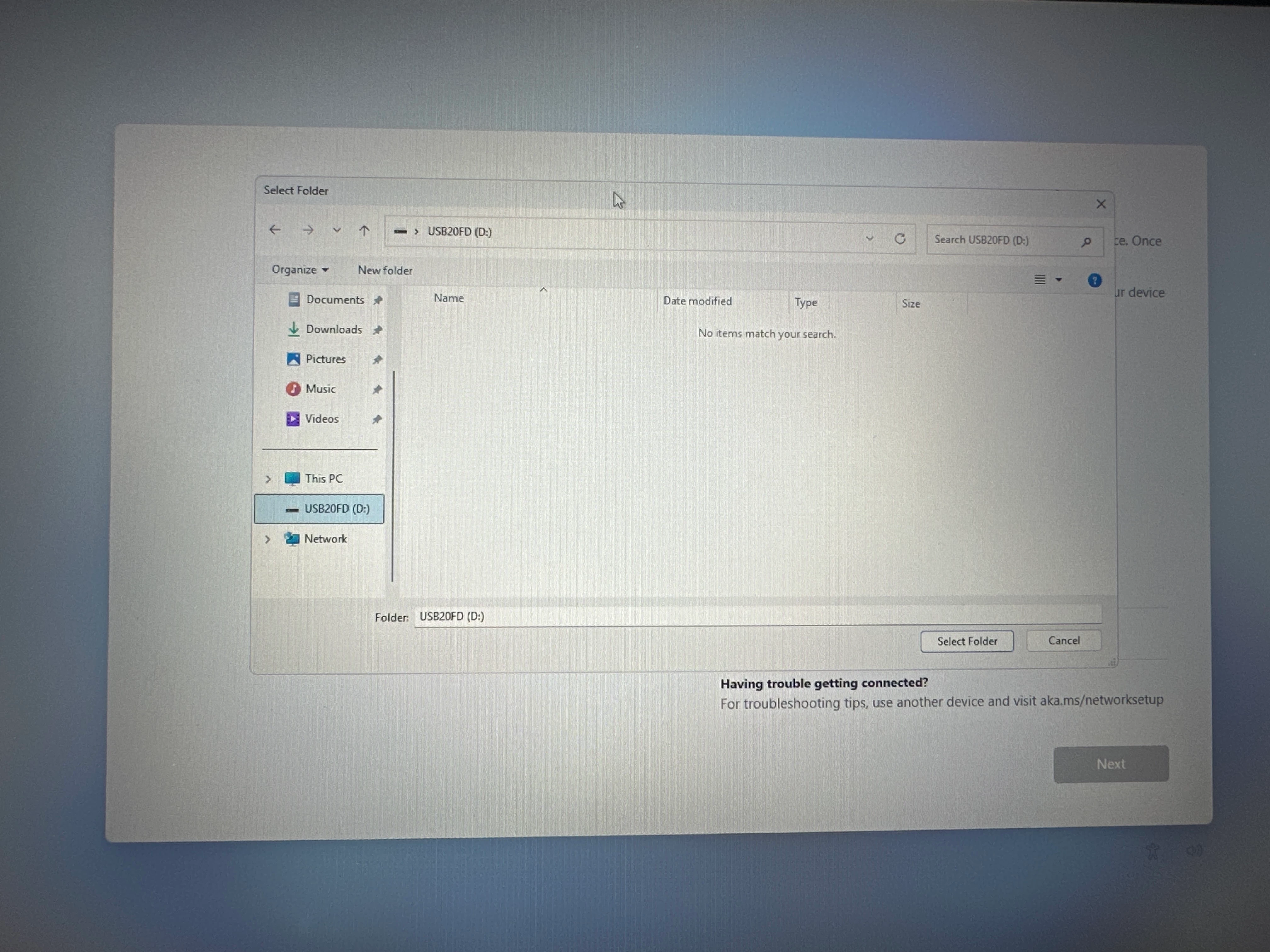
Although I had some problems and the computer itself said it was fixing errors, the day before everything was working perfectly and today when I turned on the laptop the internet simply wouldn't work at all. Now that I've restored the laptop, it simply won't get out of this screen because I simply can't skip this internet connection step.
PLEASE !!!!!!!!! Is there a driver I can install to put here or will I have to take it to a service center to change the Wi-Fi card? The notebook is just over 2 years old and has been used very little.