Razer Blackshark V2 Pro | Nothing working | Razer Insider
Skip to main content
Question

Razer Blackshark V2 Pro | Nothing working

  • November 13, 2024
  • 6 replies
  • 89 views

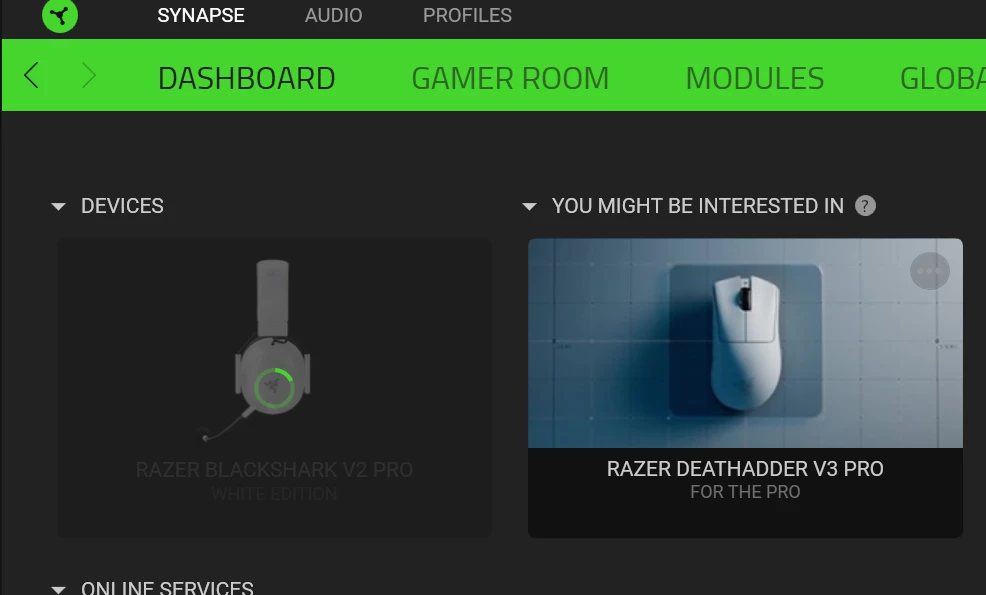
It was working last time i checked, now i can’t do anything in razer synapse. Nothing is applied to headset, also i noticed that deleting a profile is really hard.

headphone connected to app very slowly (as if I can call this a connection)

equalizer not working

thx audio not working

enhancement section nothing is working

mic not tested yet

Demo, thx not working


Tried razer synapse 4 but it says make razer headset default in windows, it’s already set as default idk.


6 Replies

FiszPL
Vanguard
Forum|alt.badge.img+1
  • VANGUARD
  • November 13, 2024

2020 version or 2023?

2020 in Synapse 4 - all the same. EQ not working, THX Spatial not working, default audio input/output every time when you’ll enter specific tab and so on. This been since beta, not fixed when went to “stable”.


Sorry, i was using synapse 3. I just tried synapse 4. What is 2020 and 2023 thing ? version of synapse 4 ?


FiszPL
Vanguard
Forum|alt.badge.img+1
  • VANGUARD
  • November 13, 2024

Sorry, i was using synapse 3. I just tried synapse 4. What is 2020 and 2023 thing ? version of synapse 4 ?

Blackshark Versions - there are 2 ver: 2020 and 2023.


2023 version


Mostly, This loading gif lasts for 4-5 mins then it loads but as i said nothing works after load.


FiszPL
Vanguard
Forum|alt.badge.img+1
  • VANGUARD
  • November 13, 2024

Do clean reinstall:


  1. Uninstall Synapse
  2. Download & run this tool: https://rzr.to/Tf53xj to remove any razer drivers/leftovers
  3. Then restart your PC
  4. After reboot install Synapse again (as administrator).