Razer Blade 14 (2022) USB C ports no longer working | Razer Insider
Skip to main content
Question

Razer Blade 14 (2022) USB C ports no longer working

  • March 18, 2023
  • 31 replies
  • 6718 views

Show first post

31 Replies

@Teetoh666 i have exacly same issue like you. Left port not working at all. Right port can read pendrive byt can’t work as a display port.


RAZER any solution???


  • Insider Mini
  • December 30, 2024

I’m having the same problem: When I plug something into the left USB-C port, it’s not recognized. When I plug something into the right USB-C port or the USB-A ports, they work. The problem started in the last few days after some system updates (Windows software and Razer software).

System:

  • Razer Blade 14 2022, 6900HX, 3070TI
  • Windows 11
  • Razer Synapse 20241205 3.9.1231.112613 (can’t copy/paste version from the Synapse app, that’s bad, Razer)
  • Razer BIOS 2.02 4/2/2022
  • EC version 1.02

The curious thing for me is I ran RazerUpdater_v1.1.1.3_PI480-ECv0103.exe today but Windows is still saying my EC version is 1.02.

I’ve tried all the troubleshooting steps I can think of, and everything listed in this thread so far, nothing seems to work. Other PCs work with the same devices in all the ports. I tried a USB-C dock and a Thunderbolt dock, neither are working.


So many people have same problem. RAZER support please help us.


  • Insider Mini
  • December 30, 2024

My problem is resolved, the left USB-C port is working now.

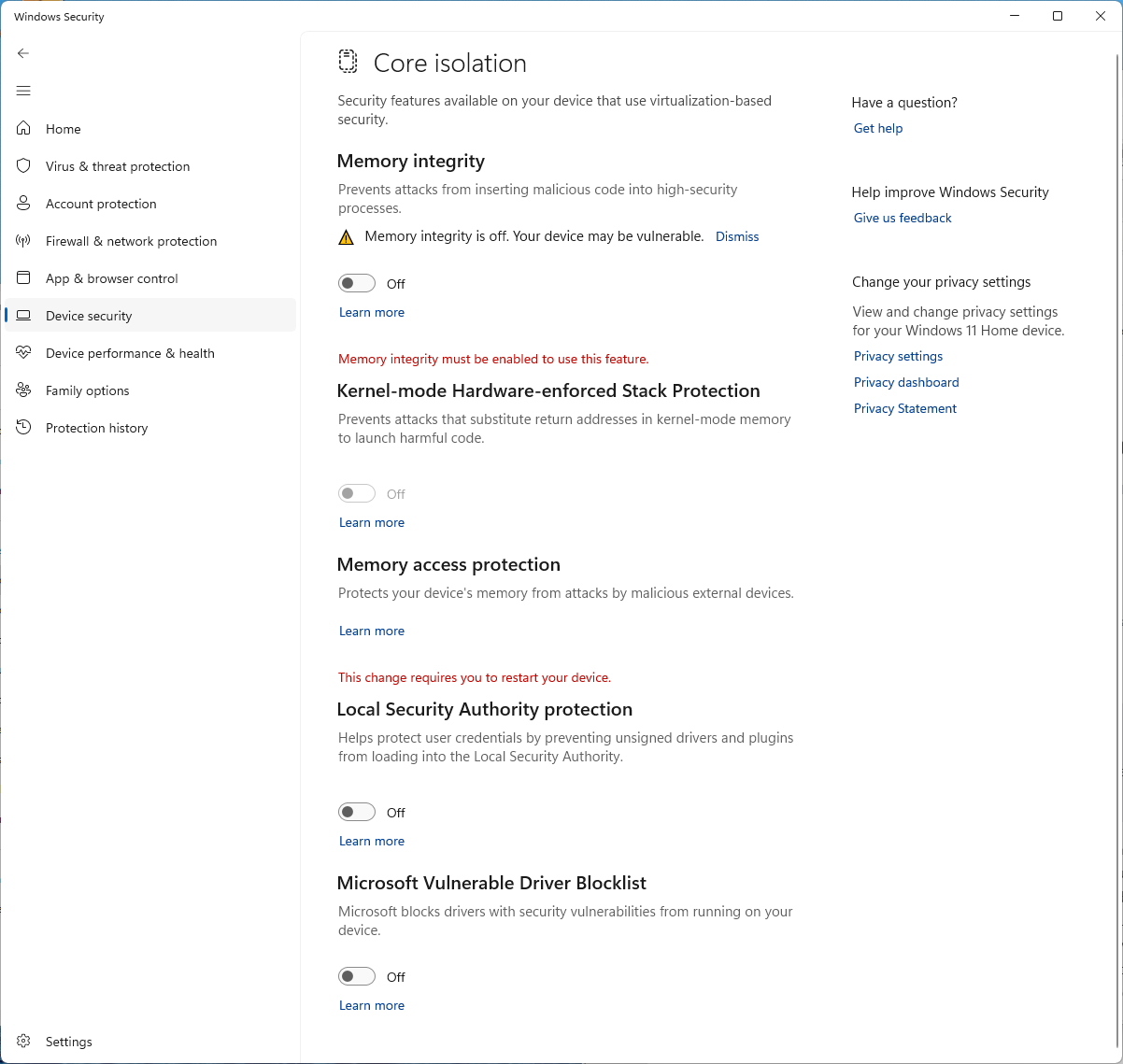
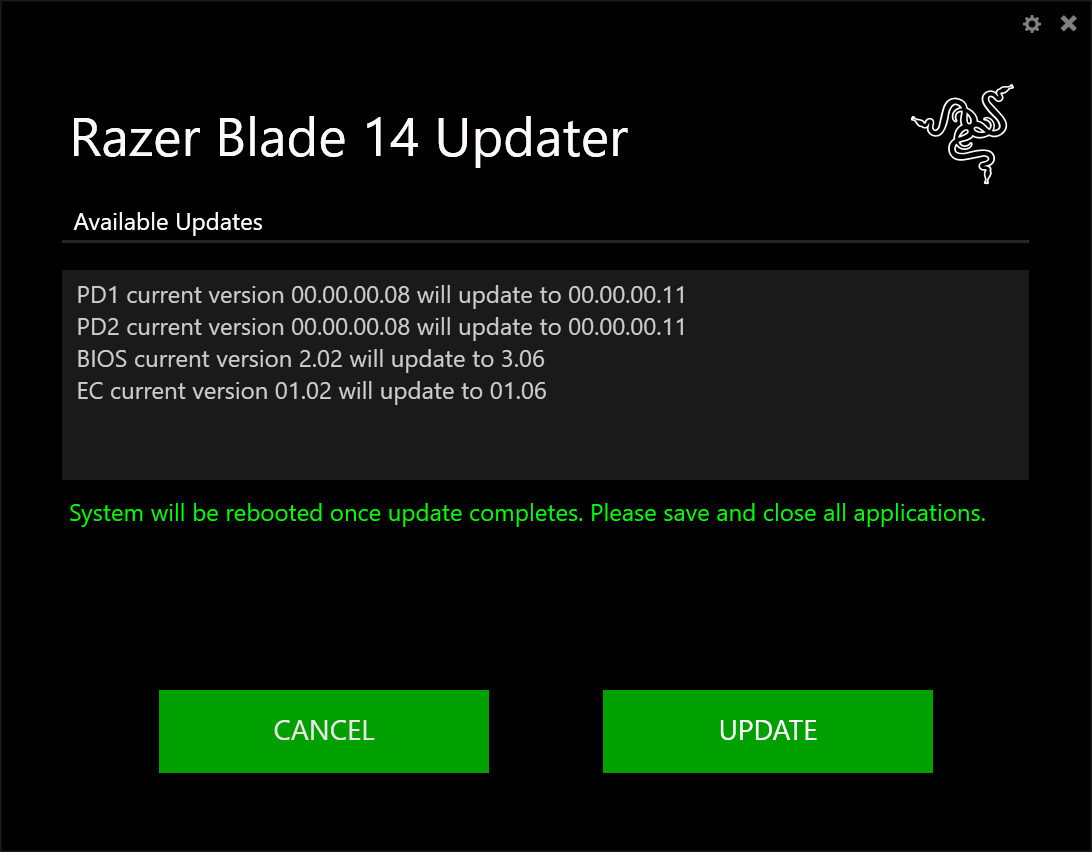
The issue was my BIOS version was outdated. Some Microsoft Windows security setting was blocking the installation of the drivers. When I changed the Windows security settings, then I was able to get  RazerUpdater_v1.1.1.3_PI480-MCUv010100-PDv11-BIOSv3.06v1-ECv0106.exe to run without problem. I’m not sure if this is the problem for other people, but it appears to have been my problem.


  • Insider Mini
  • December 30, 2024

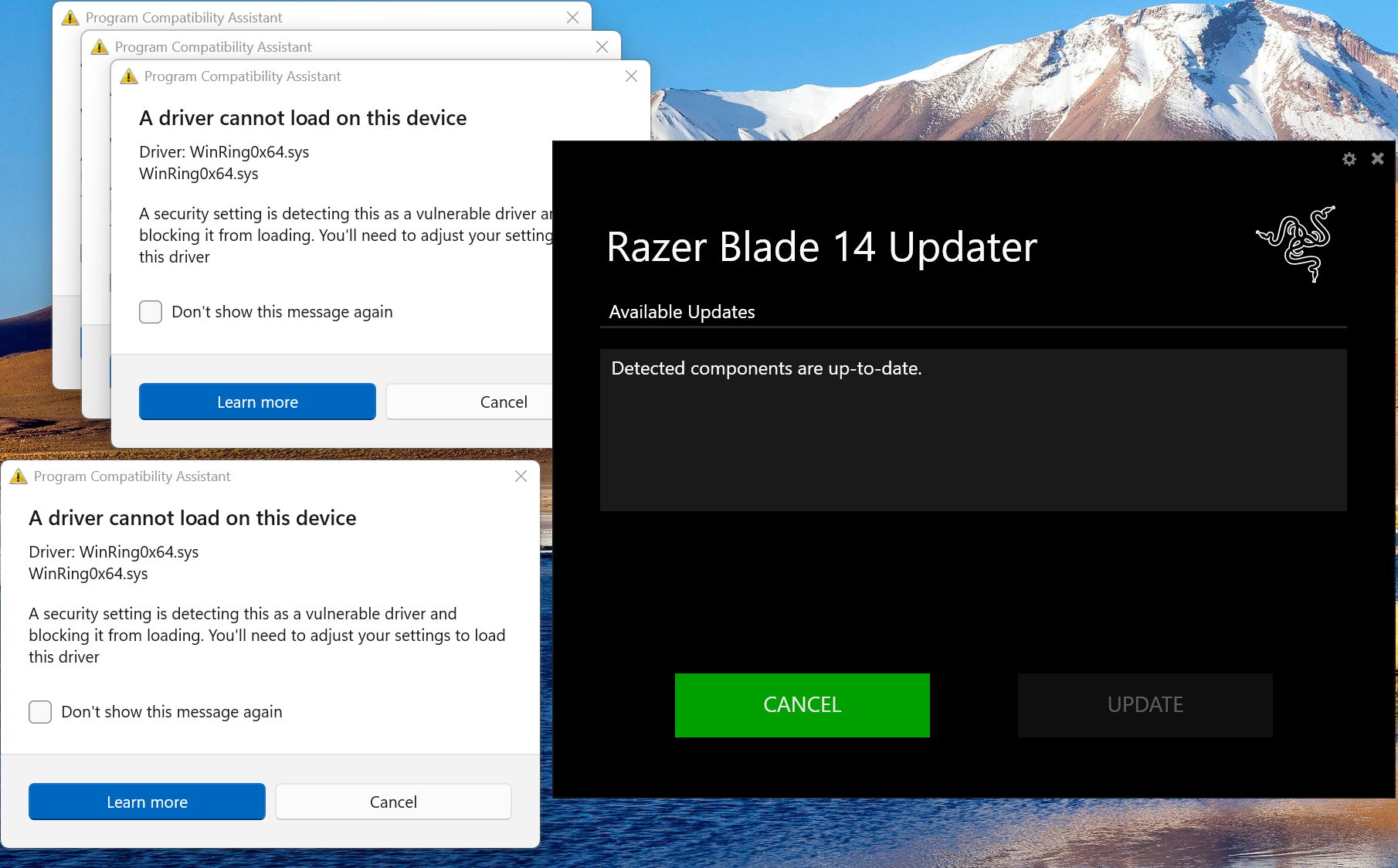
Here’s more detail of what happened to me in case it helps other people. First, I ran “RazerUpdater_v1.1.1.3_PI480-MCUv010100-PDv11-BIOSv3.06v1-ECv0106.exe” a while ago but I didn’t notice Windows said the driver install is blocked because of security settings. All I was reading was the Razer Blade 14 Updater app saying there’s nothing to update. In reality, there was something to update, it was just getting blocked from accessing that information.


My USB issues motivated me to realize I needed to fix this. So, I disabled all the “Device Security” settings.


Then I reran the Razer Blade Updater, which worked this time.


Once that finished, I rebooted, plugged in a Thunderbolt 4 dock into the left USB-C port and all devices were recognized.


Jaidy05
  • Insider Mini
  • October 12, 2025

I am also experiencing the USB-C issues on my Blade 14 (2022), which is not even 1 year old - time of purchase December 2023
It happened to already after a month of use, I think I recall fixing it by following the advice mentioned by anatolkabasurman (not 100% sure of it though…). 
As the issue happened again today, I tried again but it did not work.

Symptoms : left USB-C port not responsive at all (does not even detect any charging device, if a USB-C charger is plugged into it).

Right USB-C port reacts to USB-C charging, it is also responsive when I connect it to a USB hub (I have 2 external SSD's connected onto that hub), but it does not react if I connect an HDMI cable on the hub (it used to, before).
I also have another Dell USB-C dock with external power, which was working fine with he Blade till yesterday, now it seems to charge the Blade when I connect it, but it does not help either with the video output (HDMI cable connected betwene the dock and the monitor --> no display shows up) and when my external HDD's are connected to it, the Blade does not detect them. I ahve a Dell laptop for work, and the dock and HDD's work fine with that one.

Obviously, my firmware is up to date. I also updated Synapse to V4 this morning, as I found out I was still using V3, and I also completely wiped the NVIDIA software from my computer, before doing a lean install again. But nothing seems to change.

Shall I do a kind of restore to a setup like, 24 hours ago, when everything was working OK ?

Razer Blade 14 2022, 6900HX, 3080TI

I have the same exact issue on my 2024 Razer Blade 14 8900HX 4070

Has anyone found any other solutions. I have tried everything in this forum and nothing seems to work. I had the same issue about 6 months ago and Razer told me to factory reset my computer which solved nothing. Then randomly a week later it just started working again. I anyone has any other ways to solve this issue please let me know.