Razer Blade 14 2024 stuck in 60hz after AMD driver update | Razer Insider
Skip to main content
Answer

Razer Blade 14 2024 stuck in 60hz after AMD driver update

  • February 19, 2025
  • 3 replies
  • 417 views

JaydonH1

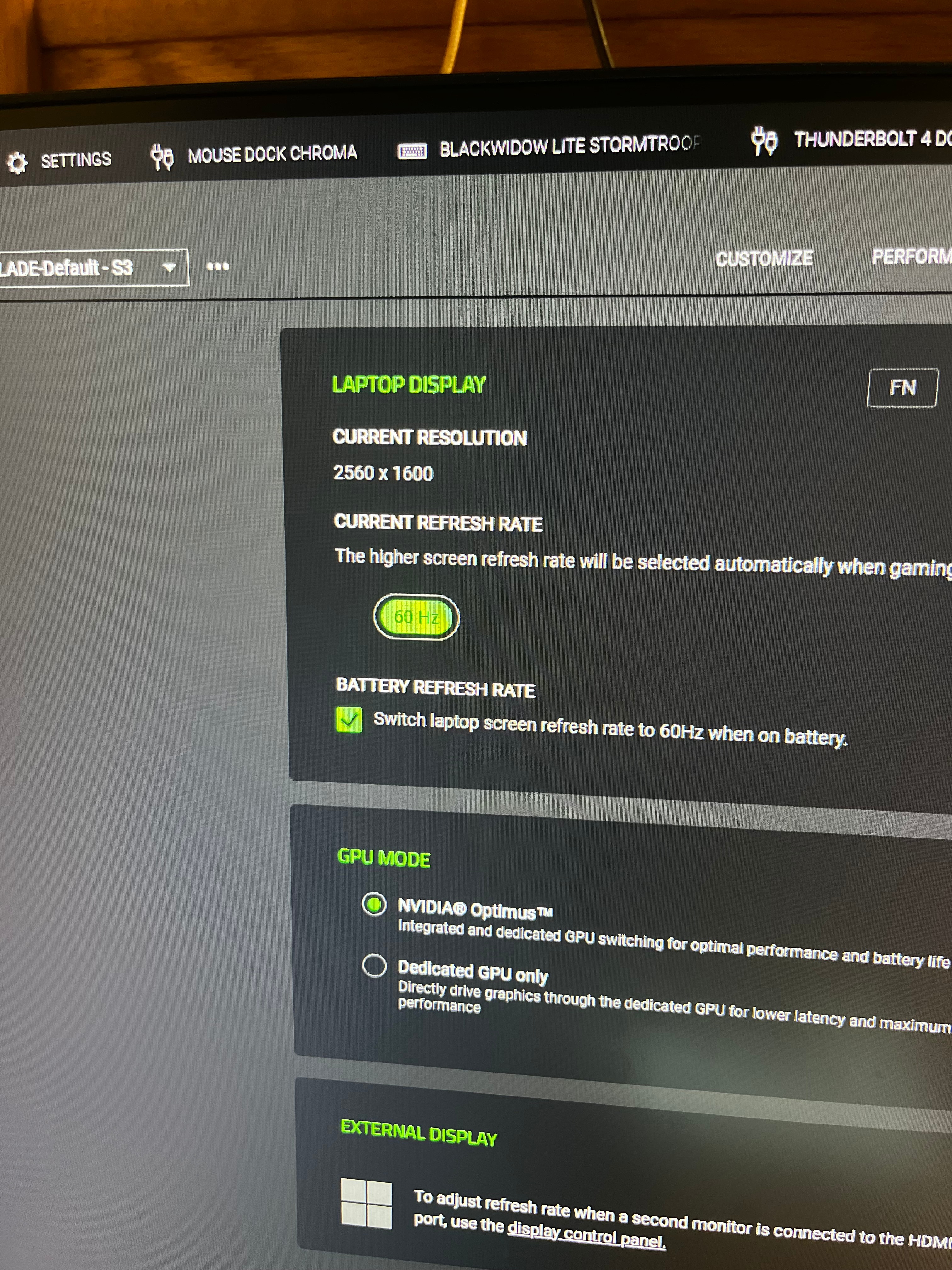
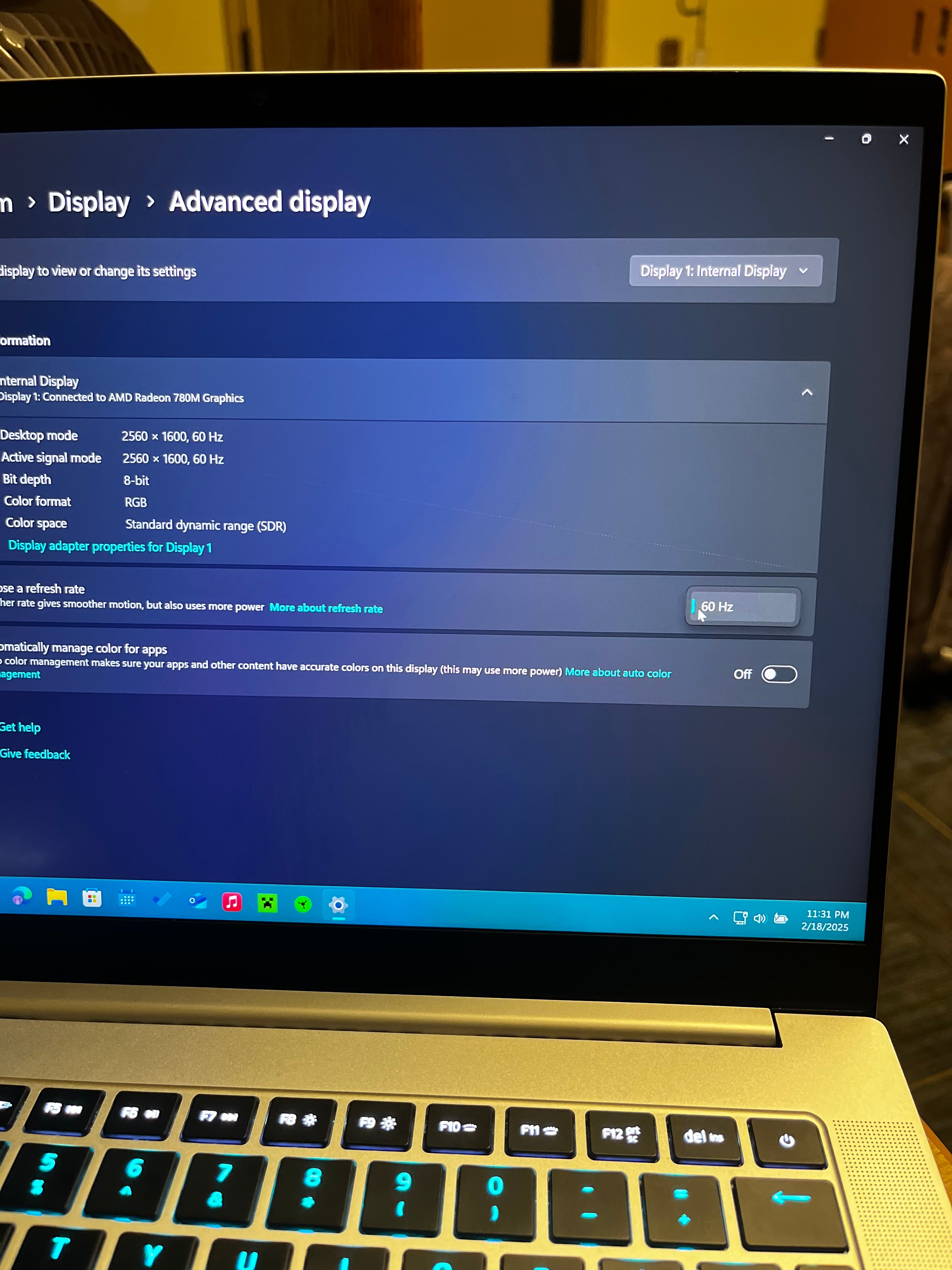
I have a 2024 Razer Blade 14 and after updating my AMD drivers from version 24.2.1 to 24.12.1 in AMD adrenaline my laptop’s screen becomes stuck at 60hz. This wouldn’t be an issue but Windows 11 24h2 automatically updates these AMD drivers with no way to roll them back. I have tried many versions of the AMD driver with no luck. I have removed the AMD and NVIDIA drivers, reinstalled them and nothing. Synapsis and Windows display both show no 240hz option. I have rolled back the drivers and am currently staying on 23h2 and it is working fine but I would like to update eventually.
 

Best answer by Dlexius

Hello, I had the same issue as you. It is due to the Adrenalin update.

Just download the cleanup utility from AMD to remove all the drivers

https://www.amd.com/en/resources/support-articles/faqs/GPU-601.html

Then download 24.8.1 from the previous version on AMD website, it is the most stable and it won’t lock at 60hz anymore.

https://www.amd.com/en/support/downloads/previous-drivers.html/processors/ryzen/ryzen-8000-series/amd-ryzen--9-8945hs.html

*Remember to turn off auto update for windows, because windows will just update it for you then it will just go back to 60hz again.

Search bar “Advance System Setting” > Hardware > Device Installation Setting > No.

Hope this helps 😀

3 Replies

Dlexius
  • Insider Mini
  • Answer
  • March 22, 2025

Hello, I had the same issue as you. It is due to the Adrenalin update.

Just download the cleanup utility from AMD to remove all the drivers

https://www.amd.com/en/resources/support-articles/faqs/GPU-601.html

Then download 24.8.1 from the previous version on AMD website, it is the most stable and it won’t lock at 60hz anymore.

https://www.amd.com/en/support/downloads/previous-drivers.html/processors/ryzen/ryzen-8000-series/amd-ryzen--9-8945hs.html

*Remember to turn off auto update for windows, because windows will just update it for you then it will just go back to 60hz again.

Search bar “Advance System Setting” > Hardware > Device Installation Setting > No.

Hope this helps 😀


JaydonH1
  • Author
  • Insider Mini
  • March 22, 2025

That worked great, thank you so much!


labthinkVividMulberry493

This worked great for me on a 2023 razer blade. 


For others in the future, I also installed firmware to better support Netflix: Razer Blade 14 (2023) Firmware Updater | RZ09-0482x