Razer Blade 15 Base 2019 RZ09-03009 Secure Boot Violation | Razer Insider
Skip to main content
Question

Razer Blade 15 Base 2019 RZ09-03009 Secure Boot Violation

  • June 29, 2026
  • 1 reply
  • 15 views

Hi,

I have a Razer Blade 15 Base 2019 RZ09-03009.

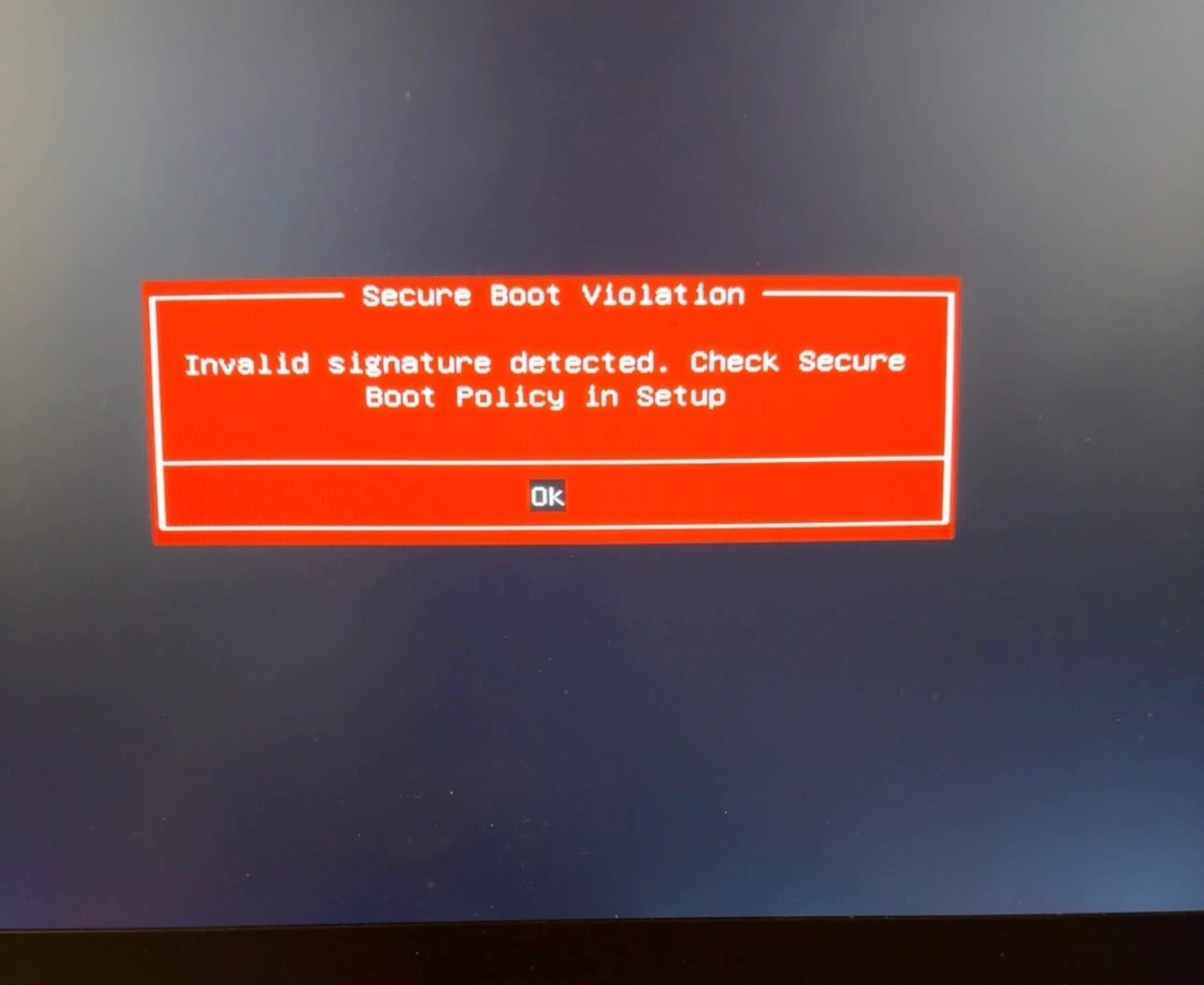
Whenever I enable Secure Boot in BIOS, I get this error:

“Secure Boot Violation: Invalid signature detected. Check Secure Boot Policy in Setup”

The BIOS updater v1.03 says detected components are up-to-date.

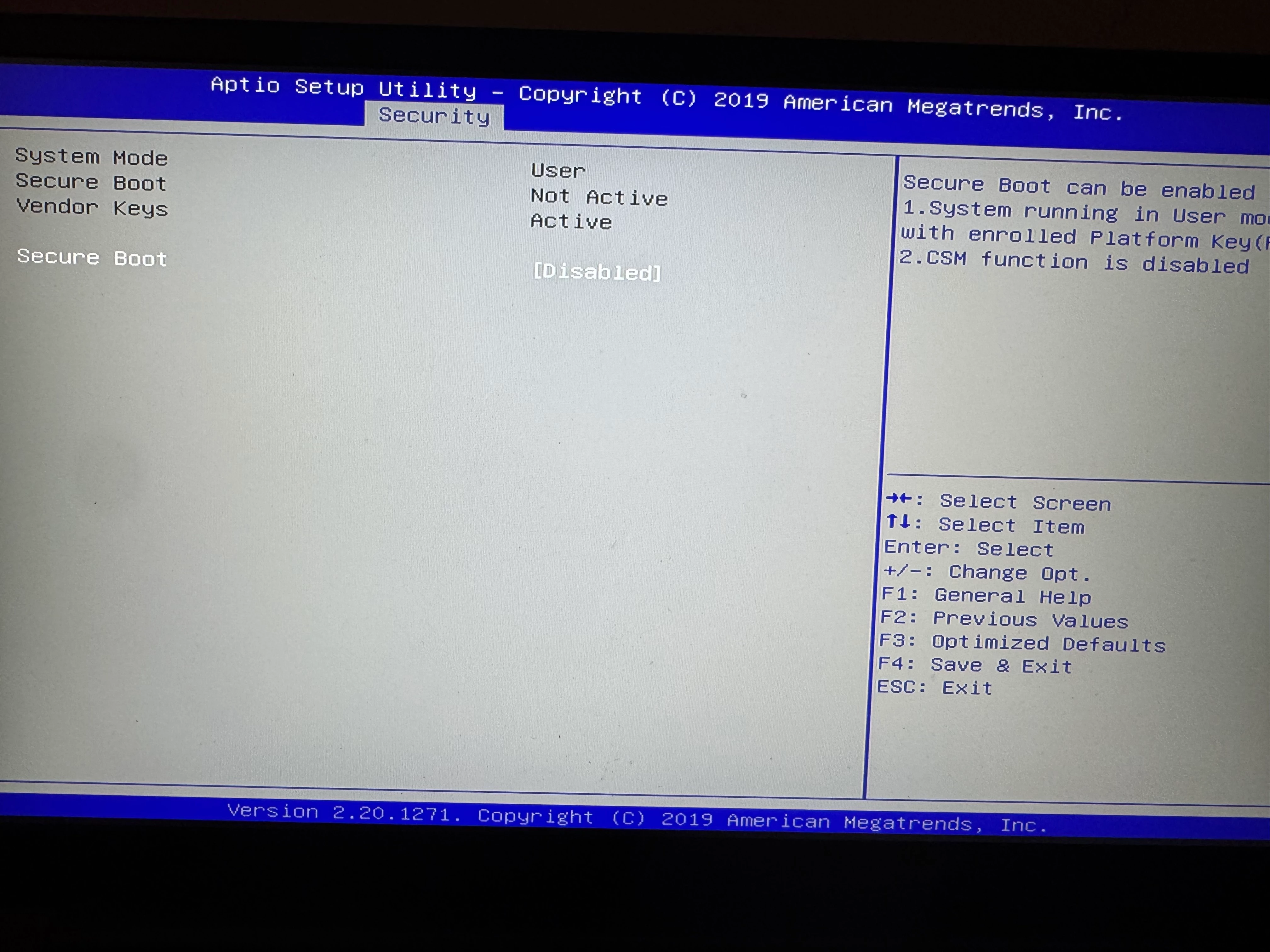
My Secure Boot screen shows:
- System Mode: User
- Secure Boot: Not Active
- Vendor Keys: Active
- Secure Boot: Disabled

There is no Key Management / Restore Factory Keys option visible in BIOS.

I already tried Optimized Defaults in BIOS, but the same Secure Boot Violation message still appears when Secure Boot is enabled.

I need the official Secure Boot/UEFI policy repair tool or instructions for this model.

Thanks.
 

This topic has been closed for replies.

1 Reply

Razer.ScarletRouge

Hey there, ​@Mohamed765 

I understand that you are encountering a Secure Boot violation error (“Invalid signature detected”) on your Razer Blade 15 Base 2019 whenever Secure Boot is enabled in the BIOS. 

Please try the troubleshooting steps on this link to help resolve your concern. If the issue persists after performing the troubleshooting steps, please send me a PM along with your device’s serial number so I can check its details in our system and assist you further. Thank you!


*Thread locked to curb conversation to PM.