Razer Blade Stealth, i7, Modelyear 2016 or 2017 | Razer Insider
Skip to main content

Razer Blade Stealth, i7, Modelyear 2016 or 2017

  • June 26, 2019
  • 13 replies
  • 37 views

Hi all, I basically studying abroad and let my Blade Stealth Book at home. Yesterday I powered it on - everything worked as expected...but then I came across the idea changing the SSD from 256GB to 500GB which I got for birthday earlier this week. Procedure: 1. Downloaded Windows 10 Media Creation Tool 2. Made USB install media 3. Change of SSD 4. Booting to USB Stick ### Here it becomes tricky...it boots and the BIOS checks for SSD (OK) and for the USB Stick (also OK)...But after the loading-dots under the Razer Logo are gone, the screen stays black. My best friend of mine has got a Razer 14 inch 2016 modell and the same applies there...if I want to reinstall it it wont work. After placing the original SSD back inside, everything works again. Best regards, Robert
This topic has been closed for replies.

13 Replies

Joikansai
Vanguard
  • Community Ranger
  • June 26, 2019
Bad SSD or windows image on usb ? I upgraded SSD on all my Blade with evo 970, 512gb on stealth 2016 (i7 7500U) and 1TB on Blade 15 2018. Try create recovery (from troubleshooting page), put on that usb, and see if it can install the windows. Or maybe try using other USB Stick.

  • Author
  • June 26, 2019
Thank you for your fast reply...cant find the recovery tool :( while pressing F9 on my Stealth Book nothing happens...

Joikansai
Vanguard
  • Community Ranger
  • June 26, 2019
rzblad17
Thank you for your fast reply...cant find the recovery tool :slightly_sad: while pressing F9 on my Stealth Book nothing happens...
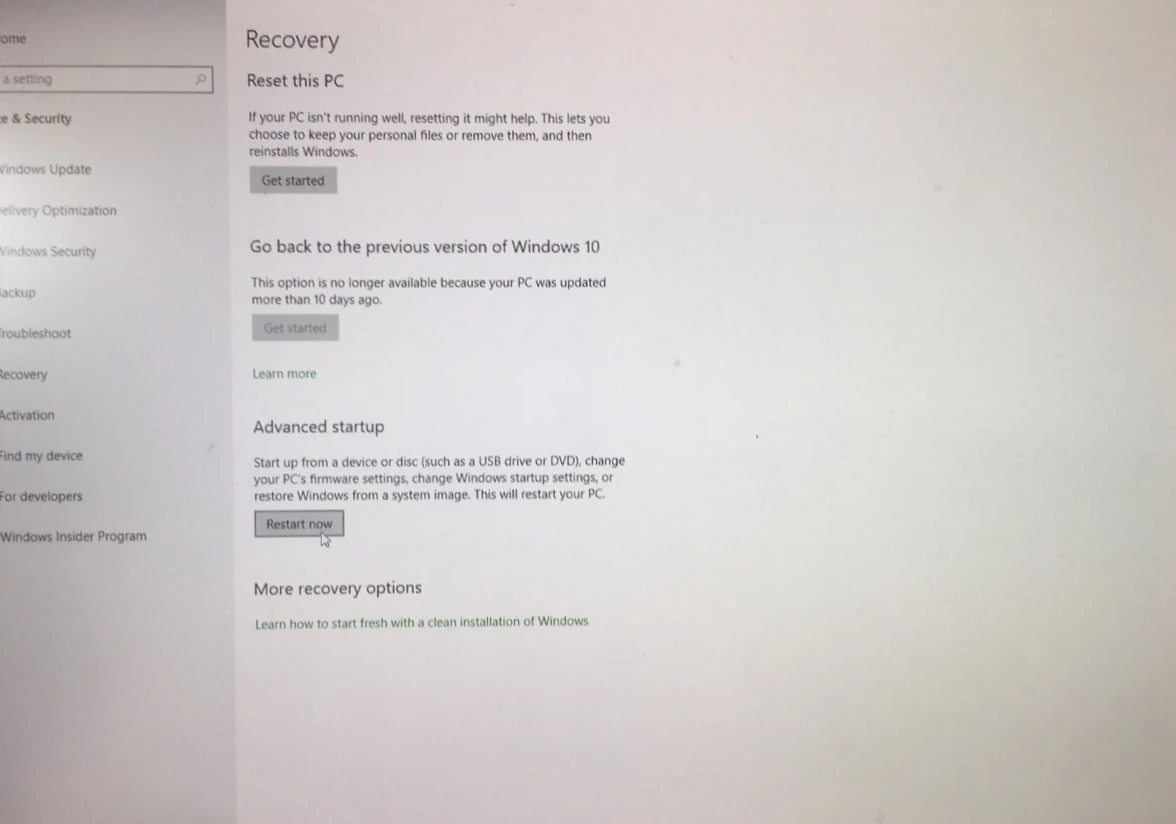
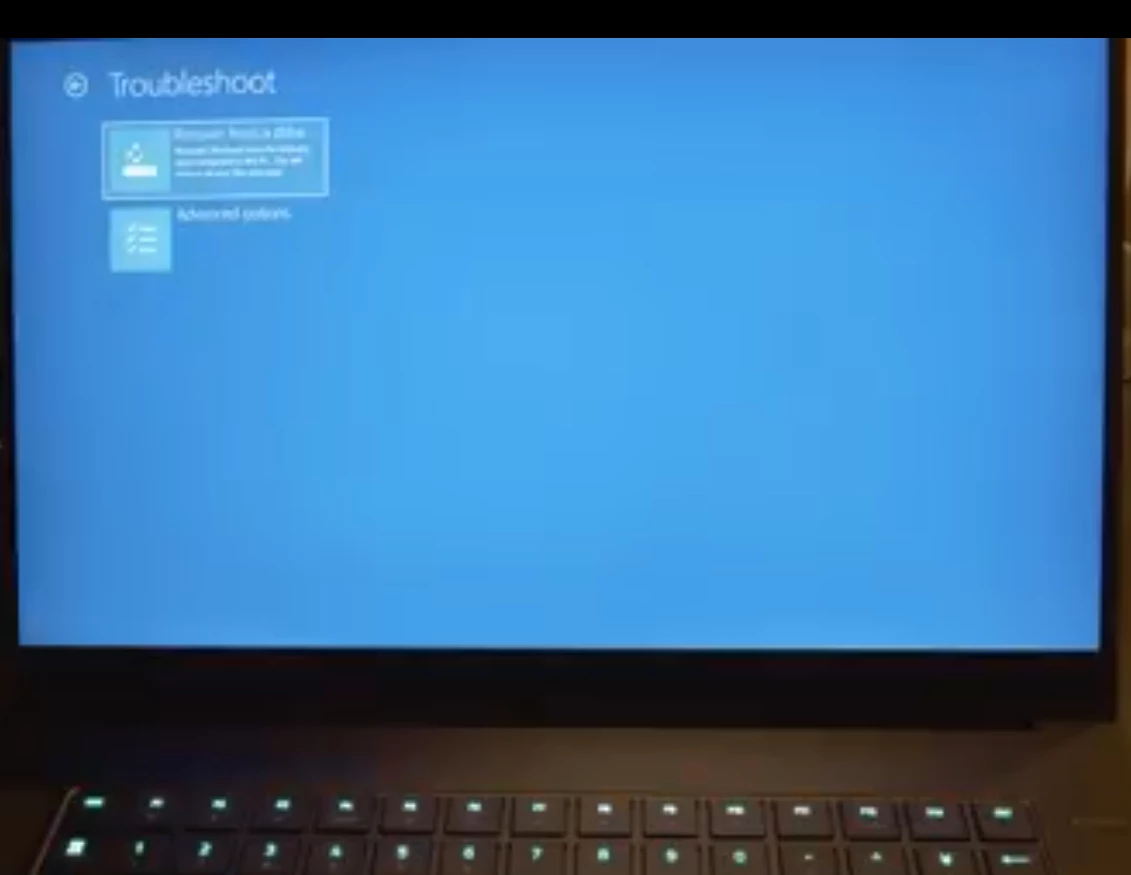
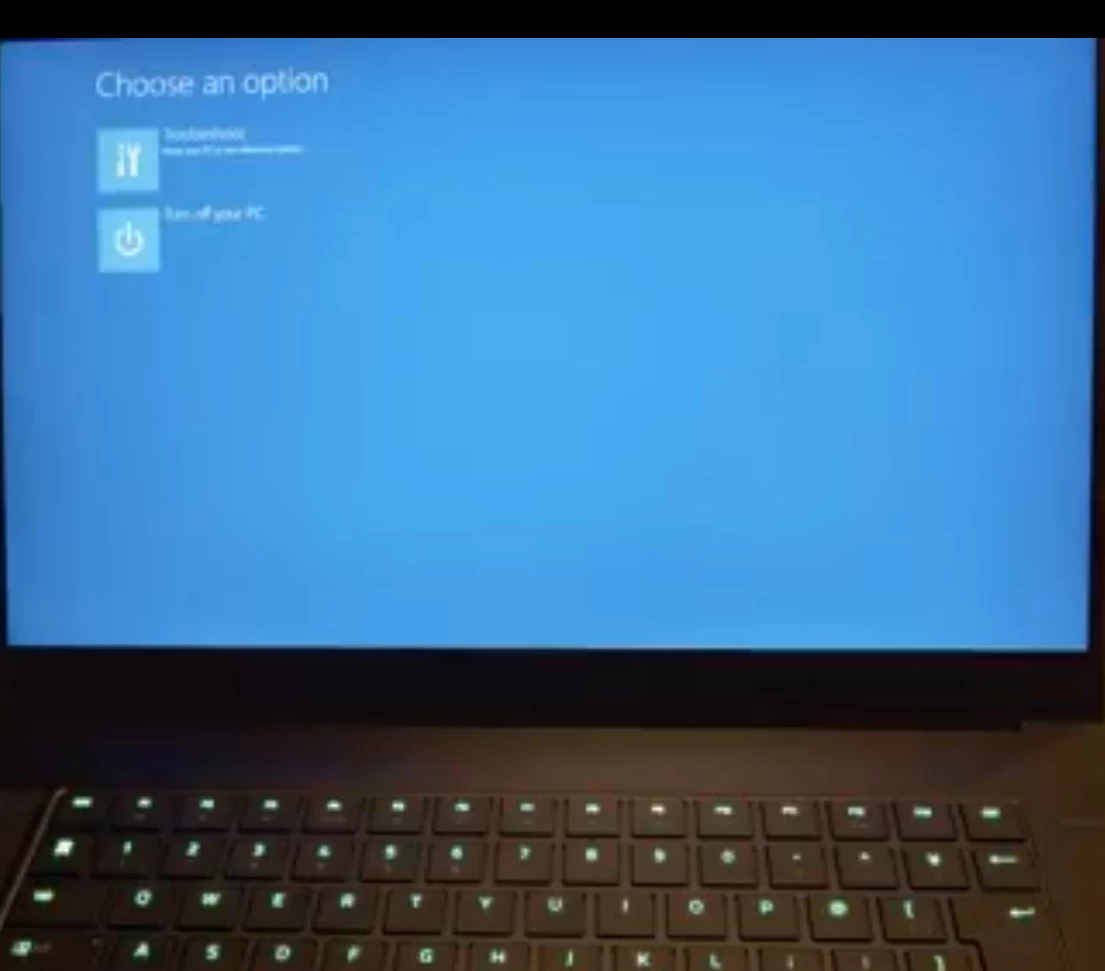
That’s weird usually F9 brings to recovery menu however that wasn’t what I meant😅 I meant creating usb boot from original drive. Here’s the step. Plug your usb. Go to recovery menu advanced setting restart now. It should load original recovery file to your usb. I didn’t do it right now but I had pictures from japanese youtuber. Choose troubleshooting and recovery file, first one Sourcevideo jump to 13:30, sorry for foreign language, background has different color but it’s same thing. By doing this you’re copying exactly Razer ssd factory default with Synapse preinstalled.
  • Author
  • June 26, 2019
Ok, thanks so far. What we did not is what you mentioned. But, the BIOS and everything starts as expected, I can also insert a Linux Live Distribution...BUT...when it comes to starting the OS itself the screen goes black. Even with windows...I start the boot loader, choose the USB device and then you see the Razer Logo with the spinning dots...after they are gone and most likly windows configuration/installation should pop up...it stays black. Even with a monitor (HDMI) connected. Edit: When downloading the Blade Updater (for Firmware) it says: this is only for compatible Razer Blade models (note...the book is original and nothing was altered)
Joikansai
That’s weird usually F9 brings to recovery menu however that wasn’t what I meant😅 I meant creating usb boot from original drive. Here’s the step.
Hi, when looking at that post here: https://www.reddit.com/r/razer/comments/apds27/windows_10_razer_image/ It seems that I dont have a branding of Razer, both my friends and my book are just saying Windows 10 instead of Razer Blade. I am confused and sad. Is there a original razer image to but on...? This is how that looks like.

Joikansai
Vanguard
  • Community Ranger
  • June 26, 2019
rzblad17
Hi, when looking at that post here: https://www.reddit.com/r/razer/comments/apds27/windows_10_razer_image/ It seems that I dont have a branding of Razer, both my friends and my book are just saying Windows 10 instead of Razer Blade. I am confused and sad. Is there a original razer image to but on...?
Yes you can buy recovery stick here. Note it states stealth 2016 13, actually 2016 was only 12,5 model. @Razer.Caziel or other staff maybe can clear this, is that usb recovery is for all Blade stealth 2016 model, or 2017 13 one.
rzblad17
This is how that looks like.
That is Bios or ec firmware update screen, of course if you download wrong model it won’t finish the installation or would be denied directly, check your cpu and screen model, 12,5 (thicker one) is from 2016 model, there’s two versions on this year 6500U v1 2016 and 7500U v2 (There’s also lower clock 7200U), 2017 has thinner bezel (13 inch) and has two models as well 7500U and 8550U. You should check this on downloading that Razer updater file from support page. However that update won’t bring original Razer branding on windows specification, you should make recovery from original ssd that shown on that japanese video, I think I don’t have branding as well on my stealth 2016 v2 since I did clean install from Microsoft image file.

  • Author
  • June 27, 2019
Well yep. Thanks for clarification. Withour altering the 14 inch blade (Model No. RZ09-01953G71) it is now not starting. We tried resetting BIOS, tried with Ubuntu Live Version...it failes to give me graphics AFTER loading the OS it self. Meaning e.g. Ubuntu loads the classic verbose boot like [SSH Service] started on port 22 and after "Initializing graphical environment" the screen goes black. Is there a possibility in BIOS to deactivate the graphics card and only use the onboard card? Or is there an onboard diagnostics, could I just remove the card (if possible)? Like...well I am a bit ashamed of that but I was working as a Certified Mac Technician ... we had key-combos like resetting SMC and NVRAM (for Graphic Cards) and most likely that helped...the SMC or BIOS reset was done by removing the battery cable on this 14 inch blade...was this correct? Btw. thanks to your help the Stealth is working proberly even after SSD upgrade --- THANKS for that. Maybe the issue is related to missing SKU and BaseBoard Version - see picture...that was missing on both, the Blade Stealth and the other Blade. Edit: Why I am asking ... > my Stealth is hibernating...but on wake up I have no chance to do anything. After Hard Shutdown I need to wait for ages so it becomes alive again...most likely when connected to my LG Monitor via HDMI

Razer.Caziel
  • I am the Lightbringer
  • June 27, 2019
@Joikansai This recovery stick is only for 2 variants of the 12.5" RBS. @rzblad17 There isn't an option to deactivate the iGPU or the dedicated GPU on retail units. I honestly highly recommend that y'all send this in as a feature request of sorts. Also, the recovery sticks will only work with specific product numbers. Send me a PM with the serial numbers of the Blades you're trying to troubleshoot so I can look into this from my end.

Joikansai
Vanguard
  • Community Ranger
  • June 27, 2019
rzblad17
Maybe the issue is related to missing SKU and BaseBoard Version - see picture...that was missing on both, the Blade Stealth and the other Blade. Edit: Why I am asking ... > my Stealth is hibernating...but on wake up I have no chance to do anything. After Hard Shutdown I need to wait for ages so it becomes alive again...most likely when connected to my LG Monitor via HDMI
Warte mal, are you german? So atm that stick only for us store, you can try asking support though if you need it or call support in Hamburg on their call time. I use also hibernate as well and waking it by light pressing the power button, can’t you do that? Btw about SKU it states RZ09-XXXX on mine, I think same 2016 Stealth v2 with 7500U. You need to update the bios it’s quite old, you’ll find the updater for your model i7 7500U here. Probably do same thing with your Blade 14, check the cpu and dgpu with that you can notice the model and doing update from this support page.

  • Author
  • June 28, 2019
Austrian actually, but yes German. And yes...I downloaded the exact drivers/BIOS updaters already...BUT reddit told me since the SKU and the BaseBoard Information is empty he won't recognize himself as a Blade.. When hibernating...do you have a monitor connected or not? Because the Blade itself awakes but the monitor (HDMI) does not wake and when I hit reboot...wont come up for ages...pressing on for like 20 times

Joikansai
Vanguard
  • Community Ranger
  • June 28, 2019
rzblad17
Austrian actually, but yes German. And yes...I downloaded the exact drivers/BIOS updaters already...BUT reddit told me since the SKU and the BaseBoard Information is empty he won't recognize himself as a Blade.. When hibernating...do you have a monitor connected or not? Because the Blade itself awakes but the monitor (HDMI) does not wake and when I hit reboot...wont come up for ages...pressing on for like 20 times
Wait is that on original ssd or new installed ssd? Try running updater on original one, since i believe it will be saved on the computer motherboard not ssd, then insert the new one. About hibernating yes it’ll wake the monitor, I’ve also LG 4K UHD monitor, usually use Razer Core to connect it but today I tested it was same.

  • Author
  • June 29, 2019
Original SSD and new one...both the same :( Hope there is gonna be a solution by Razer soon...want to update my BIOS and my friends 14inch blade is kinda useless now ...

Joikansai
Vanguard
  • Community Ranger
  • June 29, 2019
rzblad17
Original SSD and new one...both the same :slightly_sad: Hope there is gonna be a solution by Razer soon...want to update my BIOS and my friends 14inch blade is kinda useless now ...
Okay i changed the tag to support, so hopefully staff can pick you up there, or you can PM @Razer.Caziel as he mentioned above to check your issue further.

  • Author
  • June 29, 2019
I did that already, thank you. He replied already but no info so far