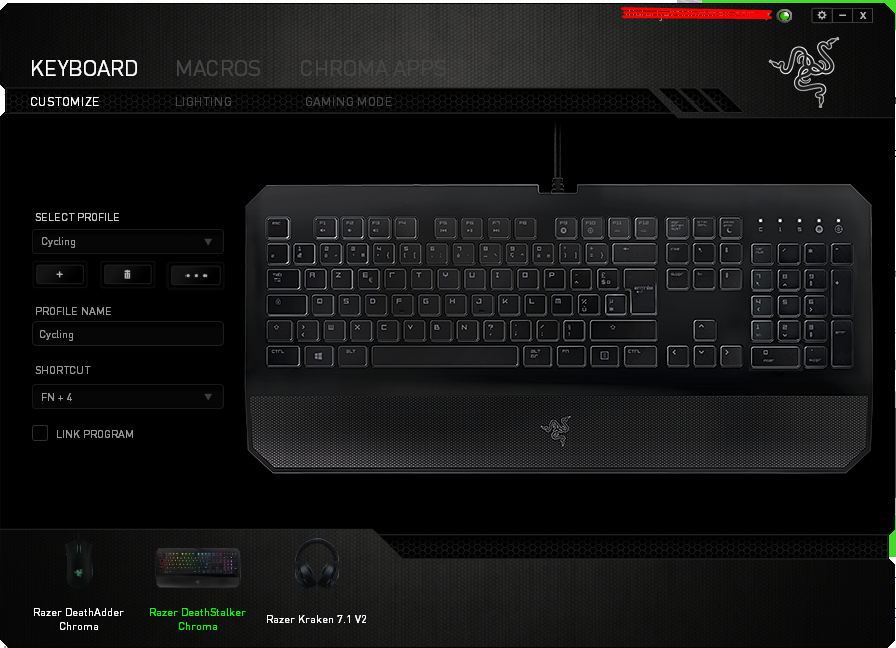
Hey!
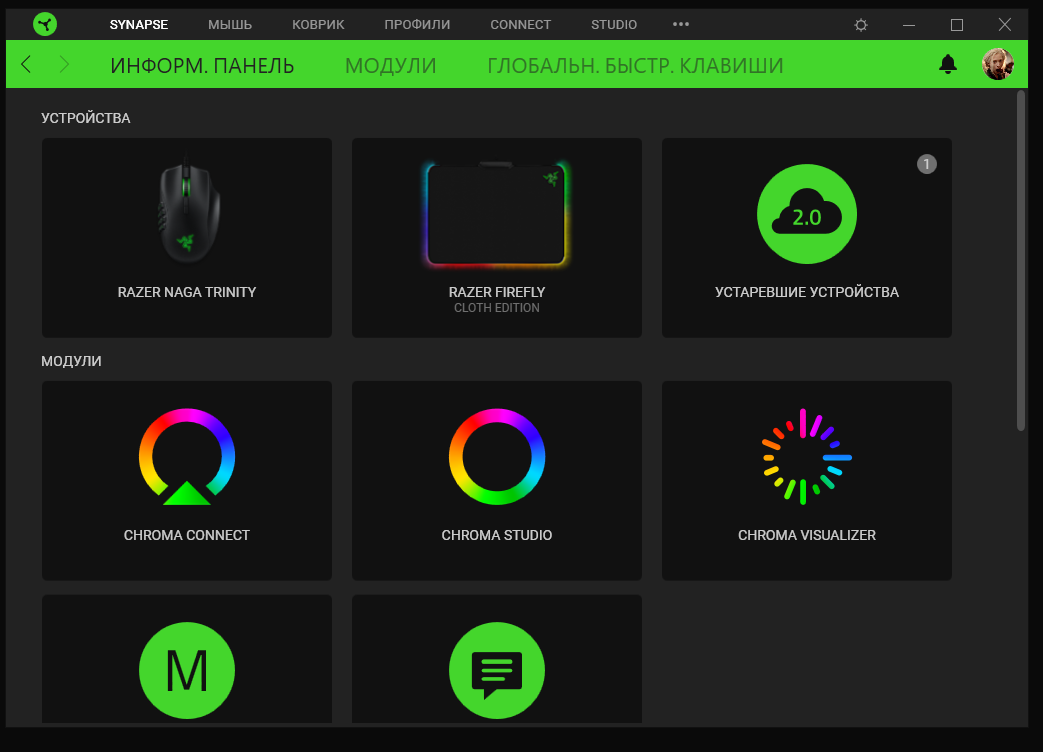
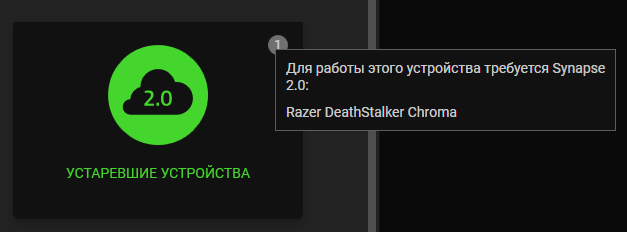
Synpase3 reports that the device is not supported, you need to install Synapse2.
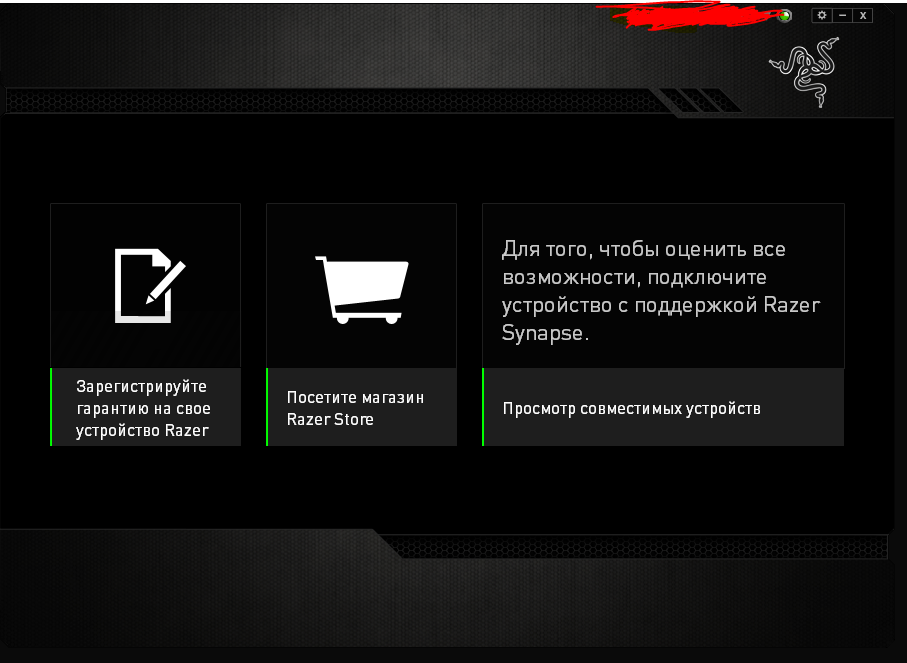
Synapse2 does not see any device at all.
Help pls, I don’t know what to do, I don’t want to change the keyboard, I really like it (
Margozay Hey!
Synpase3 reports that the device is not supported, you need to install Synapse2.
Synapse2 does not see any device at all.
Help pls, I don’t know what to do, I don’t want to change the keyboard, I really like it (
Hey i found a solution after 2 days of tinkering.
1. uninstall both Razer Synapse and Razer Core from your PC
2. delete all files in C:\\Program Files (x86)\\Razer and C:\\ProgramData\\Razer directories.
(These folders are hidden by default, so please be sure to unhide them. )
3. Restart your computer.
4. Turn off all firewall and anti-virus software.
5. Download latest Synapse v2 installation package (so it's ready in downloads folder for reïnstalling).
6. Go into device manager, go through all devices and uninstall HID Keyboard/Mouse Drivers and all other Razer product drivers. Also delete drivers when uninstalling.
(Also go to 'Image' -> 'Show hidden devices' and delete all devices related to Razer or other mouse/keyboard input devices)
How i did this is delete (with driver) all razer audio + keybaord devices and then waited untill the last one to delete my mouse. Then pressed the power button on the pc to shut down and reboot.
What i did do this time that i didn't do previously is delete ALL HID keyboard and Mouse drivers and not just the razer devices.
To assist in this process i uninstalled everything using a non-razer mouse because it will reinstall on the fly which we don't want.
7. Restart your pc, DON'T use the synapse installer pop-up at start-up! Close this and start the installer we downloaded in step 5!
After doing all this and banging your head on your desk a few times for deleting the driver for the mouse your using get yourself a drink and watch everything reïnstall through the update process of synapse 2.
I hope this helped.


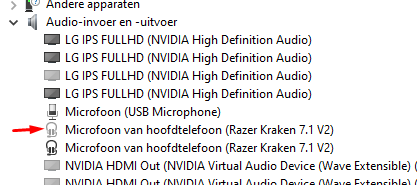 How i did this is delete (with driver) all razer audio + keybaord devices and then waited untill the last one to delete my mouse. Then pressed the power button on the pc to shut down and reboot.
What i did do this time that i didn't do previously is delete ALL HID keyboard and Mouse drivers and not just the razer devices.
To assist in this process i uninstalled everything using a non-razer mouse because it will reinstall on the fly which we don't want.
7. Restart your pc, DON'T use the synapse installer pop-up at start-up! Close this and start the installer we downloaded in step 5!
After doing all this and banging your head on your desk a few times for deleting the driver for the mouse your using get yourself a drink and watch everything reïnstall through the update process of synapse 2.
I hope this helped.
How i did this is delete (with driver) all razer audio + keybaord devices and then waited untill the last one to delete my mouse. Then pressed the power button on the pc to shut down and reboot.
What i did do this time that i didn't do previously is delete ALL HID keyboard and Mouse drivers and not just the razer devices.
To assist in this process i uninstalled everything using a non-razer mouse because it will reinstall on the fly which we don't want.
7. Restart your pc, DON'T use the synapse installer pop-up at start-up! Close this and start the installer we downloaded in step 5!
After doing all this and banging your head on your desk a few times for deleting the driver for the mouse your using get yourself a drink and watch everything reïnstall through the update process of synapse 2.
I hope this helped.