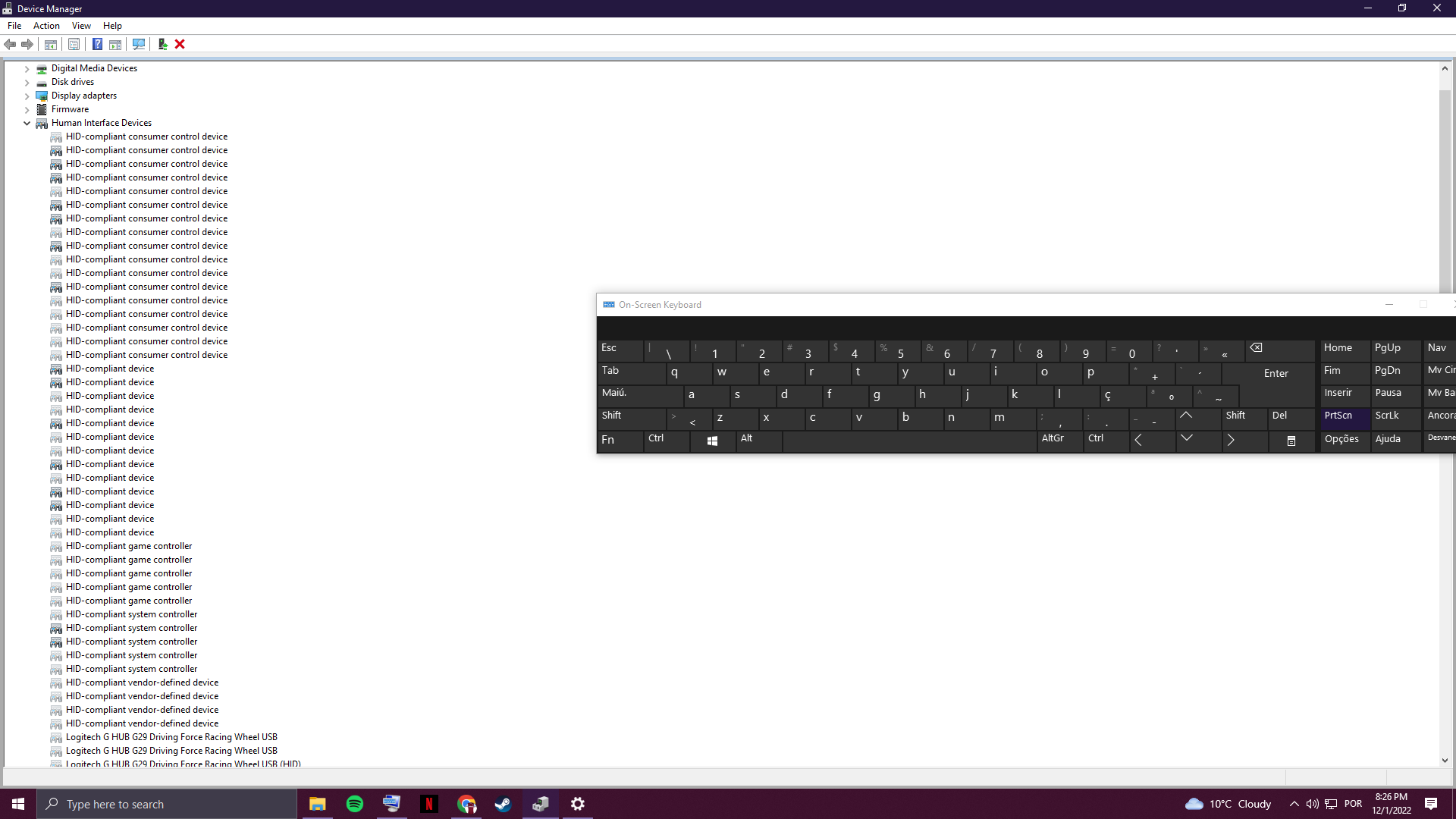
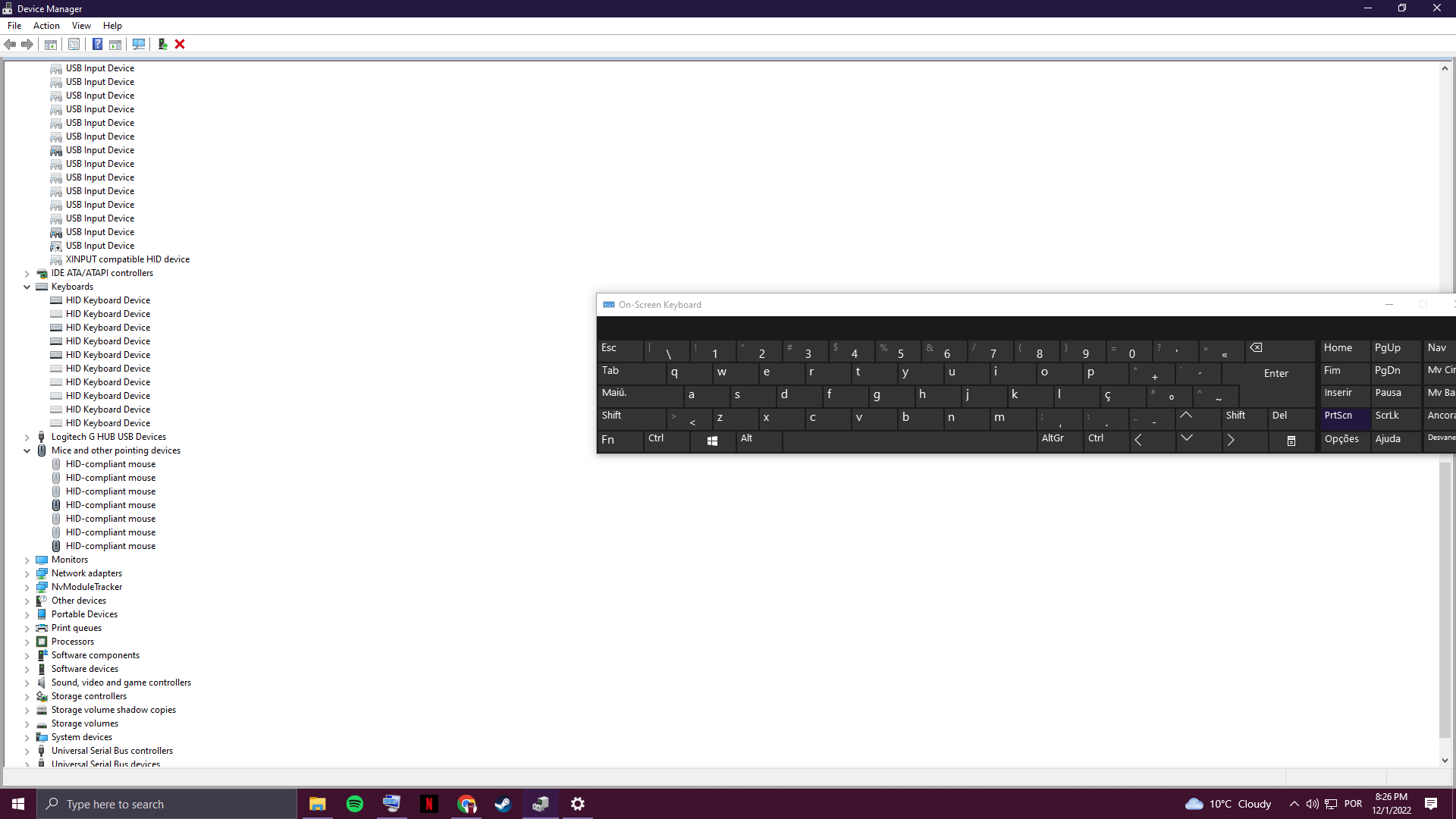
 At first, some keys of my keyboard weren't working on this PC but other pcs worked fine and now the keyboard isn't even being recognized. I've tried everything from uninstalling drivers to updating them and nothing works
 At first, some keys of my keyboard weren't working on this PC but other pcs worked fine and now the keyboard isn't even being recognized. I've tried everything from uninstalling drivers to updating them and nothing works
Already have an account? Login
Enter your E-mail address. We'll send you an e-mail with instructions to reset your password.