Razer Kraken V4 Pro (Oled Control Hub issue) | Razer Insider
Skip to main content
Question

Razer Kraken V4 Pro (Oled Control Hub issue)

  • February 19, 2026
  • 8 replies
  • 65 views

Anubis_98
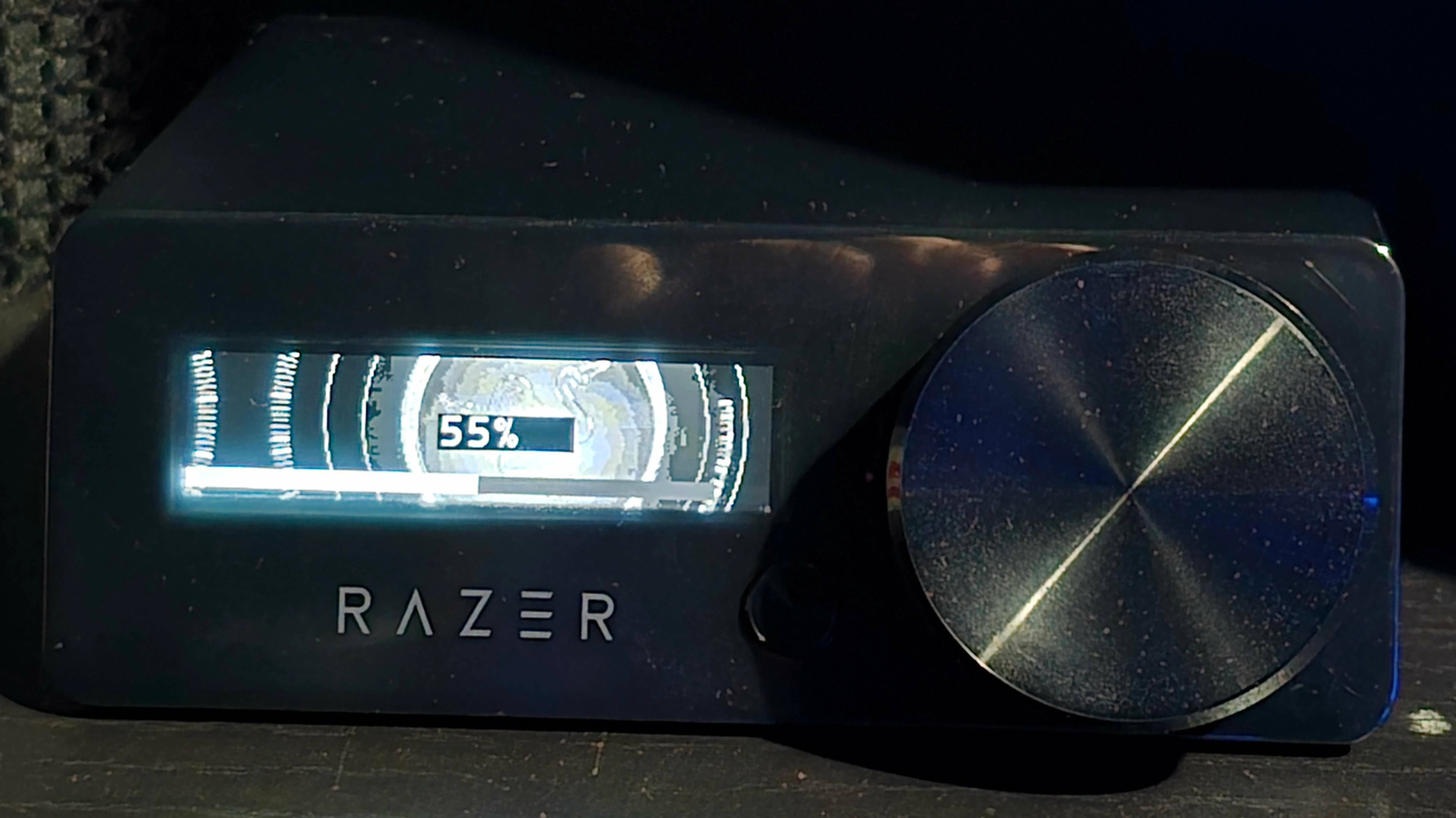
  • Hi everyone, I have a question about the Razer Kraken. I have an OLED hub, and it was working fine until yesterday. After I came home from work and turned on the PC, it initially didn't display an image. Then I tried turning it on by pressing the power button, but there was no response.

  • My next steps were to reboot the PC, then unplug and plug in the USB (there's a device connection signal, but it's not showing up in Synapse or Task Manager. However, other devices connected via the same USB work, like the Kraken V4 Pro). Then I uninstalled Windows and reinstalled all the Razer apps, and nothing worked. The headphones now only work via Bluetooth and a USB cable. Does anyone know how to fix this? I've already contacted support and am waiting for a response.

8 Replies

Anubis_98
  • Author
  • Insider Mini
  • February 19, 2026
  • This might be useful when I put the headphones into pairing mode via a 2.4 wireless channel, they beep about connecting, but they are not listed in Synapse or Device Manager or even Sound Output Devices.

Anubis_98
  • Author
  • Insider Mini
  • February 20, 2026

Anubis_98
  • Author
  • Insider Mini
  • February 20, 2026

Anubis_98
  • Author
  • Insider Mini
  • February 20, 2026

The screenshot shows the date of my purchase on the Razer Russia website and the headphones themselves.


Anubis_98
  • Author
  • Insider Mini
  • February 20, 2026

No, the device also doesn't work without Razer and Synapse running, including on another computer. The headphones work via a wire, including the one connected to the hub, and also via Bluetooth.


Anubis_98
  • Author
  • Insider Mini
  • February 20, 2026

I tried everything I could, reinstalled Windows and disabled and re-enabled all programs, deleted all connections through the device manager and rebooted hoping that it would detect the hub, tried to reset by holding down the hub's wheel and connecting it via USB, unfortunately, nothing helped.


Anubis_98
  • Author
  • Insider Mini
  • February 20, 2026

Anubis_98
  • Author
  • Insider Mini
  • February 20, 2026

I'm not sure what's going on, but I tried disconnecting the headphones again and using a 2.4G wireless connection, and the headphones made a short sound as if they were connected to the hub. The hub, however, doesn't respond at all to reconnecting to the computer or rebooting my PC.