Hello,
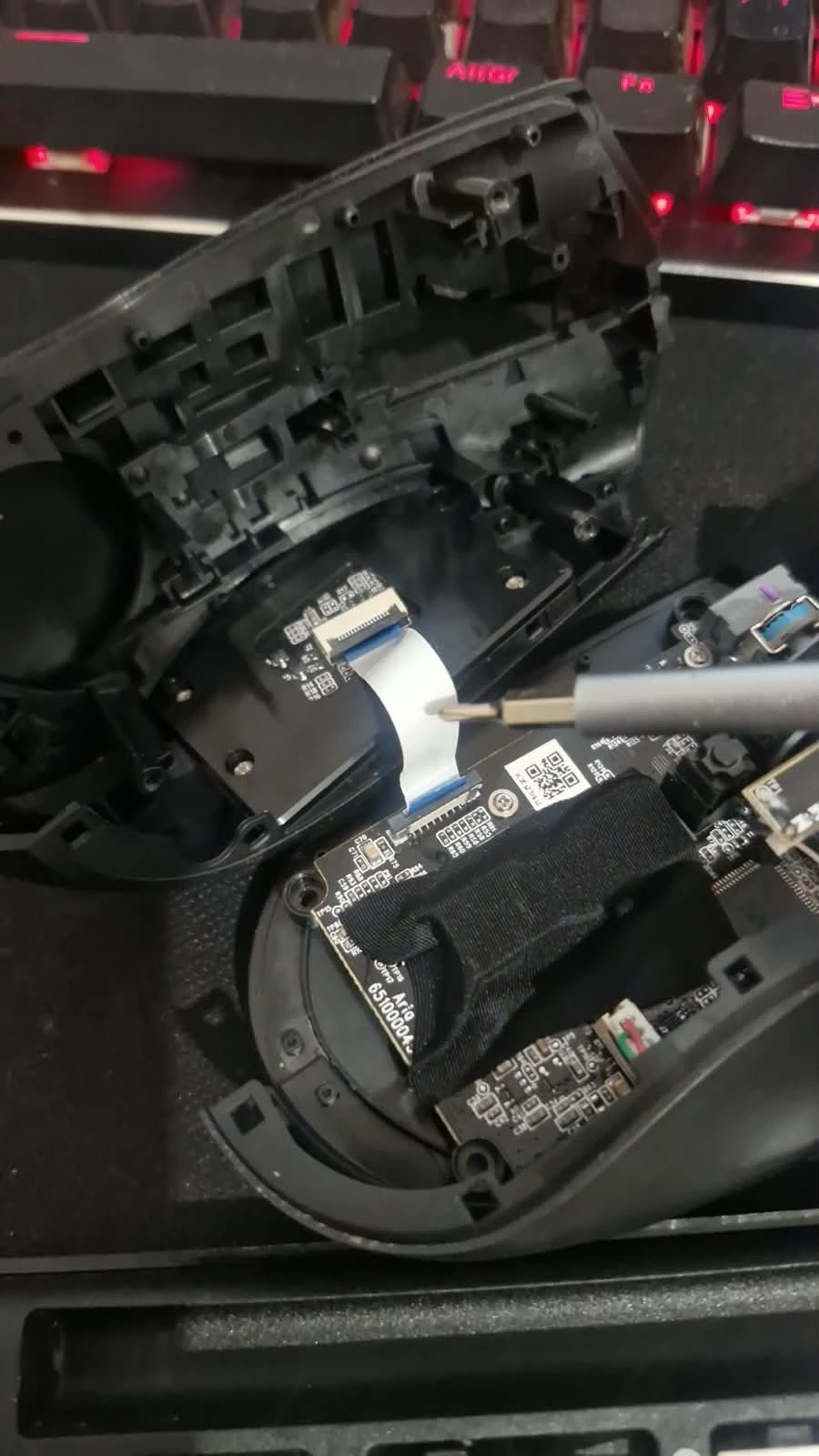
I am experiencing an issue with my Razer Naga X (model RZ01-0359) on Windows 11. When I connect the mouse, Windows plays the USB connection sound, Synapse 4 detects the device for about 1–2 seconds, and then I hear the USB disconnection sound. After that, Synapse no longer recognizes the mouse.
The mouse itself continues to function for movement and clicks, but Synapse loses the connection, so I cannot configure lighting, profiles, or other features.
Details:
-
Device: Razer Naga X (RZ01-0359)
-
OS: Windows 11 (latest updates installed)
-
Software: Razer Synapse 4 (latest version)
-
Behavior: Device appears in Synapse for a couple of seconds, then vanishes. Windows plays connect/disconnect sounds.
-
History: I purchased the mouse in 2022 and it worked perfectly until mid‑2024, when the issue first appeared. At that time, disabling the RGB lighting was a workaround that kept the mouse stable. However, in July 2026, after a Synapse 4 update, the same problem returned even with lighting disabled.
-
Tried solutions: Reinstalling Synapse, cleaning registry and Razer folders, testing different USB ports. The issue persists.
It seems related to the RGB lighting and Synapse updates, because the mouse disconnects from Synapse as soon as the LEDs turn on. If I manage to disable the lighting quickly, the mouse stays connected, but this is very difficult to do since Synapse closes the device almost immediately.
Has anyone found a permanent fix for this problem? Is there a firmware update or an official solution from Razer?
Thank you in advance for any help.