Razer Raiju V3 Pro stick latency | Razer Insider
Skip to main content
Question

Razer Raiju V3 Pro stick latency

  • December 1, 2025
  • 37 replies
  • 1932 views

Show first post

37 Replies

  • Insider Mini
  • February 17, 2026

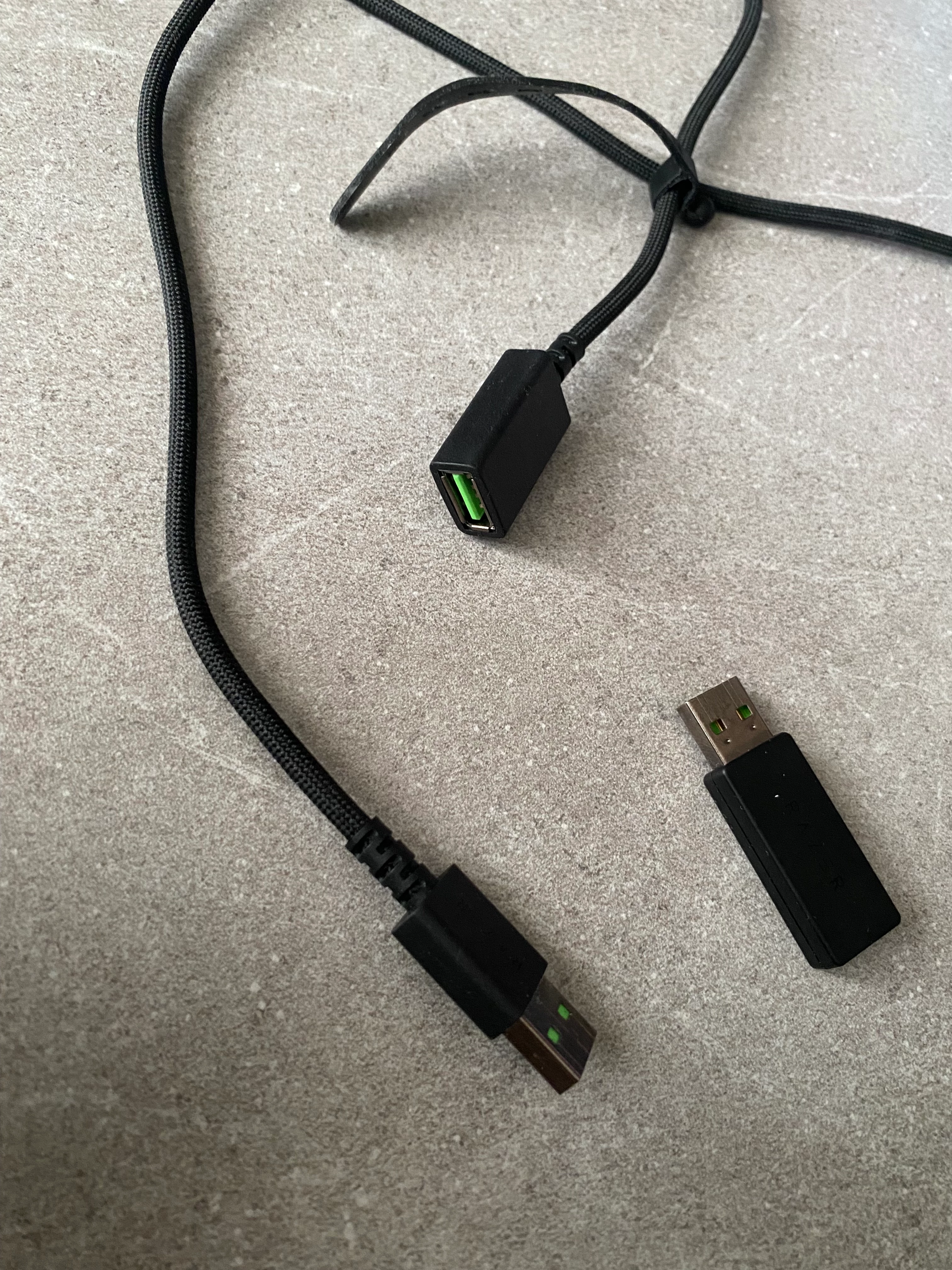
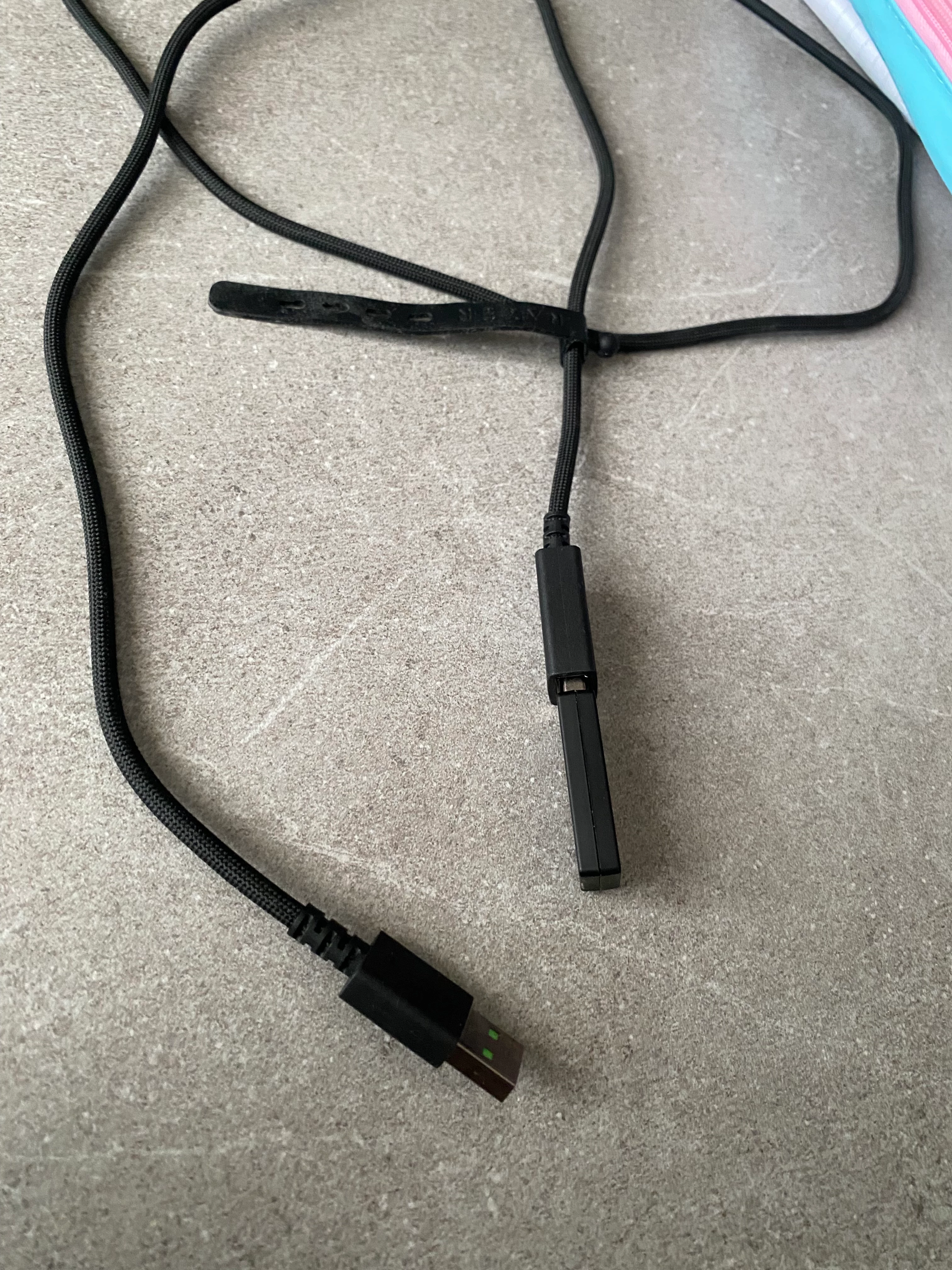
YES connected via usb extension  and you can play wireless !!! But you have to buy extension cable usb. look last picture if you do like that all issue fixed

can you see my last picture ?


  • Insider Mini
  • February 17, 2026

Dont connect dongle directly on the console do like my last picture and after that you can play wireless . Me i decided to remove dongle and play directly connected with wire on console to avois any latence as i play fps game


best regards


  • Insider Mini
  • February 17, 2026

Dont connect dongle directly on the console do like my last picture and after that you can play wireless . Me i decided to remove dongle and play directly connected with wire on console to avois any latence as i play fps game


best regards

I will order a cable and try it at the weekend but I don't think it will work as I have already tried it at the front of the console with a USB C to A cable, will see what happens. 


  • Insider Mini
  • February 17, 2026

It worked for me when i did with usb c directly on the front of the console during 2 days after issue came back. BUT if you connect directly the usb extension cable directly on your console and connect dongle the issue will be fixed. Its work for me and no reason its not work with you with this methode


It worked for me when i did with usb c directly on the front of the console during 2 days after issue came back. BUT if you connect directly the usb extension cable directly on your console and connect dongle the issue will be fixed. Its work for me and no reason its not work with you with this methode

Can you send me the product link please, or what should I type to find it?


  • Insider Mini
  • February 25, 2026

It worked for me when i did with usb c directly on the front of the console during 2 days after issue came back. BUT if you connect directly the usb extension cable directly on your console and connect dongle the issue will be fixed. Its work for me and no reason its not work with you with this methode

No luck with a USB C adapter or a USB A extension, Razer is going to send another replacement and test it before shipping it out, seems like it's definitely a problem specific to the PS5 


  • Insider Mini
  • February 25, 2026

Hello, thanks for your reply

that’s really strange… I used the extension cable that came with my Razer BlackShark V2 Pro headset. I’m playing on PS5. With the method I shared (which also worked for a friend of mine), it ended up working fine.

Did you make sure to plug the USB-A male connector into the back of your console? And did you updated your controller with new pilot from Razer and try it again ? 


  • Insider Mini
  • February 25, 2026

Try to update new pilot


  • Insider Mini
  • February 25, 2026

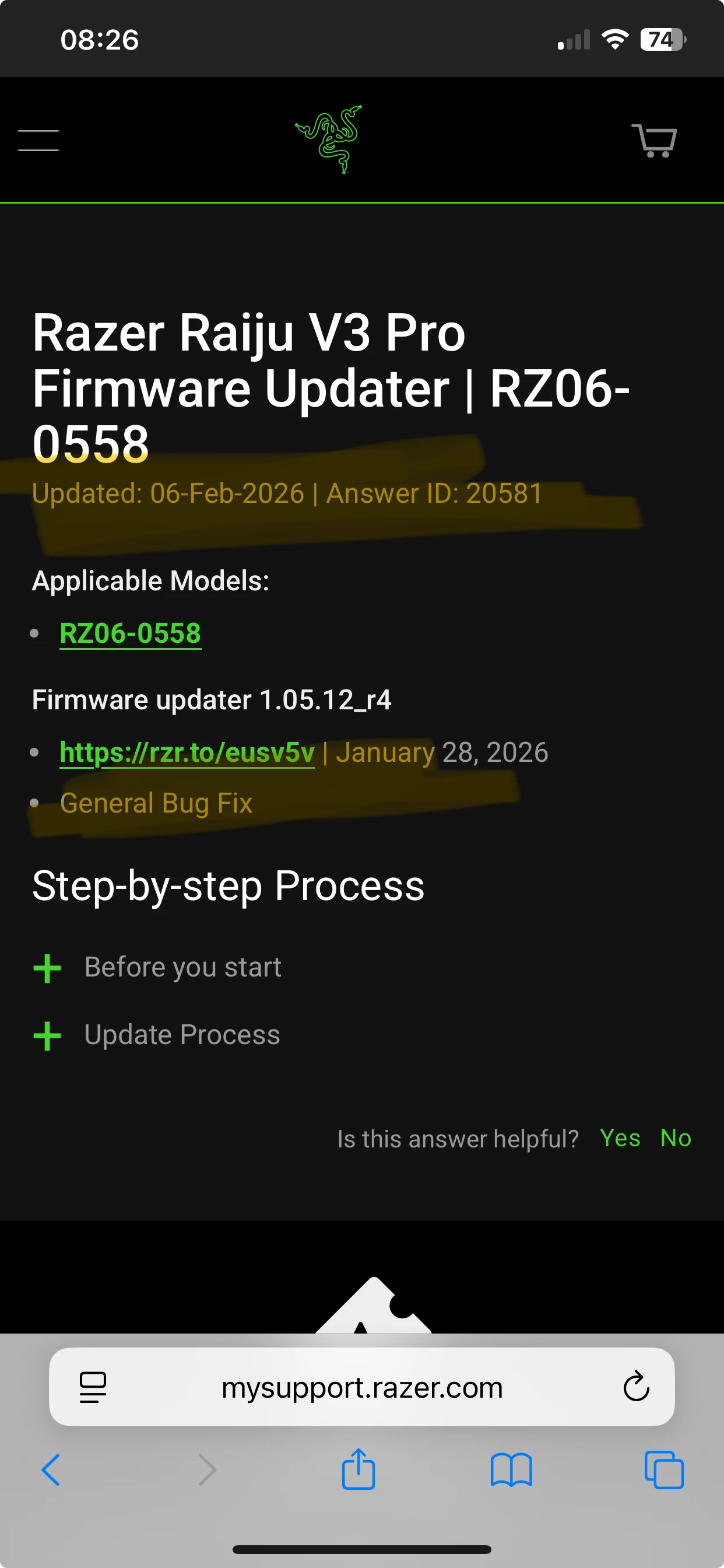
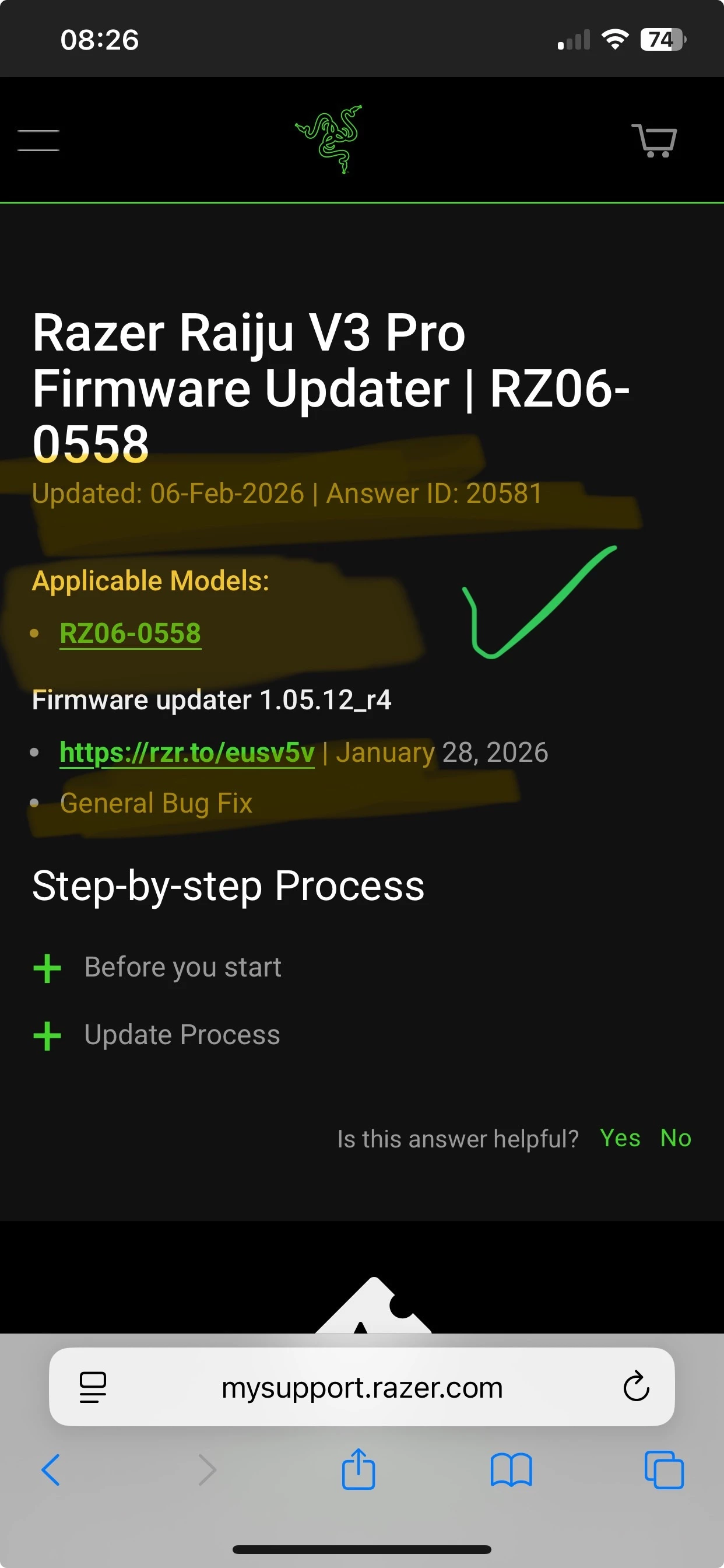
With this new update for raiju v3 pro.

i did my maximum my friend to try to help you but i recommend to update your controller to 


  • Insider Mini
  • February 25, 2026

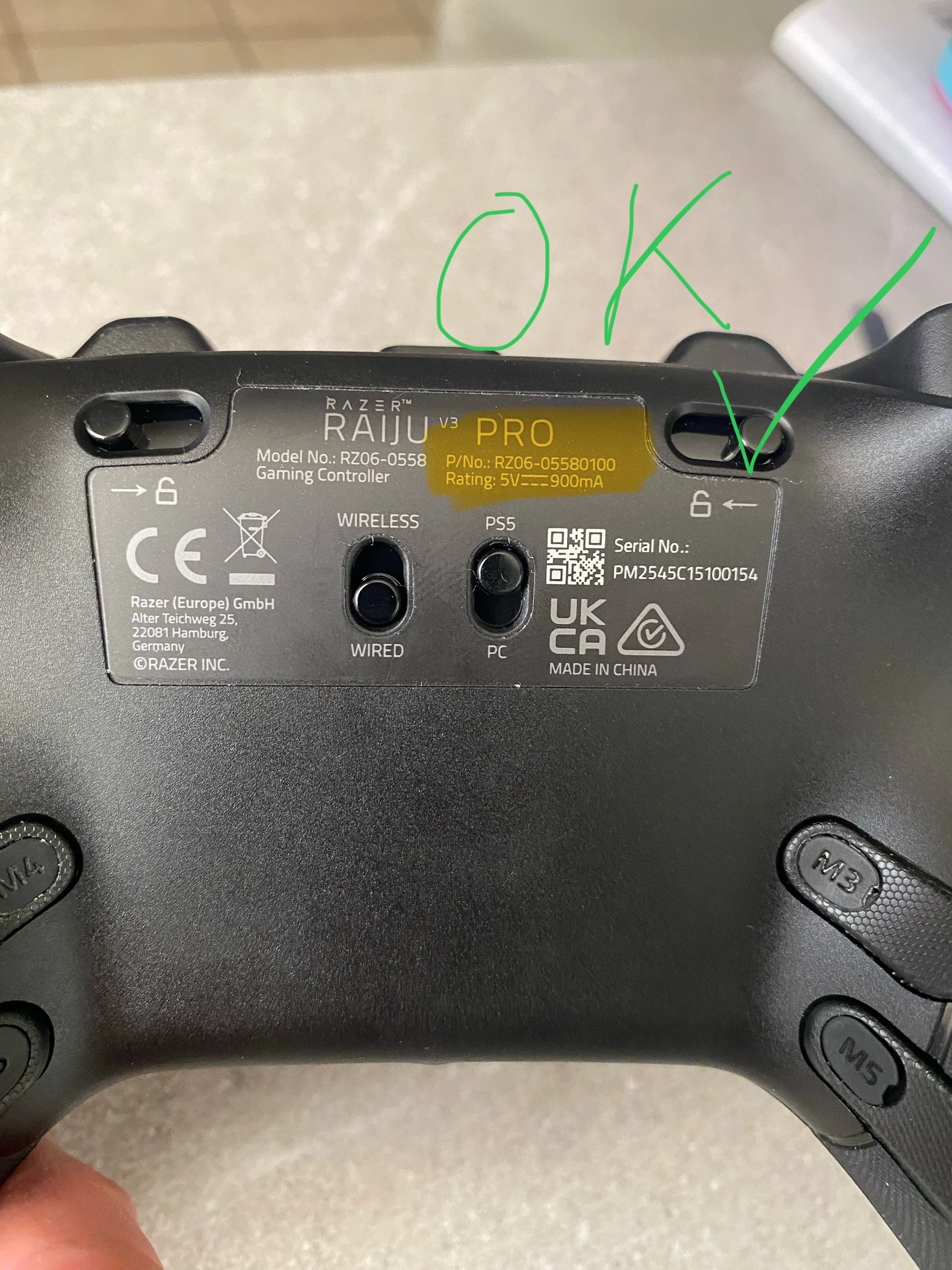
I added controller new pilot updat with picture of my controller


  • Insider Mini
  • February 25, 2026

With this new update for raiju v3 pro.

i did my maximum my friend to try to help you but i recommend to update your controller to 


Yes the controller and dongle had been updated and I went through all the steps that Razer advised me to and I still had the same issues, lagging analog sticks and the controller randomly disconnecting, I will see what happens with the replacement


  • Insider Mini
  • February 25, 2026

Sorry about that i did maximum to help you. It annoyed me too because it was really frustrating. But with this method, it worked for me and my friend. That said, it’s definitely not normal to have this kind of issue with a PlayStation-certified controller. I was actually about to return it to the store. Luckily, I had purchased the replacement warranty, so I could have exchanged it if needed. But in the end, I didn’t have to because this method solved the problem.

For anyone who wants to play wirelessly, meaning directly connected to the PS5, you can do that and there will definitely be zero issues.