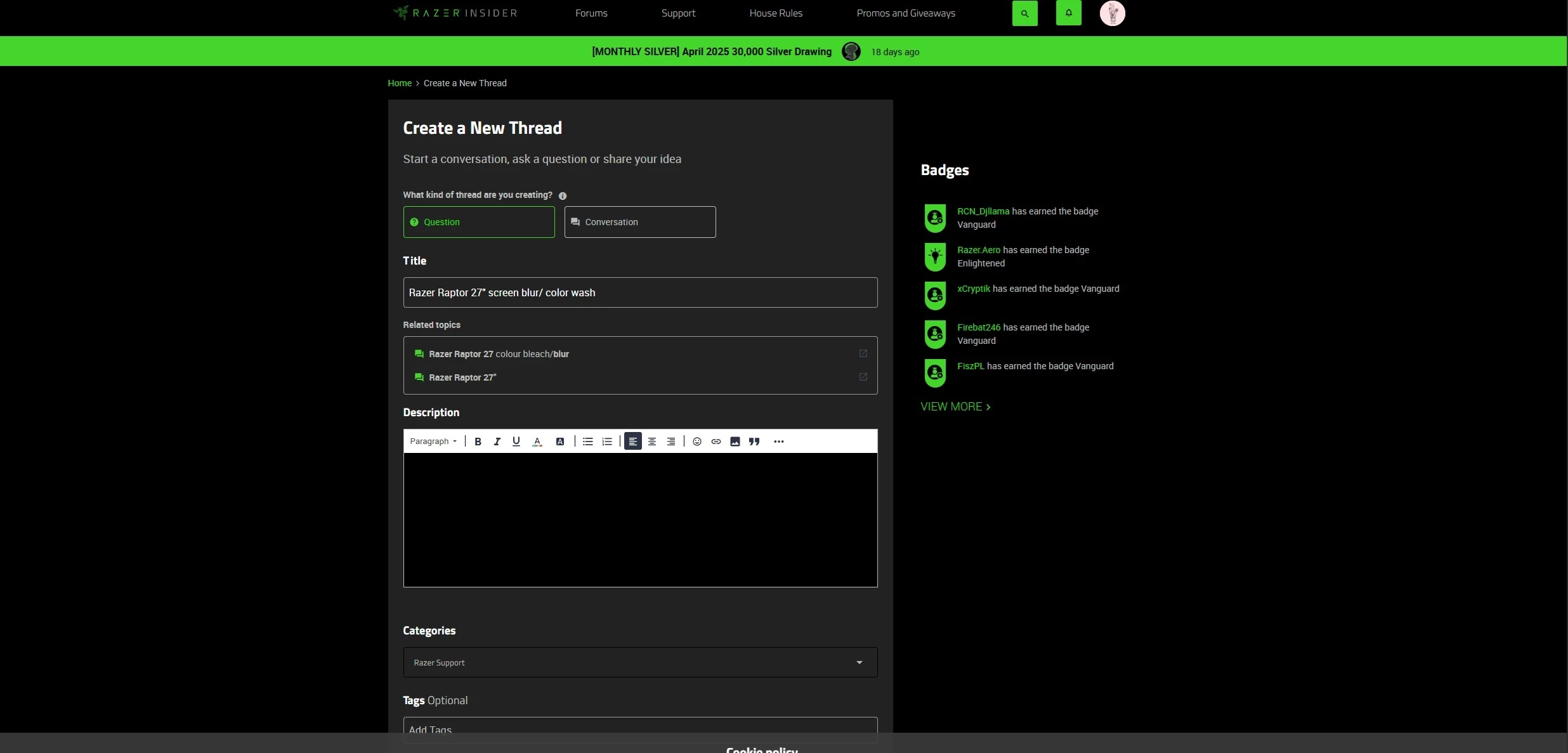
Turned off HDR within the Display settings & now my monitor looks washed out? I’ve Factory reset the monitor. Changed the settings within the Razer Synapse app, turned HDR off / on, rest the computer, used the OSD joystick to adjust the gaming tab & color tab. Tried what little I could find on Youtube / Google / Reddit, to no avail… I just want the monitor picture to look like it did when I first took it out of the box, you know? I haven’t changed any ports, it’s still hooked up to my Razer Blade 18” with a Razer Thunder Bolt 4 Cable.