

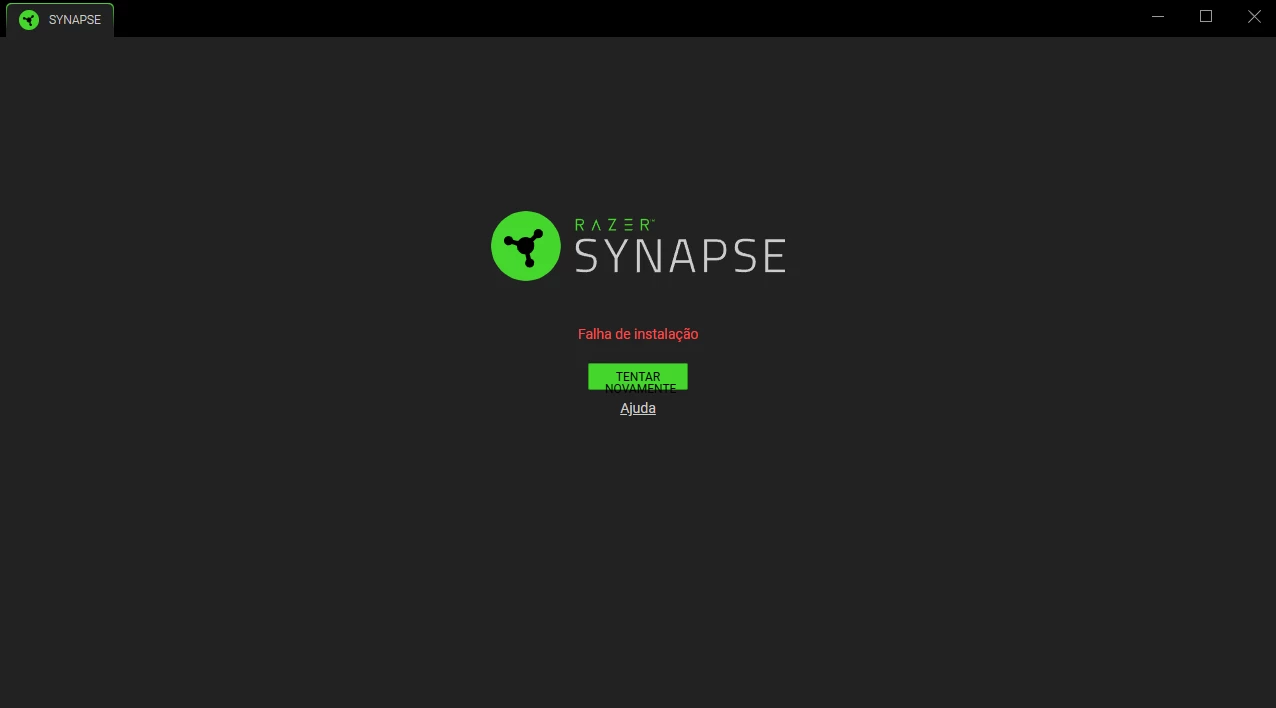
Razer Synapse 4 installation failure - Stuck on blank/black screen | Razer Insider
Skip to main content
Question

Razer Synapse 4 installation failure - Stuck on blank/black screen

  • October 14, 2026
  • 1 reply
  • 18 views

Hi,

I am facing a persistent issue while trying to install Razer Synapse 4. Every time I run the installer, it gives me an "Installation Failed" error or just gets stuck on a blank/black screen. 

Here is what I have already tried to fix it, but unfortunately, nothing worked:
1. Running the installer as an Administrator.
2. Completely wiping all Razer folders from %localappdata% and %programdata%.
3. Ending all Razer-related background processes via Task Manager before running the setup.
4. Temporarily disabling my Antivirus and Windows Firewall.
5. Reinstalling Microsoft .NET Framework and Visual C++ Redistributables.
6. Using Command Prompt (CMD) as Admin to manually create the installation folders and granting full permissions (icacls).
7. Cleaning up ghost drivers from Device Manager.

The Synapse 4 setup completely refuses to install or load properly on my machine. 

Has anyone found a workaround for this specific bug? Any help from the support team or community would be highly appreciated.

Thanks!

This topic has been closed for replies.

1 Reply

Razer.ScarletRouge
Forum|alt.badge.img

Hey there, ​@zNefis 

I can see that you've been very thorough in trying to resolve the Synapse 4 installation issue. Thank you for sharing the detailed troubleshooting steps you've already performed.
 

Could you please confirm whether you have already tried downloading and installing Synapse 4 using a different web browser (such as Microsoft Edge, Google Chrome, or Firefox) and a different internet connection or network source? This can help rule out issues with the installer package being corrupted during download or network-related restrictions interfering with the installation process.


If you have already tried these steps and the issue still persists, please send me a PM so I can assist you further. I look forward to your response. Thank you!


*Thread locked to curb conversation to PM.

