Hey I am having an installation issue with Razer Synapse 4.
I’ve been using Razer Synapse 3 for a few years but this week starting running into issues with it being very slow and figured it’s time to upgrade to Synapse 4 since 3 is no longer supported. Unfortunately, I am having an issue with the installation.
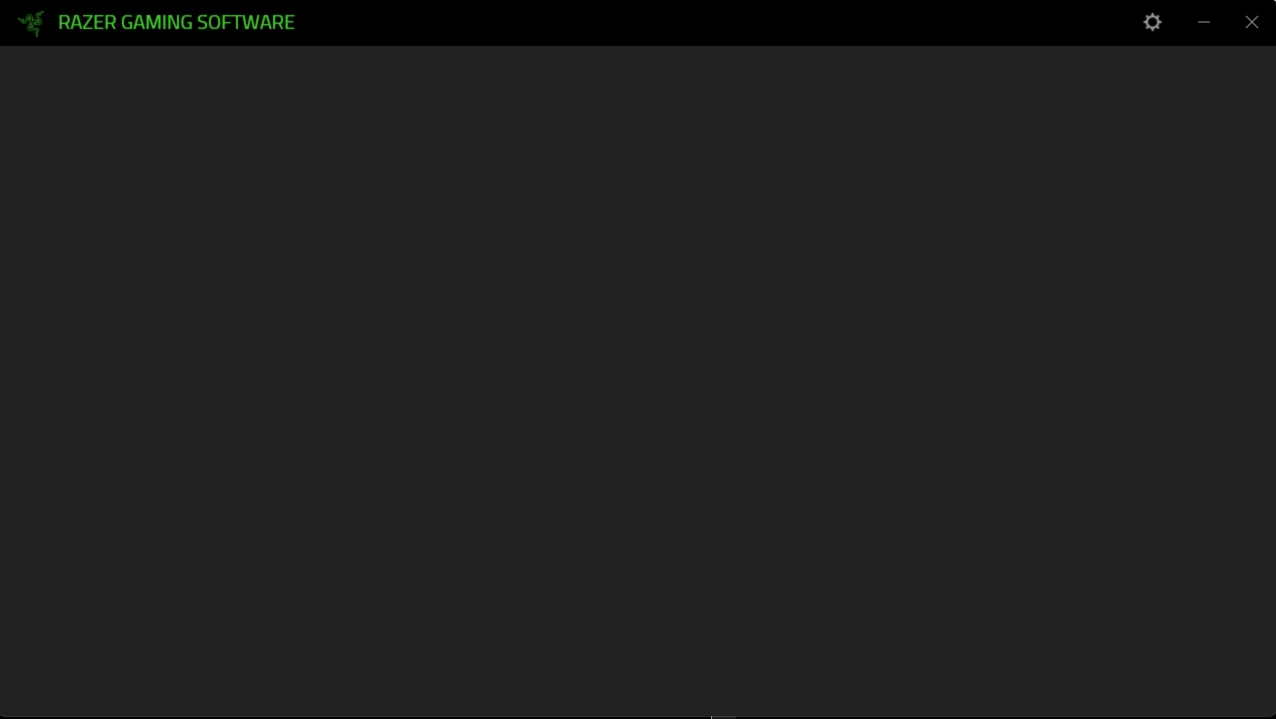
Once I download the Installer and open it up, I hit continue and then I get a blank screen that doesn’t allow me to process.
For reference:
What I’ve tried so far:
- Clear appdata for Razer
- Deleting Razer Installation Folder (C:\Windows\Installer\Razer)
- Uninstalling Razer Synapse 3 and all Razer software
- Clearing all Razer tasks in task manager
- Deleting the Synapse Installer and reinstalling from the Razer website
Any help would be great as I use a Razer Naga mouse and go back and forth between different profiles frequently, and haven’t been able to do so. Thanks!