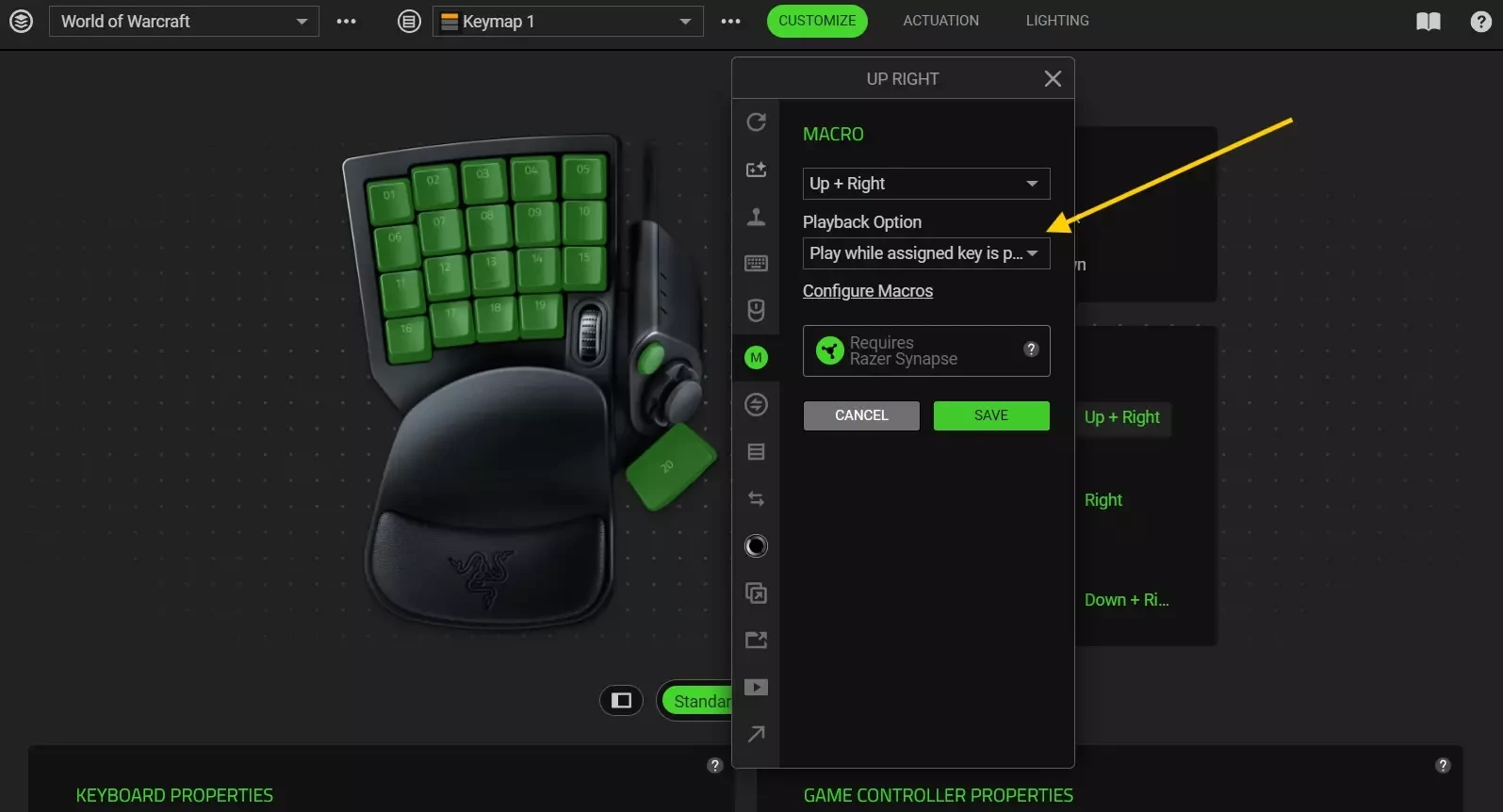
I have a Razer Tartarus V2 Mecha-Membrane Gaming Keypad. I have used Razer Synapse to configure some of the keys:
- 6 → 6
- 11 → G
- 16 → V
- 17 → Y (German keyboard)
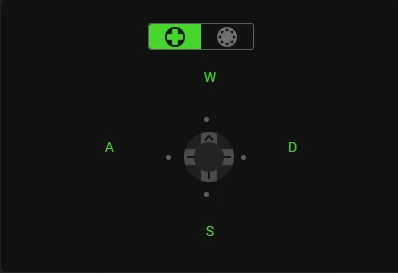
These bindings are working correctly with Synapse running: they are giving the correct input into World of Warcraft or a text editor. However, the joystick does not. The joystick is on default:
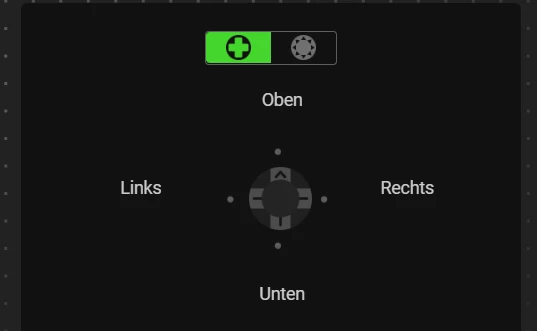
However, when quitting Synapse, the joystick starts working perfectly fine in all applications!
The custom bound keys revert to their default as expected.
Unfortunatelly, the workarounds described in similar threads (see below) are not restoring functionality:
- switching to 8 Directions mode and binding up,down,… to the arrow keys with disabled “corners” looses the ability to move diagonally
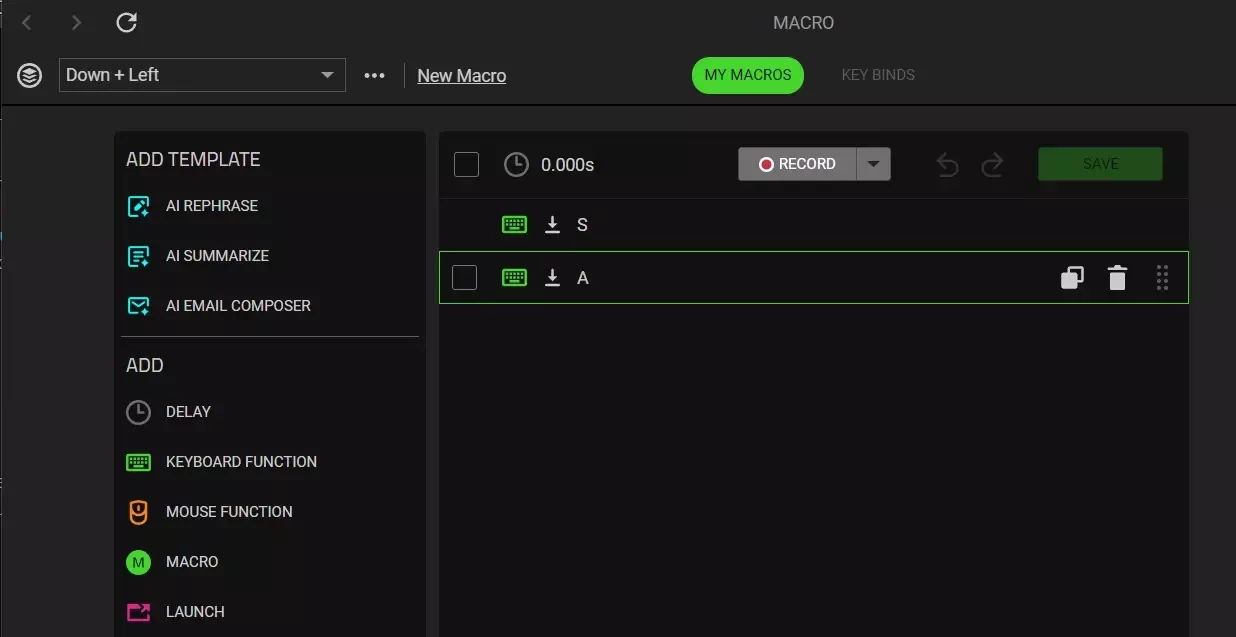
- same, but adding “up-left”-key macro and similar to the corners makes movement clunky: switching from “up-left” to just “up” requires moving the joystick to the center
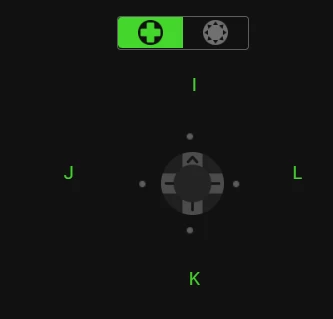
Previously I was using another workaround: rebinding the 4-directions joystick to the arrow keys. However, this workaround has stopped working with the latest update. I would really love to use the joystick
Sadly, the default keys for 6, 11, and 17 are special keys (tab, capslock, shift) that cannot be used as ability trigger in World of Warcraft which kinda forces me to rebind at least those keys or stop using them.
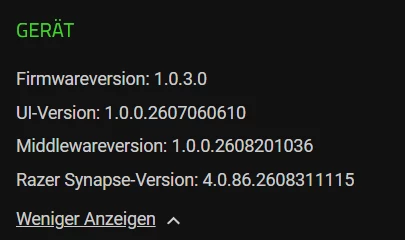
Here is the device information