Razer Viper Ultimate wont update | Razer Insider
Skip to main content
Question

Razer Viper Ultimate wont update

  • July 10, 2024
  • 6 replies
  • 808 views

Markat01

So, my viper was working perfectly fine 4 months ago before I moved.


I took my laptop out to use on the airplane and that's when I realized my mouse suddenly is not working wirelessly anymore. I am only able to use it wired. 

I have tried searching far and wide these past 4 months for a solution but I have not been able to figure anything out. 

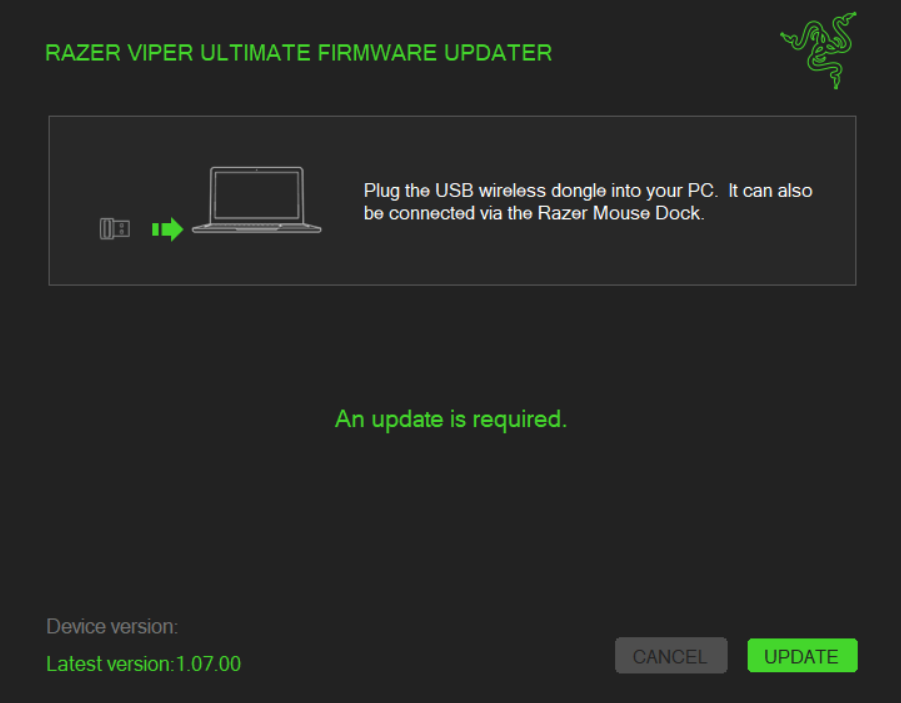
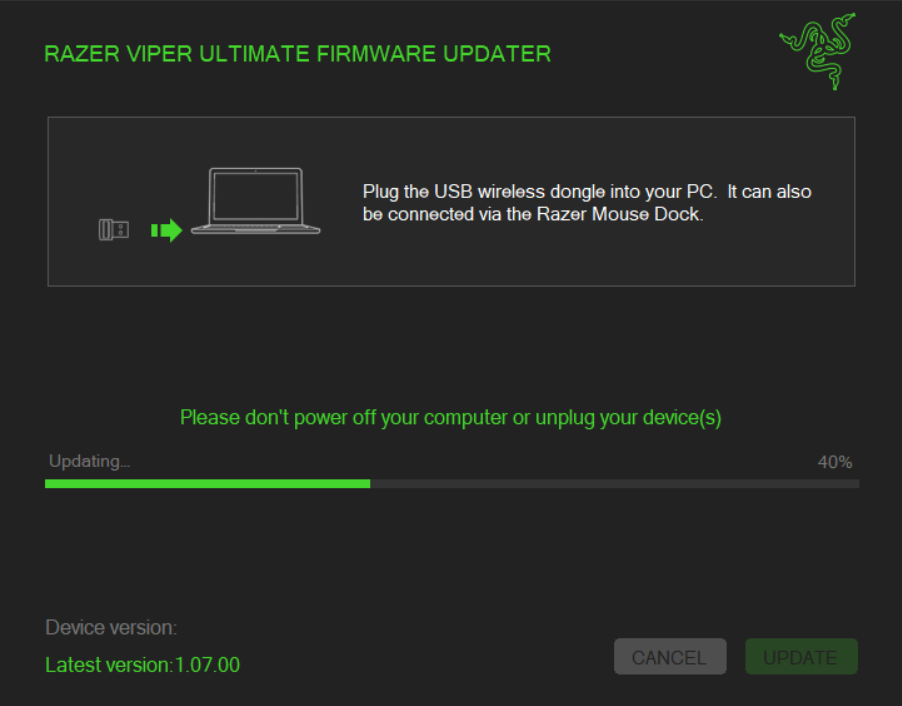
My only hope of getting it to work wirelessly again is to attempt a firmware update...HOWEVER anytime I press update, it goes to 40% and then stops and just shows me the “an update is required” message. The damn mouse will NOT update.

I don't know why!! there are no answers on the internet either. I did what was recommended and uninstalled all razer related applications, redownloading them, restarting my PC , attempting to reset the mouse...NOTHING works

I’m not very knowledgeable on how to troubleshoot things like this so I have no clue what else I could do...I haven’t even had this $140 WIRELESS mouse for very long and its not wirelessing anymore…..I’m forced to use it wired which is super inconvenient. 


CAN SOMEONE PLEASE HELP ME WITH A FIX. I’M DESPERATE.


6 Replies

MissMayaClaire

I'm also having this same issue - my device version is null and it will not update the firmware past 40%!


ONYXsmartNaplesYellow160

I am experiencing the exact same problem right now as well. I took my razer viper ultimate on a plane and now it won’t connect wirelessly. Plus the update firmware stops at 40%. Did you ever find the solution for this?


  • Insider Mini
  • November 8, 2024

Hello everyone!

So I had this same problem and was thinking what was the cause, after looking hard and re reading the words, I realized something: the firmware update applies to the dongle ONLY.

You might wanna plug in another mouse just in case which I did.

So, I turned off the mouse, leaving the dongle plugged in and ran the firmware udpater and tada! it works! at least for me.

After the firmware successfully updated, it asks to plug in the mouse with the cable which I did and then the updater died. I closed the updater, turn off the mouse, unplug the dongle and replug in, turn on the mouse and all was connected. Ran the firmware updater again and this time it says no update required.

As for the screenshot above, if you see the previous device version empty, just close the app, turn off the mouse and run the app again. 

I am suspecting for those lucky people such as us, when the update is running somehow the dongle is still running instead of suspending therefore causing this problem.

Ok guys, I hope this solves the firmware update problem and I wish you all the best! 


Late for this but if still need a fix. It says on the updater it will exit all razer apps but it does not, so I just closed them manually and it worked. Hope this helps 


  • Insider Mini
  • July 8, 2025

Thanks, this last tip did indeed work for me: Quit all Razer apps before trying to update the firmware.


jaemisir
  • Insider Mini
  • October 1, 2025

제가 해결한 방법도 공유합니다

  1. VPN으로 한국에서 미국으로 변경
  2. 동글을 컴퓨터에 직접 연결
  3. 마우스를 케이블로 연결
  4. 업데이트 실행해서 동글 업데이트 성공
  5. 다음 눌러서 케이블로 연결된 마우스를 그대로 업데이트
  6. 업데이트 끝