

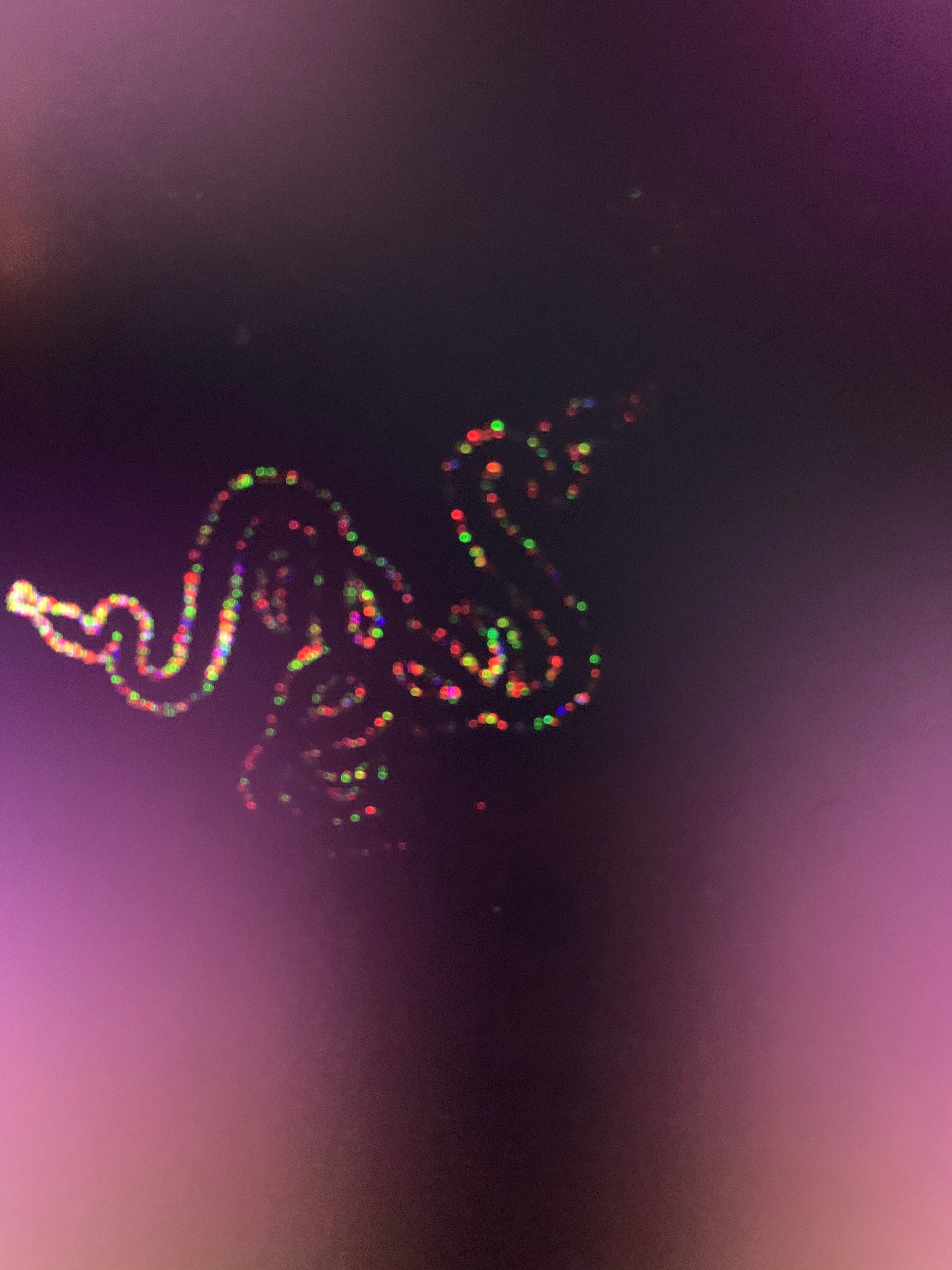
My laptop Razer Blade 17 (2021) is always on a stand. Recently, I closed it for the first time, since it’s usually just open, and next day reopened it to use it again. About five minutes after I started using it, the screen began acting strangely. When I restarted my laptop, I saw the image shown in the photo. Then, the Razer logo gradually faded away until the screen went completely black.
At first, my second monitor was still working fine. Then, following Razers step-by-step guide, I uninstalled the NVIDIA drivers. After doing that, my external monitor was no longer recognized. I tested multiple screens, but none of them worked.
Does anyone, based on the attached photo, have an idea of what might be wrong?
More importantly: how can I use my laptop with an external monitor while I figure out what’s wrong with the laptop screen? I will have to do this completely blind, as I can’t get any display output at all