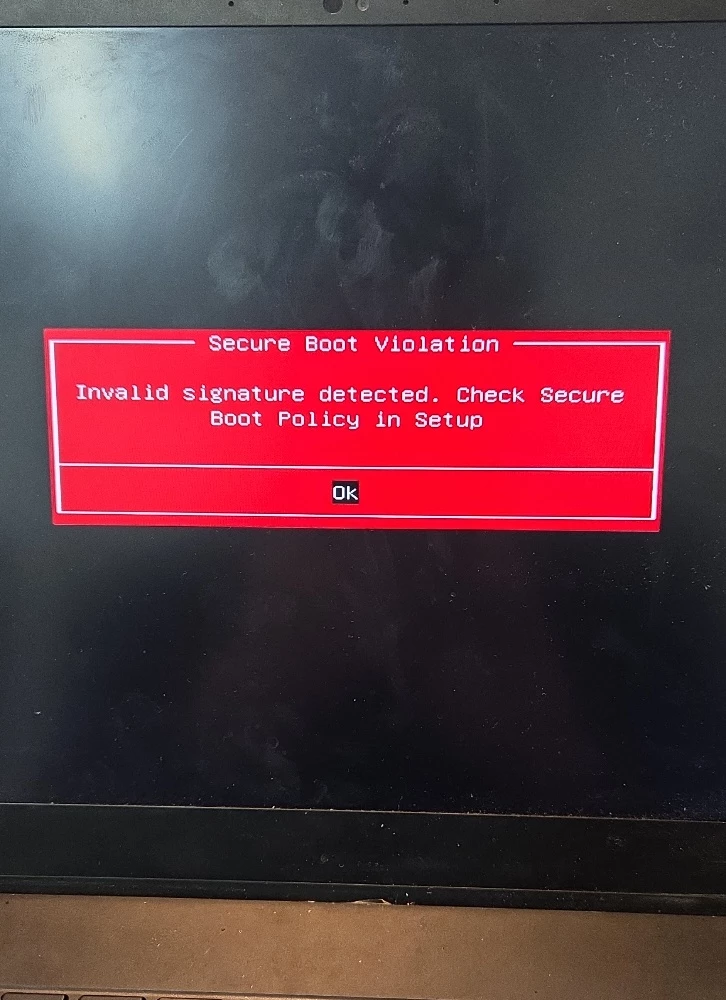
I am experiencing a "Secure Boot Violation" error on my Razer Blade 15 Advanced Model (Early 2021). I would like to resolve this while keeping Secure Boot enabled, but I am stuck with the following issues:
1. The Issue: I get a red warning screen saying "Secure Boot Violation" upon startup. In the Event Viewer, the following error is logged: "Updated Secure Boot state is available for this device, but the firmware has not yet applied it." (Device: RZ09-0367, BIOS Version: 1.03)
2. BIOS Limitations: I have set a Supervisor Password to access advanced settings, but I still cannot find any option to "Restore Factory Keys" or "Reset to Setup Mode" under the Secure Boot menu. There is no option to change the Secure Boot Mode from [Standard] to [Custom] either.
3. Firmware Availability: I checked the Razer support site, but the recent Secure Boot vulnerability patch (SB 2023-001) only seems to support 2022 models and later (RZ09-0421/0423/0427). My model (RZ09-0367) does not have a downloadable BIOS updater available on the official page.
4. Device Info:
-
Model: Razer Blade 15 Advanced Model (Early 2021) - RZ09-0367
-
Serial Number: (Removed)
-
Current BIOS: 1.03
Is there a specific BIOS update or a workaround for the 2021 model to update the Secure Boot certificates? How can I restore the factory keys when the option is missing from the BIOS menu?
I would appreciate any guidance or a link to a compatible firmware updater.
Best regards,