I recently reinstalled Windows 10 on my
Razer Blade Stealth 13” Mercury White (2019) from the recovery partition.
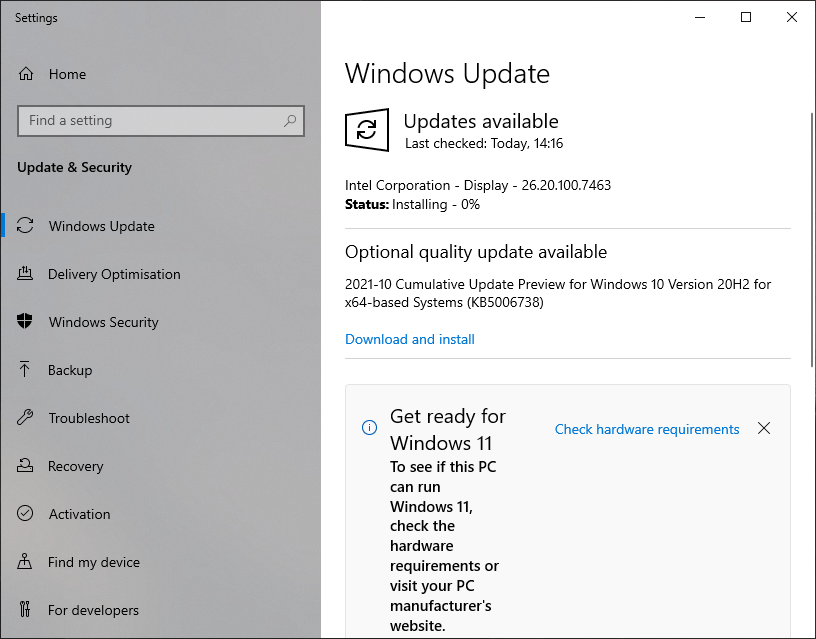
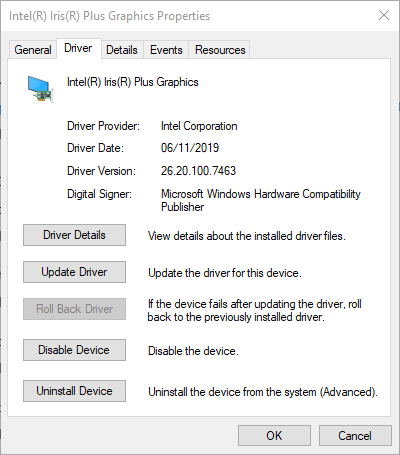
I've run Windows update and am now on Windows 10 20H2. However, the Intel Display Driver is still an ancient version from 2019 (26.20.100.7463). Every time I run Windows update, it briefly displays that it's installing a new Intel display driver, but the driver version number matches what device manager claims is already installed. The update says installing 0% then vanishes. I've tried running the Windows Update Troubleshooter, but it doesn't help.
I've checked the Razer driver downloads for this model, but they're all from October 2019:
https://mysupport.razer.com/app/answers/detail/a_id/4562/~/razer-blade-stealth-13%E2%80%9D-mercury-white-%282019%29-%7C-rz09-03100-drivers-%26-downloads
How can I update to a recent display driver?
I have attached screenshots showing Windows Update and Device Manager.