
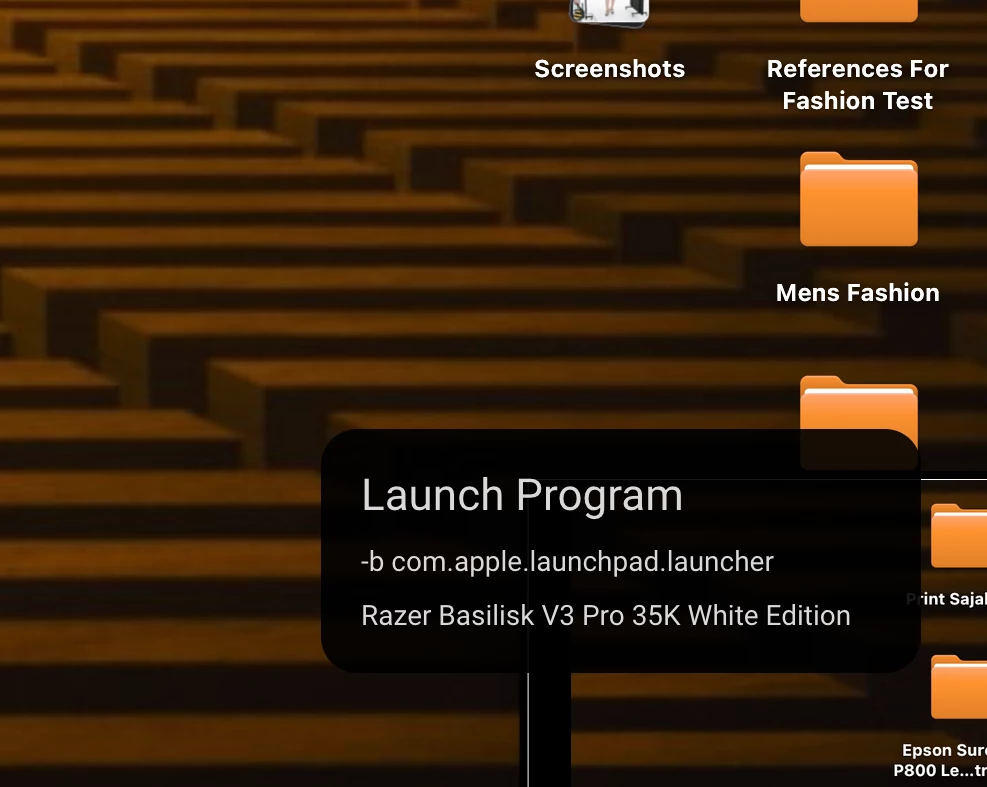
OK, I’m out of ideas. Mac M1 mini, latest OS, Naga v2 Pro (so it’s a supported device). App launches, mouse is detected, I was able to adjust the scrolling fine (I absolutely love Smooth Scroll). I programmed the side buttons, saved each one, but clicking any of those buttons does nothing. Not the default corresponding number, not what I programmed...nothing. I tried the other side panels to make sure that wasn’t the issue. None of them work.

Question
Synapse 4 for Mac - programmed buttons not working
Sign up
Already have an account? Login
Log in with Razer ID to create new threads and earn badges.
LOG INEnter your E-mail address. We'll send you an e-mail with instructions to reset your password.