Tartarus v2 Joystick not working | Razer Insider
Skip to main content
Question

Tartarus v2 Joystick not working

  • June 25, 2026
  • 9 replies
  • 65 views

I’ve been using a tartarus v2 pro gamepad for a while to play WoW and the joystick stopped working a few days ago. All the other keys work but the joystick has no inputs in game. I tried other games and also tried updating windows and my firmware. Still no joystick input. 

Is there a fix for this issue? I bought a second tartarus gamepad thinking it was a malfunction with the actual gamepad, but the second one has the same problem- no joystick input. Help appreciated. 

9 Replies

Razer.Zionzedd

Hi nleyh32


This is weird. Try the below steps: 


  1. Open Razer Synapse and go to the Customize tab.
  2. Delete your current Tartarus profile and create a fresh one.
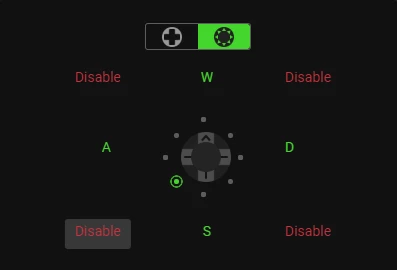
  3. Change the D-Pad setting from 4 Directions to 8 Directions.
  4. Set the keyboard functions for Up, Down, Left, and Right.
  5. Manually disable the 4 diagonal/corner inputs on the 8-way configuration.
  6. Bind your remaining 19 keys.


If issue persists,  PM me your Razer Tartarus V2’s SN: (Follow steps here: https://mysupport.razer.com/app/answers/detail/a_id/548/~/how-to-find-the-serial%2C-product%2C-or-part-number-on-a-razer-device) and link of your receipt in a PDF format: (Save the shareable files via any online drive account listed here: https://mysupport.razer.com/app/answers/detail/a_id/4011?_ga=2.197232171.544708261.1744067200-1885068520.1744067200&_gl=1*vo487o*_ga_3TRK53PM75*MTc0NDA2NzE5OS4xLjEuMTc0NDA2NzM0My4yNC4wLjA). Kindly change the privacy settings to "anyone has link", so I can view the file/s without asking for permission.


*Thread locked to PM.


I have the same issue with my Tartarus Pro, thought maybe it was just the joystick (even though it is only a few mths old) as all the other buttons and scroll wheel are working, I dug out my old V2 and its exactly the same - everything works but not the joystick so my not able to move my WOW character, no matter which profile I select. Movement with joystick works when I go into the Test area, but not in game.


  • Insider Mini
  • June 26, 2026

I play wow and i’m having the exact same problem as of yesterday. Been using it for years with no issues. Will try to delete profile and report back if it works.


  • Insider Mini
  • June 26, 2026

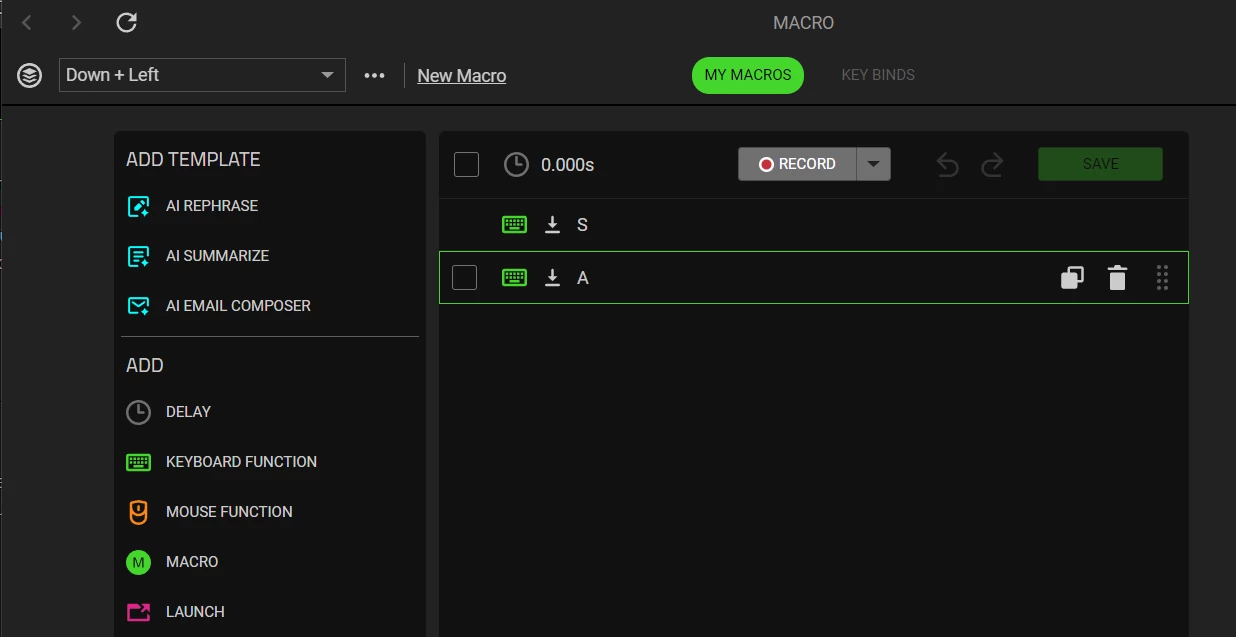
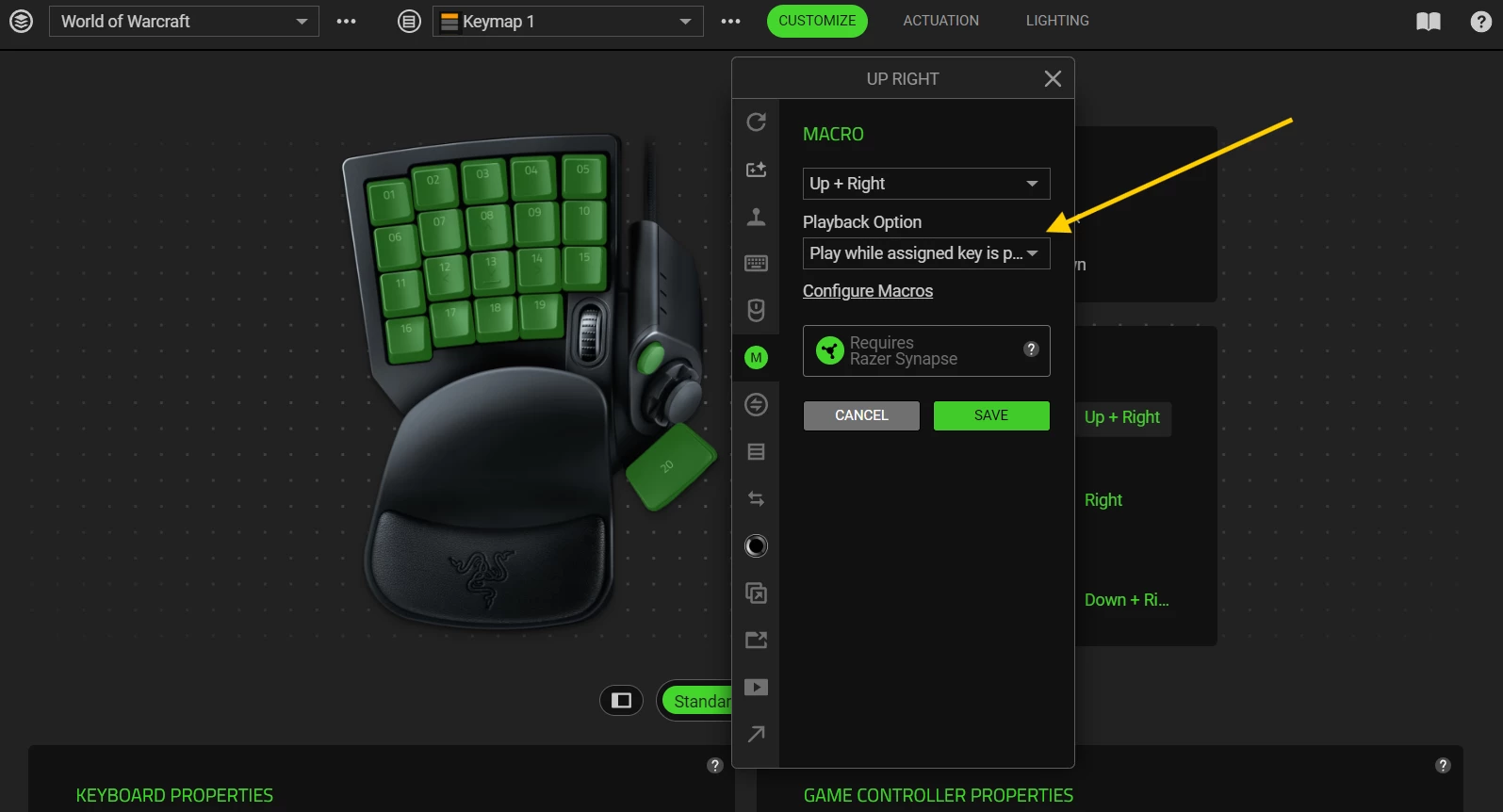
Ok, for the fix i tried a different profile and reset the joystick controls. (I went to the down on joystick, hit keyboard key record and then clicked down on the joystick). Even though it already said down, it recorded over it and now it works. I did that for forward as well as i only use forward and back on it. 

I have no idea why that would make it work but it did. Hope this helps!


Lrbrownii
  • Insider
  • June 26, 2026

Just quit using Razer software. It fixed all my problems.


I have the same issue. Its the software for Tarturus. I just dont know how to fix it and I dont know how to use the Tarturus V2 without the software for the joystick to work. 


I’m also having the same issue with my Tarturas V2.


Ok, for the fix i tried a different profile and reset the joystick controls. (I went to the down on joystick, hit keyboard key record and then clicked down on the joystick). Even though it already said down, it recorded over it and now it works. I did that for forward as well as i only use forward and back on it. 

I have no idea why that would make it work but it did. Hope this helps!

I just tried this and it worked for me as well. Super strange as I’ve never had a problem with my tarturas or synapse 3 or 4 for years now. (2021 purchase)


A little more description on the fix would be super helpful.